


Complete Guide to Building a Booking App with Bubble in 2026 | No-Code Tutorial
.png)

Frustrated by missed appointments or endless manual scheduling? In 2026, demand for automated solutions is booming as businesses seek better ways to manage bookings. This guide is designed for non-technical founders and product owners who want a practical, step-by-step approach to building a bubble booking and scheduling app.
You will learn what a booking and scheduling app is, explore core features, weigh the pros and limits of Bubble.io, and follow a clear build process. Avoid common mistakes, understand costs, and see real-world examples.
Facing tight deadlines but lack the technical resources to architect complex availability logic and payment flows? Strategic founders hire Bubble developers who've built dozens of booking systems and understand the nuances of preventing double bookings, handling timezone conflicts, and managing calendar sync edge cases that only surface under real user load.
Ready to automate your business? Start building your bubble booking and scheduling app now.
What a booking and scheduling app is
A bubble booking and scheduling app is a digital platform that allows users to reserve time slots for services, events, or meetings. At its core, it gives businesses a way to manage appointments, resources, or staff in real time, eliminating the need for manual tracking or paper diaries.
You will find these apps across a range of sectors. Salons, fitness studios, healthcare clinics, consultants, and event organisers all rely on this technology. There are two main types: appointment-based bookings, where users book a specific service at a set time, and resource-based bookings, where users reserve a particular asset, like a meeting room or piece of equipment.
Real-time availability is crucial. Users see open slots and get instant automated confirmations, reducing double bookings. For example, a fitness studio might use a bubble booking and scheduling app to let clients see class schedules, book sessions, and receive immediate confirmation, all from their phone.
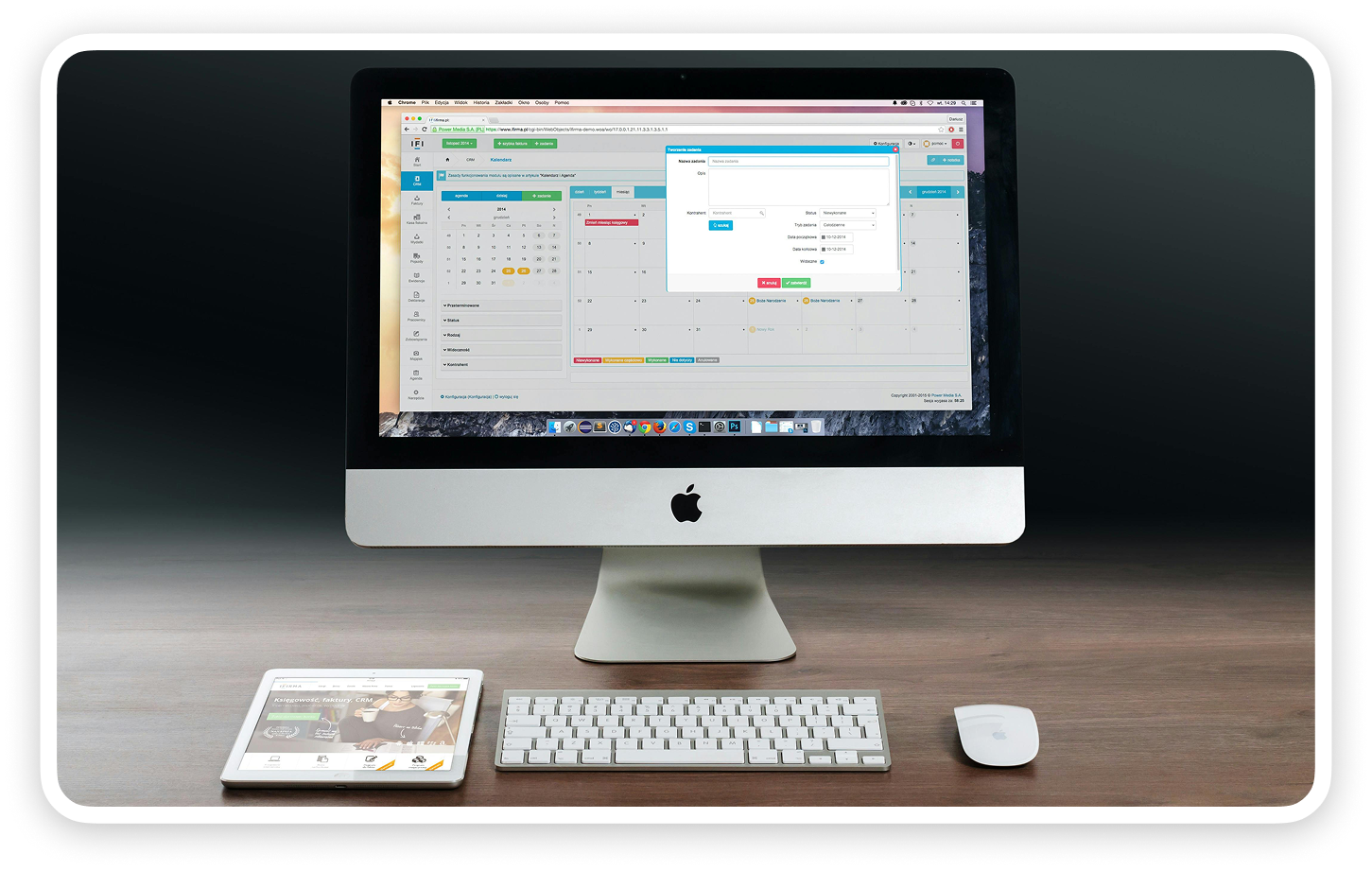
Definition and purpose
A bubble booking and scheduling app streamlines the reservation process for both customers and businesses. Customers can browse available slots, select their preferred time, and book instantly. This system supports various industries, including salons, clinics, consultants, and educational providers.
There are two primary booking styles. Appointment-based bookings focus on reserving a specific time with a service provider, like a doctor or hairdresser. Resource-based bookings allocate a tangible asset, such as a meeting room or equipment, for a set period.
Real-time availability and instant confirmation reduce scheduling errors. For example, a fitness studio can use a bubble booking and scheduling app to manage class signups and trainer schedules efficiently.
Key user roles and flows
Typical user roles in a bubble booking and scheduling app include customers, service providers, and admins.
A standard user journey involves searching for services, checking availability, booking a slot, and receiving a confirmation. Admins handle operational settings, while providers focus on their schedules. This clear separation of roles keeps the bubble booking and scheduling app organised and user-friendly.
Benefits for businesses and customers
A bubble booking and scheduling app offers significant advantages. Businesses reduce admin workload, eliminate manual errors, and provide 24/7 booking access. Customers benefit from convenience, faster service, and fewer missed appointments.
Automated reminders and confirmations improve attendance rates. According to global appointment scheduling software market insights, over 70% of consumers now prefer booking online, showing a clear demand for digital solutions.
For example, a clinic that adopts a bubble booking and scheduling app often sees a reduction in no-shows thanks to timely automated reminders. Both businesses and customers experience smoother, more reliable scheduling.
Core features of a booking and scheduling app
A successful bubble booking and scheduling app relies on a robust set of core features. These elements work together to automate bookings, streamline admin tasks, and deliver a seamless experience for both businesses and customers.

1. Booking calendar and availability management
An interactive booking calendar sits at the heart of every bubble booking and scheduling app. Users easily browse available slots and select the times that suit them.
Admins can define buffer times, recurring schedules, and blackout dates. For example, a tutor might set availability for weekly sessions, automatically blocking out holidays or already booked slots.
A real-time calendar prevents double bookings, ensuring a smooth, reliable experience for all users.
2. User registration and authentication
Secure authentication is essential for trust and privacy. Your bubble booking and scheduling app should support customer and staff sign-up, with options for social login like Google or Facebook.
Password reset and account management features allow users to update details or recover access anytime. These steps protect sensitive information and let each user manage their own bookings.
Role-based authentication ensures only authorised users access admin or staff-only features.
3. Payment processing and invoicing
Integrating payment gateways like Stripe or PayPal enables upfront payments or deposits. This is vital for businesses that require payment before confirming a booking.
Your bubble booking and scheduling app should generate invoices automatically and track payment status for each booking. For instance, a yoga studio can require pre-payment to hold a spot in a class.
To learn more about how no-code tools streamline MVP development and payment integration, read this guide on building an MVP with no-code.
4. Notifications and reminders
Automated notifications reduce missed appointments and keep everyone informed. Your app should send confirmation emails or SMS messages after each booking.
Reminder messages, sent 24 hours before appointments, help reduce no-shows. Configurable templates let you tailor communication to your brand and audience.
Cancellations and schedule changes should also trigger instant alerts to all parties involved.
5. Admin dashboard and reporting
A comprehensive admin dashboard gives staff complete control over the bubble booking and scheduling app. Admins can view, edit, cancel, or reassign bookings as needed.
Reporting tools provide insights into occupancy rates, revenue, and booking history. Exporting data to CSV or integrating with Google Sheets enables deeper analysis.
Analytics widgets help managers optimise resource allocation and improve business performance.
6. Custom fields and service options
Customisation is key for different industries. Let users answer specific questions or add notes when booking, such as dietary preferences or special requests.
Your bubble booking and scheduling app should support multiple services, durations, and staff members. For example, a hair salon can let customers choose their stylist and service type.
Flexible options ensure your app fits unique business requirements.
7. GDPR compliance and data security
Protecting user data is a legal and ethical priority. The bubble booking and scheduling app must include user consent management and access controls.
All personal and payment information should be stored securely, using encrypted communications. GDPR compliance features are especially important for businesses handling sensitive data.
By prioritising security, you build trust and meet regulatory obligations.
Why use Bubble.io for booking apps (and its limits)
The bubble booking and scheduling app approach is attracting more founders every year. Bubble.io gives non-technical teams the tools to create robust, feature-rich booking systems without writing code. But why is it the preferred platform, and what should you watch out for?
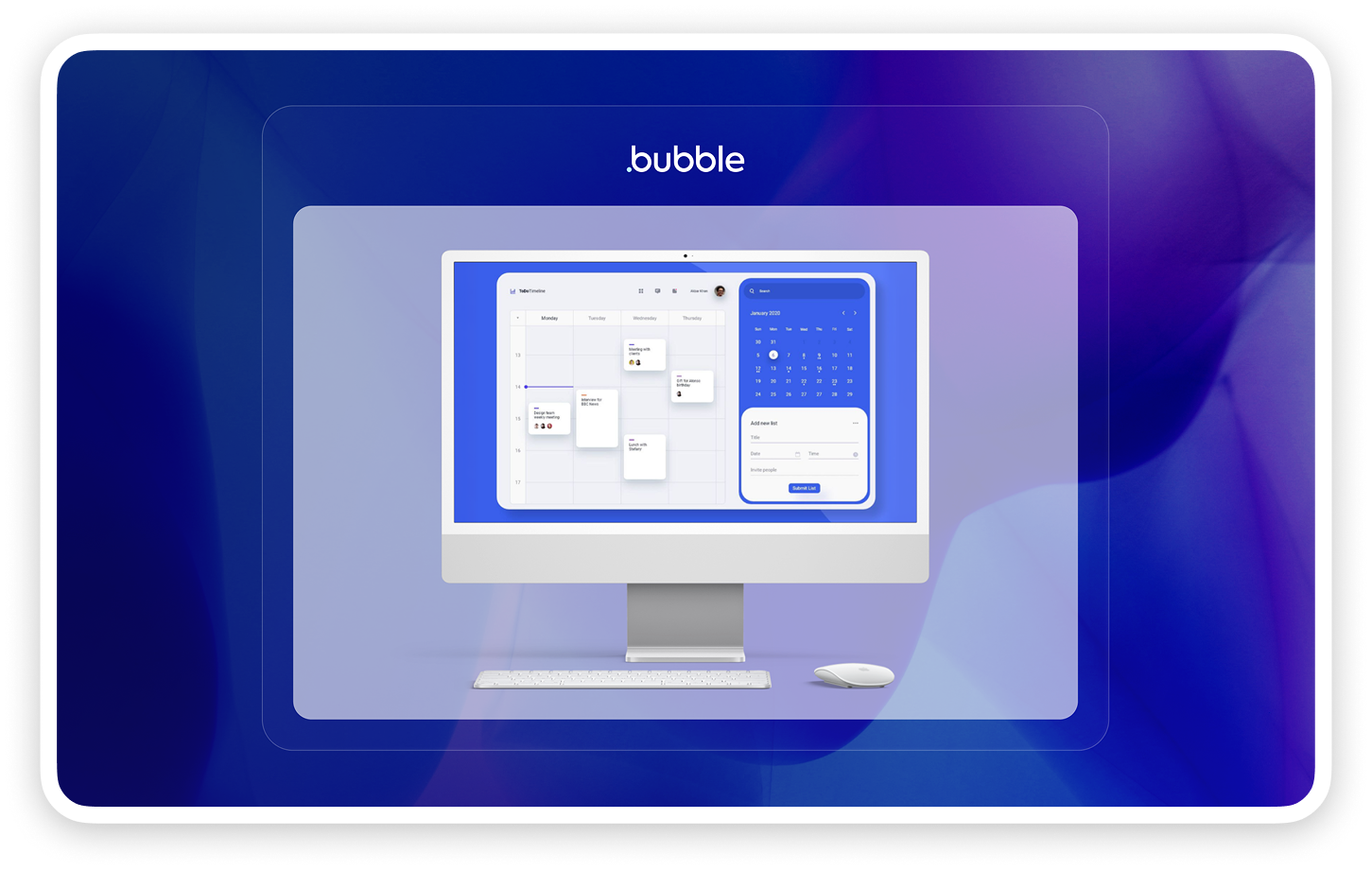
Visual development and speed to market
Bubble.io’s drag-and-drop editor lets you build a bubble booking and scheduling app visually. You don’t need to learn a programming language. Instead, you design screens, define workflows, and see results instantly.
This visual process dramatically reduces development timelines. MVPs that once took months can be ready within weeks. If you want to compare Bubble.io to other no-code solutions, see this Webflow vs Bubble for startups guide for practical differences.
With real-time preview and instant iteration, you can quickly refine your booking flows and user experience before launch.
Flexibility and scalability
A bubble booking and scheduling app built on Bubble.io is fully customisable. You can tailor booking logic, user roles, and notifications to fit your business model. Integrate with Google Calendar, Zoom, or payment gateways using Bubble’s plugin ecosystem or API connector.
Bubble.io is suitable for startups and SMBs that need to iterate fast. You can scale the app as your bookings grow, but keep in mind that very high traffic or complex workflows may impact performance.
With Bubble.io, you’re never locked into a rigid template. You can add features and change logic as your business evolves.
Cost efficiency
Using Bubble.io for your bubble booking and scheduling app keeps costs predictable and manageable. You avoid large upfront investments in custom development or ongoing maintenance fees.
Bubble’s transparent pricing is based on app usage and feature requirements. For founders, this means you can start small, prove your concept, and only pay more as your app grows.
By focusing on core features first, you can reduce build time and control your budget. Templates and plugins help further lower costs.
Security and compliance features
A bubble booking and scheduling app on Bubble.io benefits from strong built-in security. SSL is enabled by default, and GDPR-ready infrastructure helps you handle customer data responsibly.
You can set privacy rules for each data type, manage user access, and store sensitive information securely. For businesses operating in Europe, Bubble.io offers EU hosting to meet data residency requirements.
These features make Bubble.io suitable for industries with strict privacy standards, such as healthcare or finance.
Limitations and tradeoffs
While Bubble.io is powerful, a bubble booking and scheduling app will face some constraints. Performance can dip if you have thousands of simultaneous users or heavy backend logic. Mobile responsiveness is not automatic, so you must design and test layouts carefully.
Advanced customisations, like native mobile app features, may require third-party wrappers or JavaScript plugins. There’s also a learning curve for understanding Bubble’s workflows and database.
When Bubble is the right choice
Bubble.io is ideal for startups, small businesses, and MVPs that need a custom bubble booking and scheduling app with unique workflows. If your project does not demand native app performance or millions of users from day one, Bubble.io offers unbeatable speed, flexibility, and value.
For projects needing extreme scale or advanced mobile features, consider other solutions. For most booking and scheduling needs, Bubble.io strikes the right balance between power and accessibility.
Step by step build process in Bubble.io
Building a bubble booking and scheduling app in Bubble.io is a practical way for non-technical founders to bring their solution to life. Below, you’ll find a clear, step-by-step guide covering every stage, from planning to launch.
1. Planning your app’s structure and user flows
Before you open Bubble.io, take time to outline your bubble booking and scheduling app on paper or using digital tools.
Start by defining user roles: customer, service provider, and admin. Map out the booking flow, such as browsing availability, selecting a service, confirming a booking, and receiving notifications.
Sketch wireframes for key screens, including booking, calendar, and admin dashboards. List the core features you want and prioritise them for your MVP.
Identify your app’s main data types. A simple list might look like this:
- Data Type,
- Key Fields
- User Name,
- Email,
- Role Booking User,
- Service,
- Date,
- Status Service Name,
- Duration,
- Price Availability Staff,
- Date,
- Time,
- Status Payment Booking,
- Amount,
- Status.
This planning ensures your bubble booking and scheduling app meets user needs and business goals.
2. Setting up your Bubble.io project
Create a new project in Bubble.io. Name your bubble booking and scheduling app and upload your branding assets.
Configure app-wide settings, including privacy rules and SEO basics. Set up your database by creating the data types from your plan. For each, define fields and relationships, such as linking bookings to users and services.
Establish privacy rules early. For example, only allow admins to view all bookings, while customers see only their own. This protects user data and ensures compliance.
Taking time here reduces rework and helps your bubble booking and scheduling app scale smoothly.
3. Designing the user interface
Move on to the UI. Build out pages for landing, registration, booking, user profiles, and the admin dashboard.
Use Bubble’s drag-and-drop editor to create forms and calendars. Add navigation menus and help tooltips for user guidance.
Focus on responsive design. Test layouts on mobile and tablet views to guarantee your bubble booking and scheduling app works everywhere.
Consider adding a simple onboarding flow to guide new users through their first booking.
4. Creating the booking calendar
Integrate a calendar view using Bubble’s calendar plugin or a third-party solution. Display available slots based on staff schedules and service types.
Implement logic so users only see slots that are actually available. For example, filter out times already booked or blocked off for holidays.
Allow users to select the service, staff member, date, and time. Show confirmation before final submission.
This step is central to any bubble booking and scheduling app and requires careful setup to avoid double bookings or confusion.
5. Implementing user authentication
Enable Bubble’s built-in authentication system to manage sign-up, login, and password resets.
Offer social login options (Google, Facebook) for convenience. Create profile pages where users can update their information.
Set role-based permissions. For example, restrict access to admin features and booking management to authorised staff. Customers should only access their own bookings in your bubble booking and scheduling app.
Consider adding two-factor authentication if your app will store sensitive information.
6. Managing availability and business hours
Create an admin panel for setting business hours, holidays, and staff schedules. Allow service providers to manage their own calendars.
Build logic that prevents double booking and automatically blocks out buffer times between appointments.
For example, let a doctor block off lunch breaks or personal time. This ensures your bubble booking and scheduling app reflects real-world availability.
Add options for recurring availability and blackout dates for special closures.
7. Payment integration
Install Stripe or PayPal plugins from Bubble’s marketplace. Set up workflows to collect payments during booking, handling both deposits and full payments.
Store payment status in booking records. Automate invoice generation and send receipts to users.
Test payment flows thoroughly to catch any errors. Reliable payment processing is essential for a bubble booking and scheduling app, especially if you require upfront payment for confirmation.
Include refund logic for cancellations where needed.
8. Automated notifications and reminders
Configure automated email and SMS notifications for confirmations, reminders, and cancellations.
Use Bubble’s workflow editor to trigger reminders 24 hours before an appointment. Integrate with SMS providers like Twilio for text alerts.
Allow admins to customise notification templates. Automated reminders help reduce no-shows and improve user satisfaction in your bubble booking and scheduling app.
Test different timing and content for optimal results.
9. Admin dashboard and reporting
Build a dedicated dashboard for admins. Include features to view, filter, edit, or cancel bookings by date, staff, or status.
Add analytics widgets that show total bookings, occupancy rates, and revenue. Allow data export to CSV or integrations with Google Sheets for deeper analysis.
A strong dashboard helps you manage your bubble booking and scheduling app efficiently and make informed business decisions.
10. Testing and launching your app
Before going live, test every flow: registration, booking, payments, notifications, and admin actions.
Invite test users to give feedback and catch edge cases. Review privacy rules and ensure no sensitive data is exposed.
When ready, deploy to live. Set up your custom domain, SSL certificate, and double-check all privacy settings. Announce your bubble booking and scheduling app to your audience and monitor for early issues.
Launch with speed and keep control
Speed to market matters, but so does ownership of your system. The right approach balances both.
Off-the-shelf booking platforms get you live fastest but lock you into their roadmap, pricing increases, and feature limitations. When they sunset a feature you depend on or raise prices 40%, you have no recourse.
Building custom in Bubble.io takes longer upfront but gives you permanent control. You own the logic, data, and customer relationships. Your bubble booking and scheduling app evolves on your timeline, not a vendor's.
For most service businesses, the middle path works best. Start with a Bubble.io build focused on core features. Get live quickly with essential booking, payments, and notifications. Add advanced features iteratively based on real customer feedback.
This approach delivers speed while preserving control. You're not dependent on platforms that might pivot away from your needs or price you out as you scale.
The businesses that thrive long-term own their booking infrastructure. Whether you build in Bubble.io yourself or work with an agency, maintaining control over this critical business system protects your future.
How Minimum Code can help
Building a robust bubble booking and scheduling app can be complex, especially with payment, compliance, and scaling considerations.
If you want expert support, Bubble agency services overview details how Minimum Code can help with planning, design, GDPR compliance, payment integrations, and ongoing maintenance.
You get a tailored team and proven process, so you can focus on your business while your app is built right.
Ready to take your idea further? Book a free discovery call with our founder Tom for expert advice and a personalised project plan.
Common mistakes when building booking apps in Bubble.io
Building a bubble booking and scheduling app can seem straightforward at first, but there are several common pitfalls that can undermine your project’s success. Addressing these mistakes early will save you time, reduce frustration, and ensure your app delivers a seamless experience for users and admins alike.
1. Overcomplicating user flows
Many first-time founders try to add too many steps or options to their bubble booking and scheduling app. This can confuse users and slow down the booking process. Keep the journey simple: allow users to view availability, book a slot, and receive confirmation with as few clicks as possible.
2. Weak privacy rules and data handling
Failing to set up robust privacy rules is a critical mistake in any bubble booking and scheduling app. Without proper controls, sensitive customer data can be exposed, risking compliance and trust. Always define who can view, edit, or delete each data type.
3. Ignoring mobile responsiveness
Many customers will use your bubble booking and scheduling app on their phones. If the design is not responsive, you risk losing bookings and damaging your reputation. Always check your layouts on different screen sizes.
4. Missing critical edge cases
Forgetting to handle edge cases can result in double bookings, missed notifications, or failed payments. It is vital to build in checks for scenarios like overlapping appointments, last-minute cancellations, or no-shows.
5. Neglecting admin tools and analytics
An effective bubble booking and scheduling app must provide admins with tools to manage bookings, track revenue, and export data. Skipping these features can make operations painful and hinder business growth.
To avoid these pitfalls, consider using the right tools and frameworks from the start. For a deeper look at essential resources, see this guide on MVP tools for founders.
Taking the time to plan, test, and refine your bubble booking and scheduling app will set you up for success. Ready to get expert guidance for your project? Book a free discovery call with our founder Tom to discuss your needs and receive a tailored plan.
Timeline and cost ranges for Bubble booking apps
Launching a bubble booking and scheduling app requires careful planning around both timeline and budget. Understanding these factors upfront helps set realistic expectations and supports better decision-making for founders and product owners.
Summary of typical project timelines and costs:
Several factors influence the timeline for a bubble booking and scheduling app. A basic MVP with core booking, calendar, and payments can be delivered in as little as three to six weeks. If you need custom design, integrations, or complex workflows, expect up to two or three months.
Cost ranges are equally variable. Working with an agency, you can expect to invest between £4,000 and £15,000+ depending on features and complexity. Building it yourself means your main expenses will be your Bubble subscription, paid plugins, and any third-party services.
Ongoing costs include Bubble hosting (starting from $29 per month), plugin fees, and payment processing charges. According to Appointment Scheduling Software Market Insights, the market is growing rapidly, which can affect demand and pricing for skilled Bubble developers.
To reduce costs, focus first on your minimum viable features. Use proven templates and plugins where possible, and avoid unnecessary custom coding. This approach keeps your bubble booking and scheduling app affordable and easier to maintain.
A typical project timeline looks like this:
Week 1: Requirements gathering and data modeling
Weeks 2-3: UI design and core booking logic
Week 4: Payment integration and testing
Weeks 5-6: Notifications, admin dashboard, and launch preparation
By following these steps, you can launch your bubble booking and scheduling app quickly without overspending.
Ready to get started? Book a free discovery call with our founder Tom to discuss your project and get a tailored plan.
Examples of booking and scheduling apps built in Bubble.io
Discover how real businesses have used a bubble booking and scheduling app to transform their operations. These examples showcase practical implementations, essential features, and lessons that can help guide your own project.
Real-world case studies
Many organisations leverage a bubble booking and scheduling app for tailored solutions. For example, fitness studios use custom class sign-up systems with trainer scheduling and seamless payment integration. Medical clinics implement patient self-booking, staff management, and automated reminders, ensuring GDPR compliance.
Consulting agencies benefit from multi-staff calendars, service selection, and robust invoicing, while event organisers handle ticket booking, seat selection, and real-time updates. For a deeper look, the ChurchSpace Bubble.io case study details how a native mobile app was crafted to simplify venue bookings, manage resources, and enhance user engagement.
Feature highlights from live apps
A modern bubble booking and scheduling app often includes multi-location support for franchises, waitlist management when slots are full, and integration with external calendars like Google or Outlook. Custom branding and multi-language support allow businesses to deliver a consistent, localised customer experience.
Lessons learned from successful launches
Launching a bubble booking and scheduling app brings valuable insights. User testing is essential to refine booking flows and ensure a seamless experience. Automated reminders play a critical role in reducing no-shows, directly impacting a business’s bottom line.
Analytics dashboards help optimise staff allocation and resource planning by highlighting peak usage times and customer trends. Continuous iteration based on user feedback leads to higher satisfaction and better retention.
Inspiration for your own app
A bubble booking and scheduling app is versatile across industries. Salons, tutors, sports clubs, healthcare providers, coworking spaces, and event organisers have all implemented these solutions successfully. Adaptable feature sets mean you can tailor your app to your business model and customer needs.
Consider reviewing Online Booking Trends to understand emerging preferences, such as mobile scheduling and midweek appointments, which can give your app a competitive advantage.
Ready to build your own bubble booking and scheduling app? Book a free discovery call with our founder Tom to get expert advice and a tailored plan for your project.
You’ve now seen how building a booking and scheduling app in Bubble io can empower your business—from streamlining bookings and automating reminders to ensuring data security and GDPR compliance. If you’re ready to take the next step but want expert guidance tailored to your unique needs, I’m here to help. Let’s talk through your goals and see how you can launch efficiently while focusing on what matters most for your customers and team.
Book a free discovery call and get practical advice on turning your vision into a working app.
Frequently asked questions
Can I use Google Calendar's appointment schedules as my booking system?
Google Calendar's appointment schedule feature works for basic solo bookings but lacks critical business features. You can't collect payments, send custom reminders, enforce cancellation policies, or integrate with other business tools.
For simple scheduling with no payment requirements, it's adequate. For any commercial booking operation, a dedicated bubble booking and scheduling app provides necessary functionality like deposit collection, automated confirmations, and admin controls.
How do I prevent double bookings when I use multiple calendars?
Double bookings happen when your booking system doesn't sync with all calendars staff use. Implement two-way calendar sync with Google Calendar, Outlook, or Apple Calendar through API connections.
Your bubble booking and scheduling app should check external calendars before displaying availability. When someone books, block time in all connected calendars simultaneously. Set sync intervals to every 5-10 minutes maximum to minimize gaps where conflicts could occur.
Do I need my own website to accept online bookings?
No. You can use a standalone hosted booking page with a custom URL like yourbusiness.com/book. Share this link via social media, email signatures, QR codes, or messaging apps.
However, embedding booking functionality in your website improves conversion rates by keeping customers in your brand environment. It also helps SEO by keeping traffic on your domain. If you have a website, integration is worth the minimal additional effort.
What's the best way to handle booking deposits and refund requests?
Collect deposits at booking time through integrated payment gateways like Stripe. Set deposit amounts as percentages (50% deposit) or fixed amounts based on service type.
For refunds, implement automated policies based on cancellation timing. Your bubble booking and scheduling app should process refunds automatically for cancellations outside your policy window. For within-policy cancellations, flag for manual admin review rather than auto-rejecting, allowing case-by-case discretion.
Store all payment and refund history with booking records for accounting and dispute resolution.
Can I automatically assign bookings to different staff members or locations?
Yes. Build routing logic based on staff availability, location proximity, service specialization, or customer preferences.
For multi-location businesses, assign based on customer's postal code or selected location preference. For staff assignment, prioritize based on availability first, then specialization or customer history if they've booked with specific staff before.
Your bubble booking and scheduling app can implement round-robin distribution to balance workload across team members or weighted assignment favoring senior staff for complex services.
What information should I collect from customers when they book?
At minimum, collect name, email, and phone number. Email for confirmations and receipts, phone for urgent changes or SMS reminders.
Add service-specific custom fields only when necessary for delivery. A hair salon needs hair type and desired style. A medical clinic requires health history and insurance details. A restaurant needs party size and dietary restrictions.
Every additional field reduces conversion. Only ask for information you genuinely need before the appointment. You can collect additional details during service delivery.
How can I reduce no-shows for appointments I've already scheduled?
Automated reminders are most effective. Send confirmations immediately after booking, then reminders 24 hours and 2 hours before appointments.
Require deposits or full payment at booking time, especially for high-value services. Financial commitment dramatically reduces no-shows.
Make cancellation and rescheduling easy through your bubble booking and scheduling app. Customers who can easily change appointments are less likely to simply not show up.
For chronic no-show customers, implement booking restrictions like requiring full payment or limiting how far in advance they can book.
Track no-show rates by customer to identify patterns and adjust policies accordingly.
.avif)


Explore related articles


Ready to build your product?
