


Bubble vs Cursor AI for modern app development 2026
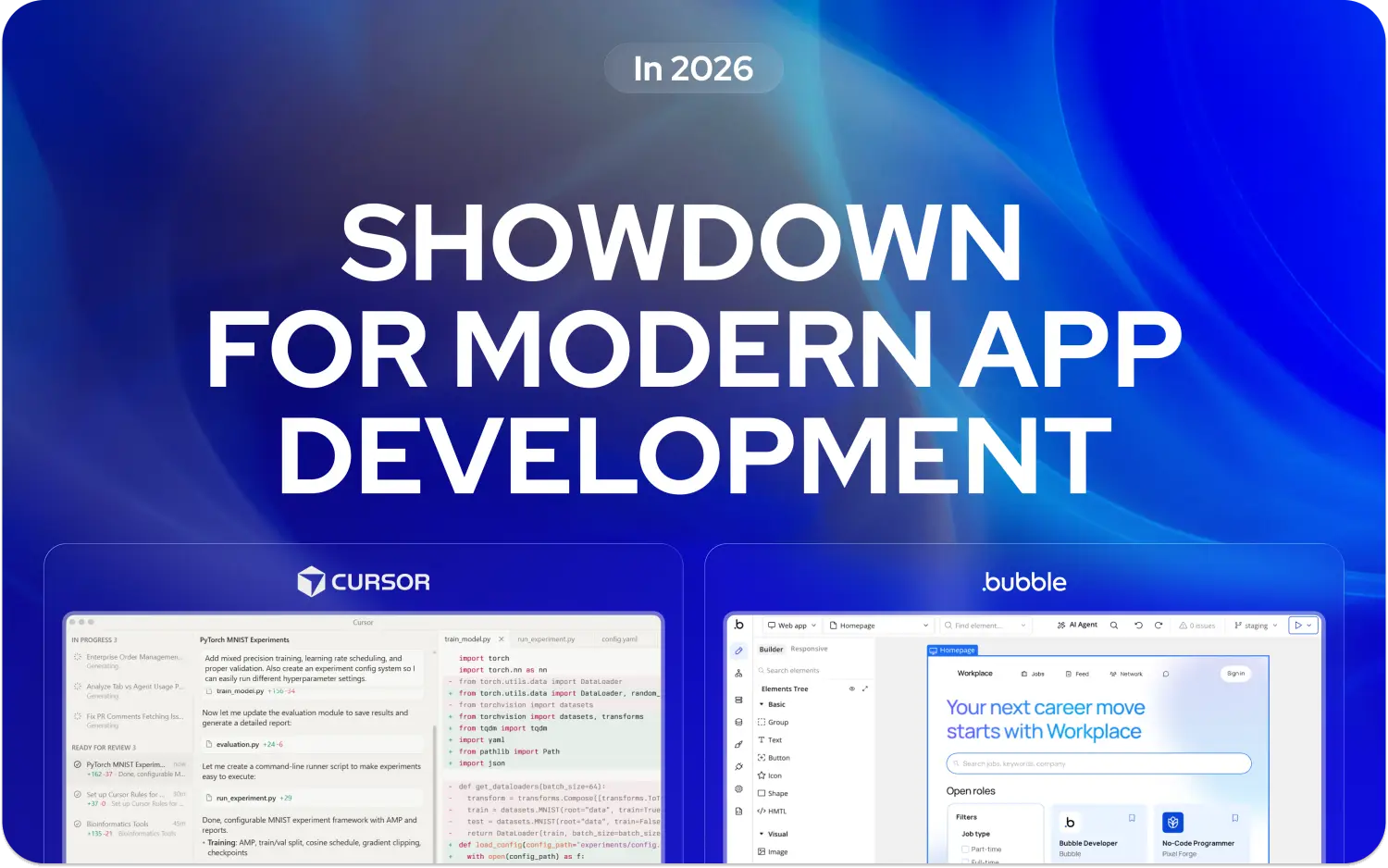

Bubble and Cursor AI serve different development needs. Bubble offers a visual no-code environment for building full-stack web applications without traditional coding. Cursor AI provides AI-assisted development tools for experienced programmers, enhancing coding speed and accuracy.
The platforms differ in their target users. Bubble is designed for non-technical founders, entrepreneurs, and teams who need rapid web application development with integrated hosting, database management, and workflow automation. Cursor AI is aimed at developers seeking AI support while maintaining full control over their code and infrastructure.
Performance and architecture vary between these systems. Bubble manages hosting, scaling, and runtime automatically within platform constraints. Cursor AI relies on developer-managed environments, giving flexibility at the cost of additional setup and maintenance. For professional development projects, understanding these differences helps align platform choice with technical requirements.
Quick decision guide
Bubble enables non-technical users to build web applications with visual workflows, database management, and integrated hosting. It supports rapid MVP development but has constraints with advanced customization and high-scale performance. Internal tools and tutorials accelerate development, and Minimum Code’s Bubble services provide professional support.
Cursor AI assists developers with AI-driven code generation, completion, and refactoring. It maintains full developer control and allows integration with custom infrastructure. Users should be familiar with programming fundamentals and manage deployment independently.
Cost models differ. Bubble uses a usage-based system that scales with workflow complexity, while Cursor AI typically involves fixed subscription fees plus separate hosting costs. Actual expenses depend on traffic, workflows, and infrastructure choices.
Comparing options and head-to-head analysis
Criteria breakdown
Bubble provides a visual no-code environment with integrated backend capabilities. Users define workflows, databases, and application logic through drag-and-drop interfaces. Hosting, scaling, and runtime execution are included in the platform.
Cursor AI functions as an AI-enhanced code editor built on VS Code. It supports code completion, refactoring, and bug detection, but developers must provide their own hosting and manage backend infrastructure.
Both platforms offer integrations. Bubble has a plugin marketplace and API connectors, while Cursor AI supports standard programming libraries and external APIs. Developers can leverage Minimum Code’s Bubble and AI integration services for hybrid workflows.
Key factors for platform selection include development speed, customization, scalability, learning curve, and infrastructure requirements. Bubble emphasizes speed and accessibility for non-coders. Cursor AI emphasizes flexibility and control for experienced developers.
Scalability depends on application complexity. Bubble supports moderate traffic and workflow-heavy apps but may require optimization at scale. Cursor AI scales with the developer’s infrastructure.
Learning curves differ. Bubble requires understanding visual workflows and database logic. Cursor AI requires proficiency in coding and software architecture concepts.
Bubble: Visual no-code platform
What Bubble is best known for
Bubble enables creation of web applications without traditional coding. It combines visual interface design with workflow automation, database management, and integrated hosting. Users can create applications ranging from simple landing pages to SaaS platforms.
The node-based workflow system defines application logic, user interactions, and event-driven automation. Privacy controls, role-based access, and database management are included in the environment.
For teams looking to leverage Bubble's full capabilities professionally, understanding both its strengths and limitations becomes essential.
Bubble features
Bubble includes visual database modeling with relational mapping, automated backups, and privacy rules. Responsive design tools adjust layouts across breakpoints automatically.
API connectors support REST and GraphQL endpoints. Pre-built plugins extend functionality for payments, analytics, and third-party integrations. Workflow debugging allows step-by-step execution monitoring.
Recent updates include AI-assisted app generation and beta support for native mobile applications. Visual logic and responsive web features remain the primary development mode.
Bubble pros
- Enables web application development without coding.
- Integrated hosting, database, and workflow management.
- Plugin marketplace and API connectors expand functionality.
- Workflow debugging and version control facilitate iteration.
- Supports rapid prototyping and MVP development.
Bubble cons
- Performance may slow for complex data-heavy applications.
- Vendor lock-in requires full rebuilding for migration.
- Advanced customization has platform limitations.
- Workload unit usage can create unpredictable costs.
- Native mobile support is limited and in beta.
Bubble criteria evaluation
- Learning curve: Moderate; advanced workflows require time.
- Development speed: High for standard applications.
- Customization: Limited for highly specialized features.
- Scalability: Moderate; optimization needed for high traffic.
- Mobile development: Beta native support; responsive web apps supported.
Bubble community reviews
Community feedback highlights Bubble’s speed and ease of use for non-technical users. Experienced developers note performance management challenges for data-intensive applications.
Plugin ecosystem provides functionality extensions, but users report that third-party plugins require evaluation for stability and compatibility. Templates, tutorials, and workflow examples accelerate learning.
Bubble pricing
Bubble's pricing structure reflects its comprehensive platform approach, starting with a free plan including Bubble branding and limited functionality. The Starter plan at $59/month provides custom domains and SSL certificates with basic capacity allocation suitable for small projects.
The Growth plan at $209/month increases capacity and adds version control features for growing applications. The Team plan at $549/month includes collaboration tools and priority support for development teams. Capacity unit consumption varies dramatically based on workflow complexity, making cost prediction challenging for complex applications.
Enterprise pricing offers custom infrastructure and dedicated support for large-scale applications. The capacity unit system can create cost unpredictability as applications scale, with heavy database operations and complex workflows consuming units rapidly.
Cursor AI code editor
Cursor AI provides a code editing environment enhanced with artificial intelligence. It builds on Visual Studio Code, preserving familiar interfaces while offering context-aware code completion, generation, and refactoring.
The platform is aimed at developers who want AI assistance without giving up full control over their code. Features like multi-file editing, change review, and terminal integration help streamline workflows. Hosting, deployment, and infrastructure management remain the developer’s responsibility.
Cursor AI integrates AI models for code suggestions, refactoring, and bug detection. Capabilities such as Composer Mode and Agent Mode allow multi-file editing and autonomous code modification, though these features require verification against official Cursor documentation.
Cursor AI features
Cursor AI provides context-aware code completion and natural language to code conversion. Multi-file editing allows developers to review changes across multiple files with diff-based previews.
Agent Mode can automate code generation by analyzing project structure, while Composer Mode focuses on organized multi-file editing and change tracking.
The platform integrates with Git for commit message generation and change summarization. Terminal integration offers command suggestions and autocompletion. Cursor AI maintains VS Code compatibility, enabling existing workflows and extensions. Minimum Code’s AI development services can support integration into professional projects.
Cursor AI pros
- Developers maintain complete ownership of all code generated or edited.
- Flexibility to use any programming language, framework, or architecture.
- Compatible with existing VS Code workflows and extensions.
- AI features reduce repetitive coding tasks.
- No vendor lock-in, allowing standard code output for migration.
Cursor AI cons
- Requires prior programming knowledge; not suitable for beginners.
- Infrastructure setup and hosting must be managed externally.
- AI output quality varies and may require manual review.
- Multi-mode interface adds complexity for new users.
- Advanced features require time to learn and experiment with.
Cursor AI criteria evaluation
- Learning curve: High; familiarity with development environments required.
- Development speed: Enhanced through AI-assisted coding for experienced developers.
- Customization: Complete flexibility to implement any architecture.
- Scalability: Depends on developer-managed infrastructure; highly scalable.
- Mobile development: Full access to native frameworks like React Native or Flutter.
Cursor AI community reviews
Developers note that context management and multi-file editing improve efficiency for large projects. The diff-based review system and maintained conversation history help manage complex workflows.
Feedback indicates that while AI suggestions save time, output requires careful verification. Users appreciate full code control, but interface complexity and inconsistent AI responses require adaptation.
Cursor AI pricing
Cursor AI offers a freemium tier with limited AI requests. Pro plans cost $20/month, providing additional model access, priority support, and advanced features. Business and enterprise plans are custom-priced for higher usage limits.
Additional costs arise from infrastructure management, including hosting, databases, and deployment tools. Pricing depends on developer choices and application requirements. Current 2026 pricing is available at Cursor AI official pricing.
Alternative options worth considering
FlutterFlow: Visual mobile app builder using Flutter, bridging no-code simplicity with native mobile performance.
Retool: Focused on internal tools, combining visual interfaces with code flexibility for data-heavy applications.
GitHub Copilot: AI coding assistant integrated into VS Code for productivity enhancement without switching platforms.
Windsurf: Streamlined AI editor providing simplified code generation for smaller projects or less complex workflows.
FAQ: Your burning questions answered
Which platform suits beginners?
Bubble is more accessible due to its visual interface and no-code workflows. Users can build functional applications without programming skills. Cursor AI requires prior coding knowledge.
Can Bubble projects migrate to traditional code?
Migration requires rebuilding the application since Bubble uses a proprietary runtime. Conceptual designs, database structures, and workflows can guide development in standard code.
Which platform offers long-term scalability?
Cursor AI provides higher scalability potential since developers control the infrastructure. Bubble scales within platform limits and may require optimization for high-traffic applications.
How do development costs compare?
Bubble reduces upfront development costs and technical skill requirements but may incur higher long-term costs with workflow unit consumption. Cursor AI involves predictable subscription fees plus separate infrastructure costs.
Which is better for mobile development?
Cursor AI supports native frameworks like React Native and Flutter. Bubble remains limited to responsive web apps, with beta native mobile options.
Final thoughts
The choice between Bubble and Cursor AI depends on technical background, project goals, and long-term scalability. Bubble is suited for rapid prototyping and MVPs with integrated hosting and backend features.
Cursor AI is designed for developers who require full control, AI-assisted workflows, and flexible infrastructure management. Hybrid approaches are possible, starting with Bubble for validation and transitioning to Cursor AI or traditional coding for scaling and performance.
Matching the platform to the project’s needs ensures development efficiency and minimizes technical constraints.
.avif)


Explore related articles
Ready to build your product?
