
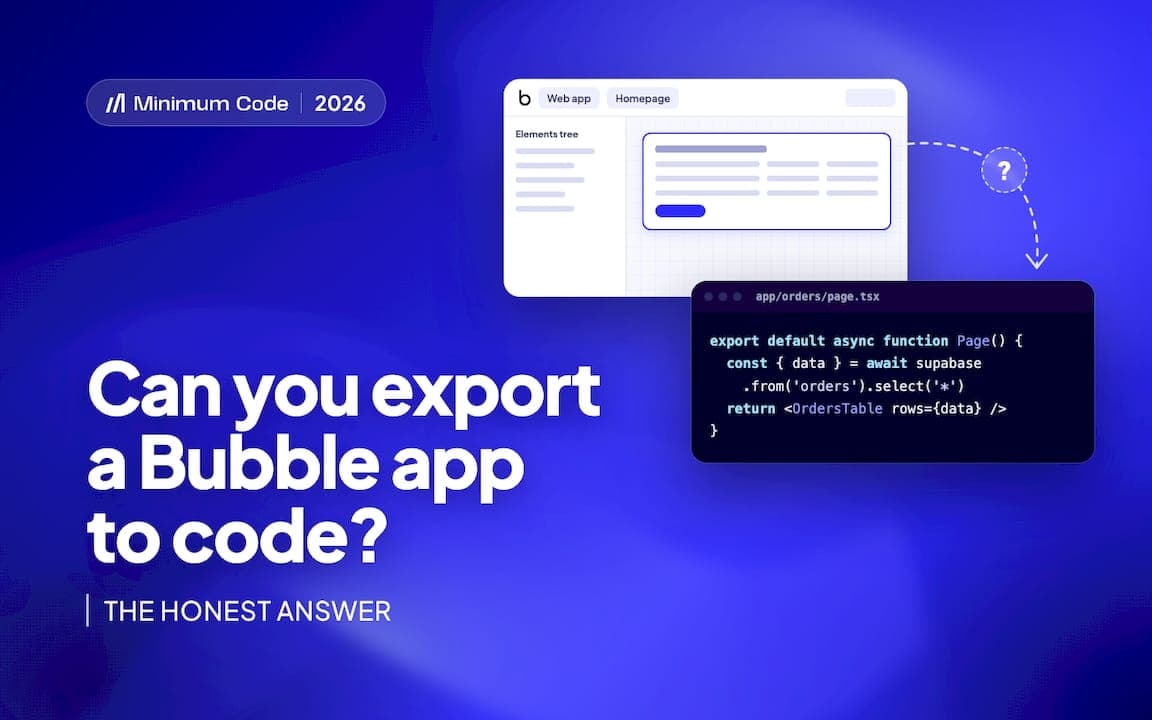
No. Bubble does not export a runnable production codebase. You can pull out your data, your design assets and a structural JSON file of your app, but the workflows, privacy rules and page logic that make the app actually work stay locked inside Bubble’s engine. Moving off Bubble means rebuilding that logic in a new stack, not exporting it: export your data now, take stock of your configuration, and treat the rest as a translation job.
TL;DR:
- Export your app data as CSV, JSON, or NDJSON, and enable the Data API for programmatic access, but expect large exports to queue and require planning.
- Rebuilding your app involves translating workflows, privacy rules, and plugin logic into custom code, as Bubble stores these instructions in its proprietary engine, not as exportable files.
- Conduct a thorough inventory of pages, data types, workflows, and integrations to facilitate a structured, step-by-step migration process involving data mapping and staged testing.
- Stay on Bubble if your focus is rapid iteration and low costs, but migrate when SEO, hosting residency, or code ownership become business priorities.
- Minimum Code offers fixed-price, scope-limited migrations to a coded stack like Next.js and Supabase, with no downtime and post-launch support.
Key takeaways
- Export your data (CSV, JSON or NDJSON) and turn on the Data API so you have programmatic access to your records while you plan.
- Take a design inventory: screenshots, any Figma files you still have, and the .bubble JSON structure export.
- Only plan a migration if you have a specific driver such as SEO, EU hosting or code ownership. If none of those apply, staying on Bubble is often the sensible choice.
- Treat migration as a rebuild: budget real time for mapping workflows to new code and testing the result against the old app’s behaviour.
What can you actually export from Bubble?
Bubble gives you three genuinely useful exports, and it’s worth being precise about each one.
Your database is the most portable piece. From the App Data tab you can export records as CSV, JSON or NDJSON, and Bubble’s manual on exporting data confirms the same records are reachable programmatically once you enable the Data API, which is switched off by default and needs privacy rules and scoped tokens configured before external systems can read it. Design assets come next: uploaded images and downloadable files sit in your file storage and can be pulled directly, while page layouts and styling exist only as screenshots or whatever you kept in Figma.
The third export is the app’s own JSON structure, sometimes called the .bubble export. It lists your pages, data types and element hierarchy, which is genuinely useful as a map for engineers rebuilding the app, but it is not source code you can run anywhere.
- Data: CSV, JSON, NDJSON exports, plus live access through the Data API.
- Design: images and files from storage, screenshots and any surviving Figma source.
- Structure: a .bubble JSON export that documents pages and data types but runs nowhere outside Bubble.
Large exports can queue rather than download instantly, and Bubble emails you when they’re ready, so plan for that delay on bigger apps.
Pro Tip: Export data through the Data API in stages rather than one giant CSV, so you get an auditable, repeatable process instead of a single fragile dump.
What can’t you export, and why does that matter?
Workflows, privacy rules, plugin server logic and most page behaviour never leave Bubble, because they aren’t stored as files you can copy. Bubble’s manual on application and data ownership is direct about this: apps run only on Bubble’s platform, and there is no export of a production-ready, runnable codebase. Community threads on the Bubble forum back this up, describing repeated attempts to get usable source code out and concluding that a rebuild is the only realistic route.
The reason is structural rather than a missing feature. Bubble stores your app as instructions inside its own interpretation engine: when a user clicks a button, Bubble reads your workflow definition and executes it on Bubble’s servers. There’s no equivalent Python file, no Express route, no React component sitting behind that click. Privacy rules that decide who can see which record, plugin code that talks to third-party services, and conditional logic on your pages all live the same way, as configuration Bubble’s engine interprets, not as portable code.
- Workflows and server logic: defined inside Bubble’s proprietary runtime, with nothing equivalent to export.
- Privacy rules: enforced by Bubble at the database layer, so they need reimplementation in your new backend.
- Plugin behaviour: often calls external APIs through Bubble-specific wrappers that don’t exist outside the platform.
That’s why business logic is the asset in any Bubble app, worth more than the interface around it. Moving it means an engineer reading every workflow and rewriting its intent as ordinary code, then testing it until it behaves the same way.
How is a Bubble to code migration actually carried out?
A migration is a sequence of deliberate steps, not a single export button, and skipping any of them is where projects go wrong.
- Inventory everything. List every page, data type, workflow, scheduled task and external integration your app relies on.
- Extract and map the data. Export your records as CSV or JSON and map Bubble’s data types to a relational schema, usually PostgreSQL, being careful with lists, option sets and file references.
- Rebuild the stack. Recreate backend APIs, authentication and business logic, then build a frontend on top, commonly with a stack like Next.js and Supabase.
- Test in stages. Run unit tests, integration tests and user acceptance testing before planning a cutover with a rollback path in case something doesn’t match.
- Hand over and support. Deploy the new app, hand over the codebase, and keep a short support window open for the inevitable edge cases.
Most of the calendar time goes into the first two steps and the testing stage, not the actual coding. That surprises a lot of founders who assume the rebuild itself is the bottleneck. For a longer walkthrough of the phases, see this migration checklist.
Pro Tip: Map your Bubble workflows to a spreadsheet before writing a line of new code. It turns an abstract rebuild into a concrete, checkable list.

Should you migrate or stay on Bubble?
Stay if Bubble’s speed of iteration and built-in hosting still outweigh your need for full ownership: plenty of internal tools and early-stage products are genuinely better off left alone. Migrate when you have a specific trigger such as needing tighter SEO control, EU hosting for regulatory reasons, lower hosting costs at scale, or infrastructure Bubble simply can’t support.
- Stay on Bubble if you’re iterating fast, keeping costs low, and don’t need custom infrastructure yet.
- Migrate if SEO, data residency, hosting choice or code ownership are now business requirements rather than nice-to-haves.
- Watch for red flags: a growing Bubble bill, hiring friction because engineers won’t touch the platform, or a compliance requirement that Bubble’s standard hosting can’t meet.
EU hosting on Bubble is only available on its Enterprise plan, according to Bubble’s own documentation, which is why healthcare, fintech and defence apps often move to a coded stack that handles regional hosting more directly.
If you’re worried specifically about losing search visibility during a rebuild, a structured SEO migration process can preserve rankings through the switch.
How Minimum Code handles this
Minimum Code offers engagements to migrate Bubble apps into code with a fixed price and fixed scope, aiming for no downtime during the switch and a support period after launch. The usual stack is Next.js, Supabase, Vercel and TypeScript, with senior engineers owning architecture, code review and testing while AI coding tools handle the implementation work.
We started building on Bubble in 2022 and are still a Bubble Gold agency, so we look at your app before recommending anything. Some apps genuinely belong on Bubble a while longer. When yours doesn’t, the migration is scoped and priced upfront rather than billed by the hour, which is a difference from ad-hoc contractor work.
Getting a migration plan instead of a guess
If you’ve read this far, you already know the honest version: there’s no export button that turns a Bubble app into a codebase, and the value in your app sits in workflows that need a person to translate them, not a script to convert them.
Minimum Code runs these migrations as fixed-price, fixed-scope projects, so you know the cost and timeline before work starts, with no downtime while the switch happens and 60 days of free support once your app is live on the new stack. If you’re not sure whether your app should move at all, Product Strategy scopes that decision before you commit to anything. When migration is the right call, the Migrate Bubble to Code service is the direct next step, and it’s worth a look at our Bubble to Next.js migration guide first if you want the fuller technical picture.
Sources
FAQ
Can Bubble export a fully working app as source code?
No. Bubble’s own manual confirms apps only run on Bubble’s platform, and there’s no export of a runnable, production-ready codebase. You can export data, files and a structural JSON, but workflows and page logic need to be rebuilt elsewhere.
Does Bubble.io require coding to build an app?
No, Bubble is designed as a visual, no-code tool where you build workflows and pages without writing code. That’s also why moving off it later means writing code for the first time to replace logic that previously lived only inside Bubble’s visual editor.
Is Bubble better than Replit for building an app?
They solve different problems: Bubble is a no-code platform for building an app visually, while Replit is a coding environment for writing and running code. Which one suits you depends on whether you want to avoid code entirely or want direct control over a codebase from day one.
Is Bubble AI generated?
No, Bubble is a no-code development platform built and maintained by a software company, not an AI-generated product. Some Bubble apps now use AI features or plugins inside them, but the platform itself predates the current wave of AI tools.
How long does a Bubble to code migration usually take?
It depends heavily on the app’s size and how many workflows and integrations it has, so treat any timeline as indicative rather than fixed. Most projects spend the bulk of their time on planning, data mapping and testing rather than on writing the new code itself.
— Tom Louwagie
Recommended
- Migrate Bubble to Next.js & Supabase
- Bubble.io to Next.js Migration Guide 2026 | Is It Worth It?
- How to migrate from Bubble without losing momentum
- Hire a Bubble Developer Alternative: Full-Stack Agency
Advice for 2026: Move for a Reason
Bubble isn’t a trap. It’s a stage, and most apps should stay on it longer than their founders assume, because a rebuild costs engineering months that could have gone into the product.
The trigger to move is always specific. Compliance. Hosting you can’t choose. Search visibility you can’t control. A bill growing faster than revenue. If you can’t name yours in one sentence, you don’t have one yet.
Tell us about your app and we’ll say whether it should move at all.

Written by Tom
Founder and Lead Developer

Ready to start your project?
Book a free discovery call to learn how we can build your app in 4 weeks, or less.
Book a call