

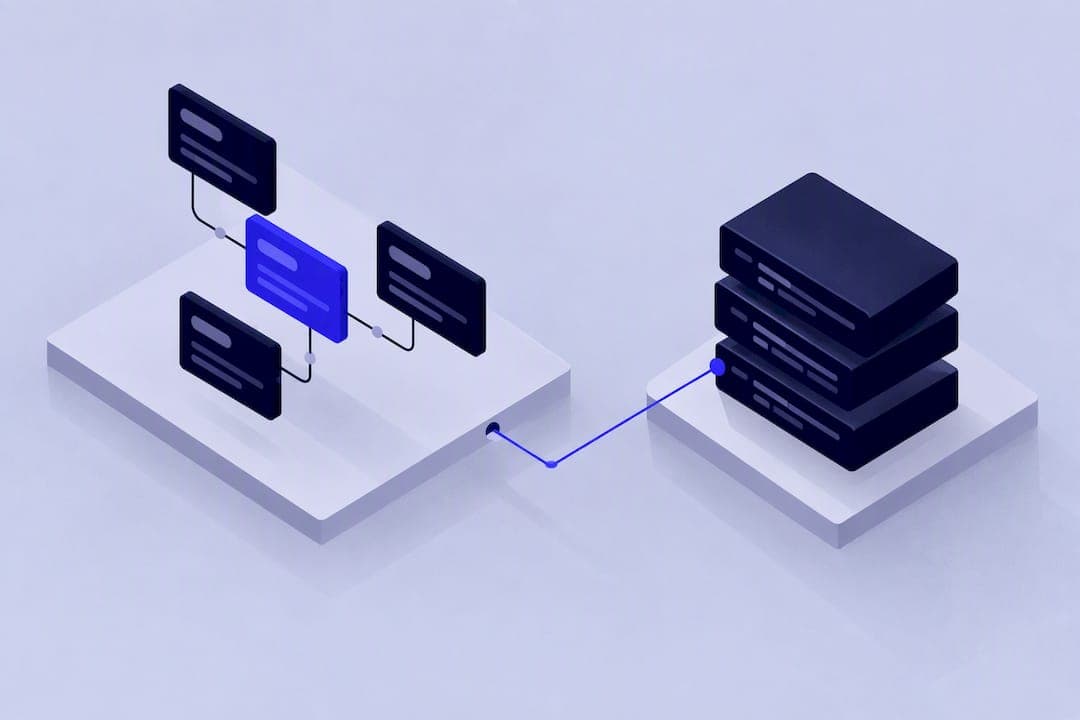
A Bubble workflow is an event plus one or more actions. When you translate that structure into code, it becomes an API route, a scheduled job, or a queue worker, and you have to design the transaction boundaries, retry logic, and idempotency checks that Bubble normally handles for you. This article maps the concepts directly and flags decisions that move from implicit to explicit.
TL;DR:
- Backend workflows run entirely on Bubble’s servers and require explicit security, with exposing unprotected endpoints risking unauthorized triggers.
- Schedule-on-list workflows execute independently and in parallel, making them suitable for bulk notifications, while recursive workflows depend on sequential execution with strict termination conditions.
- The order of actions in the Bubble editor does not guarantee runtime sequence; converting steps to custom events or adding short pauses ensures correct data dependencies.
- Workload Units, timeouts, and rate limits vary by plan and must be monitored to prevent overages, errors, and failed operations during workflow execution.
- Moving from Bubble to code requires explicitly managing transactions, retries, and idempotency, focusing on workflows with high resource consumption or complex chaining for successful migration.
Workflow basics: events, actions and conditions
An event is the trigger: a button click, an input change, a user logging in, or a record changing in the database. Bubble pairs each event with one or more actions, which are the things that actually happen, according to Bubble’s documentation.
Actions can create, update, or delete a thing in the database, change what’s shown on the page, call an external API, send an email, or trigger a plugin. Conditions decide whether any of this runs at all.
- A workflow-level condition (“only when”) stops the whole workflow if it evaluates to false.
- An action-level condition skips just that one step, and later actions still run.
- Naming workflows descriptively, using folders and colours, and searching by keyword all matter once an app has more than a handful of flows.
When ordering matters and a single workflow is getting unwieldy, breaking steps into a custom event gives you a named, reusable sequence you can call from several places and reason about independently.
How do backend and API workflows actually run?
Backend workflows run entirely on Bubble’s servers, independent of any open browser tab. That means a user can close their laptop midway through a process and the workflow keeps going, according to Bubble’s Workflow API documentation.
To use them, you enable the Workflow API and backend workflows in your app’s Settings, define the workflow and its parameters, and then call it either internally (with “Schedule API Workflow”) or externally, at the endpoint Bubble generates for you.
- Parameters passed into a backend workflow are typed and validated the same way frontend inputs are.
- Responses that return lists are capped at 50 entries, a limit worth checking before you design an endpoint around returning a large dataset.
- Authentication can run at different levels, and there’s an option to ignore privacy rules entirely inside the workflow, which is convenient but means the endpoint itself becomes your only security boundary.
Exposing a backend workflow as a public API endpoint without authentication is a common oversight. Anyone who finds the URL can trigger it, so treat the decision to expose an endpoint as a security decision, not a convenience setting.
Scheduling patterns: schedule-on-list versus recursion
“Schedule API workflow on a list” runs one instance of a workflow per item, in parallel, which is usually faster and lighter on workload than an equivalent recursive approach, according to Bubble’s comparison of bulk operation methods. Recursive workflows call themselves again at the end of each run, which makes them sequential by design.
- Use schedule-on-list for bulk, independent operations, like sending a notification to every user in a segment.
- Use recursion when each step depends on the result of the one before it, or when you want a single failure to stop the whole chain.
- Use a recurring event when the interval itself matters more than chaining results, such as a nightly clean-up job.
Recursive workflows need a termination condition or they keep calling themselves indefinitely. Bubble’s infinite recursion protection lets you set an app-level depth limit, and new apps are generally advised to start around 10, according to Bubble’s documentation. Chains that hit the limit are logged and trigger an admin notification.
Why does execution order go wrong in Bubble?
The order you see in the workflow editor is not a guarantee of runtime order, particularly once backend calls, frontend triggers, and asynchronous actions are mixed in the same flow. This is one of the more common sources of subtle bugs in Bubble apps.
- If a later step depends on data created by an earlier one, reference “Result of step X” rather than running a fresh search, since the new record may not be indexed yet.
- When correctness depends on strict sequencing, convert the steps into a custom event or insert a short pause before the next action runs.
- Frontend workflows fire in the browser and can be interrupted by navigation; backend workflows don’t have that risk but introduce their own timing questions.
Pro Tip: Use the debugger in preview mode to step through a workflow action by action and inspect what each step actually returned, then check the Logs tab for the same workflow running in production, since server-side runs often behave differently from a browser-triggered test.
Watch specifically for failed conditions and plugin failures in the logs: both tend to fail silently in the editor and only show up once you’re looking at real runs.
What limits should you plan around for workload and timeouts?
Bubble enforces operational boundaries that aren’t always visible until you hit them. Server-side workflows have a timeout, and third-party summaries put it around 300 seconds, though you should verify current plan-specific limits rather than relying on a secondary source, since Bubble’s own plan terms govern this.
- External API calls into your app can return an HTTP 429 if you exceed the rate limit for your plan.
- Workload Units, visible in the Logs tab, measure how much server capacity each workflow run consumes, and tracking them early avoids surprise overages.
- Logs also surface workflow errors, failed conditions, and failed email sends, which is where most debugging actually starts, according to Bubble.
- Build in retries and idempotency checks for anything that writes data, and set up alerting so a stuck or runaway scheduled workflow gets noticed and cancelled rather than running unattended.
Workload Units in particular tend to concentrate in a small number of workflows, and understanding your plan’s limits before you scale usage matters more than most builders expect.
Bubble concepts and their code equivalents
Translating a Bubble app into code means giving each workflow type a concrete architectural home. The mapping is fairly direct once you see it laid out.
Bubble concept | Code equivalent |
|---|---|
Front-end workflow | Client handler or server action |
API workflow | API route or server function |
Recursive workflow | Queue worker or cron job |
Scheduled workflow | Scheduled job |
Custom event | Shared function |
Database trigger | Database trigger or webhook |
What the table doesn’t show is everything Bubble was quietly doing for you. Bubble wraps each workflow step in something close to an implicit transaction and retries certain operations automatically; in code, you decide the transaction boundary yourself, usually wrapping a sequence of writes so they either all commit or all roll back. Retries stop being automatic too: you write the retry logic, decide how many attempts, and decide what counts as a permanent failure versus a temporary one. Idempotency, which Bubble’s “Result of step X” pattern partly handles by referencing a specific record rather than re-querying, has to be built explicitly with a unique key or a check before every write that might run twice. Rate limiting and error handling move from Bubble’s defaults to code you own and test.
[data needed]: on one migration, a Bubble recursive workflow that processed a queue of pending orders became a single queue worker function with an explicit retry count and a unique job key, cutting duplicate order processing that had occasionally shown up under Bubble’s recursion model.
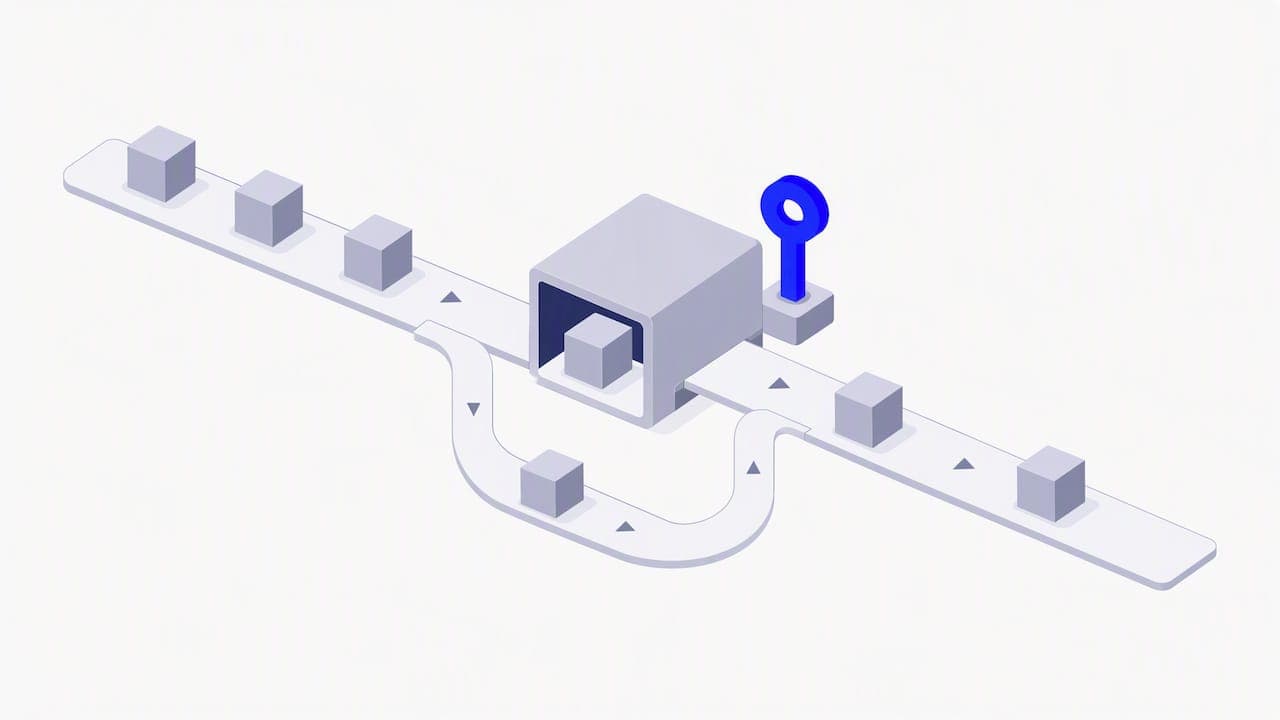
Pro Tip: When you write the code equivalent, name the retry count and the idempotency key explicitly in the function signature, so the next engineer doesn’t have to guess what Bubble used to handle silently.
When should a Bubble app stay, and when should it move?
Bubble remains a reasonable choice for rapid prototyping, simple all-in-one internal tools, and apps that don’t need to scale workflows beyond what a single app server handles comfortably. If your workflows are mostly CRUD operations with the odd email, there’s little upside to rewriting them in code.
The signals that point toward migration are more specific than “Bubble feels slow”:
- You need genuine transactional guarantees across several linked writes, not just sequential steps.
- Your background jobs need sophisticated queuing, prioritisation, or retry policies that Bubble’s recursion model can’t express cleanly.
- You need EU-only hosting, and you’re not on Bubble’s Enterprise plan, which is currently the only tier that offers it.
- SEO-critical pages need server rendering and control that a no-code front end can’t match.
Most of the actual migration effort goes into planning and testing the workflow logic, not rebuilding the interface.
Before deciding, audit which workflows consume the most Workload Units, list any that chain state across multiple steps, and estimate how much testing a rebuild of those flows would need.
An engineer’s take on migrating workflows
Observability and idempotency matter more than raw speed when a workflow moves from Bubble to code. Bubble hides both by default, and losing that safety net without replacing it is how migrations introduce new bugs rather than fixing old ones.
Start any audit with the handful of workflows consuming the most Workload Units, since those are usually the ones worth rebuilding first, as explained in this intelligent document processing and hyper-automation in finance overview, which offers useful background for designing robust workflow executions. If that audit raises more questions than it answers, a short technical review before committing to a rebuild tends to save time later.
— Tom
How Minimum Code handles Bubble workflow audits and migrations
Minimum Code migrates Bubble apps to code with defined project terms, aiming for no downtime during the switch and some period of support after launch.
The process starts by mapping every existing workflow, flagging the ones consuming the most Workload Units, then designing the code equivalent for each: API route, queue worker, or scheduled job, with transactions and retries made explicit rather than assumed. Senior engineers handle the architecture and review while AI tools speed up the implementation itself.
If you’re weighing whether your Bubble app’s workflows are worth rebuilding, start with a migration review and get a concrete plan before anything gets rewritten.
FAQ
Is Bubble.io still relevant in 2026?
Yes. Bubble remains a practical choice for prototypes, internal tools, and apps without heavy scaling or strict EU hosting needs, and its Workflow API, debugger, and workload monitoring have matured over several years, according to Bubble’s documentation.
What are some examples of Bubble apps?
Bubble supports a wide range of app types, including marketplaces, internal business tools, booking platforms, and early-stage SaaS products, built through its visual workflow and database editor described in Bubble’s documentation. The specific apps built on it vary by founder and are not tracked publicly by Bubble itself.
Is Bubble like WordPress?
No. WordPress is primarily a content management system for websites and blogs, while Bubble is a visual application builder for workflows, databases, and custom logic, as described in Bubble’s own documentation. They solve different problems even though both are no-code or low-code tools.
How do I stop a Bubble recursive workflow from running forever?
Set an app-level recursion depth limit using Bubble’s infinite recursion protection, which logs and notifies admins when a chain is terminated, with a starting limit of around 10 recommended for new apps, according to Bubble. Always pair this with an explicit termination condition inside the workflow itself rather than relying on the limit alone.
What does Bubble hide that you have to build yourself in code?
Bubble implicitly handles transaction-like behaviour, certain automatic retries, and privacy-rule contexts around each workflow step. Moving to code means deciding transaction boundaries, writing retry logic, and building idempotency checks explicitly, since none of that happens by default outside Bubble’s runtime.
Recommended

Written by Tom
Founder and Lead Developer

Ready to start your project?
Book a free discovery call to learn how we can build your app in 4 weeks, or less.
Book a call