
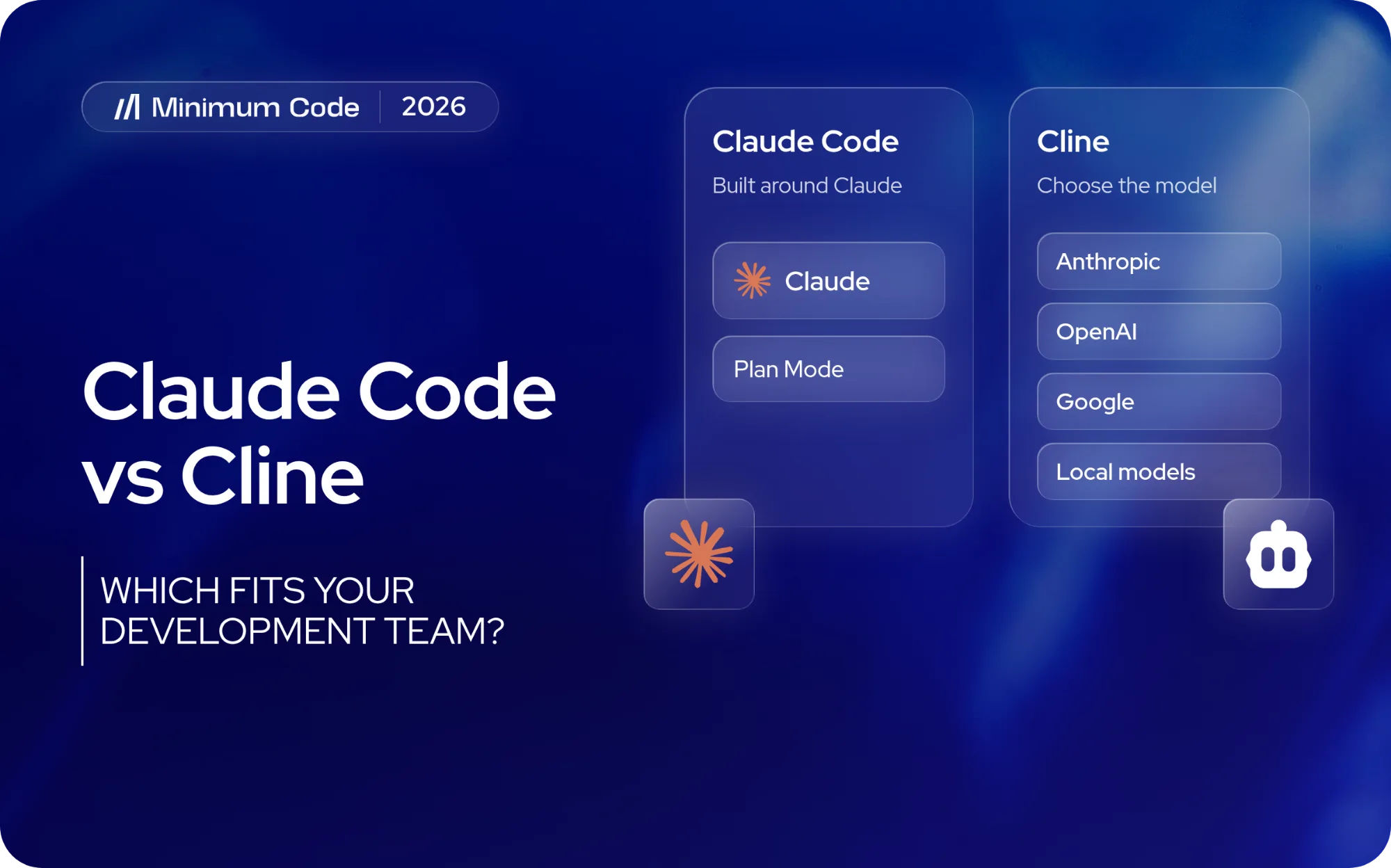
Claude Code and Cline can both explore a codebase, edit files and run development commands. This is no longer a comparison between a terminal tool and a VS Code extension: both now work across multiple environments, including desktop applications. The clearest difference is model choice. Claude Code is built around Anthropic's Claude models, while open-source Cline supports a wider range of providers, including local models.
If your developers already use Claude and want a straightforward way to work with it, Claude Code is a strong starting point. If the team needs to compare providers, run its own models or customise the agent, Cline becomes more interesting. This 2026 comparison looks at the practical differences in workflows, permissions and cost, including what has changed with Cline Desktop.
Key takeaways
- Claude Code is an agent built around Claude models, available through terminal, IDE, web and desktop workflows.
- Cline is open source and supports a range of models and providers. Its desktop app, launched in September 2026, adds a dedicated workspace for parallel agents and scheduled tasks.
- Both tools support planning, execution and permission controls. Their settings and default behaviour are not identical, so check the workflow your developers actually use.
- Claude Code includes usage with eligible paid plans. Cline's core software is free, but model inference is usually charged separately unless a qualifying subscription or free model covers it.
What are you choosing: a model or a coding agent?
Claude is the model family; Claude Code is Anthropic's agent for working with those models in a software project. Cline is a separate agent that can connect to Claude or to models from other providers. Choosing Claude inside Cline does not turn Cline into Claude Code.
This distinction matters when evaluating output quality. If you compare Claude Code using one model against Cline using another, you are testing two things at once: the model and the agent's workflow. Even with the same model, the tools, context and permissions can produce different results.
For a useful comparison, give both agents the same repository and task, then note the model, provider and settings used. Look at the final diff, passing tests and time needed to correct mistakes. Those details tell you more than a demonstration where the tools solve different problems.
An agent that looks impressive in a short demo may be harder to use in an existing product. Give the decision to the developer who will work with the code afterwards, not just the person writing the first prompt.
Claude Code vs Cline at a glance
Both agents can plan, change multiple files and use development tools. The table highlights the differences a team should check before choosing one.
Decision | Practical difference |
|---|---|
Model strategy | Claude Code is built around Claude models. Cline supports Anthropic, other cloud providers and local-model connections. |
Working environment | Both support editor, terminal and desktop workflows. Claude Code also offers web-based sessions; Cline Desktop launched as a Mac/Windows beta in September 2026. |
Planning | Claude Code has Plan Mode. Cline has Plan and Act modes, with the option to choose a different model for each. |
Permissions | Both can ask for approval or automate actions. Claude Code permission modes and Cline Auto Approve settings differ, so test the exact configuration. |
Payment | Claude Pro is $20/month billed monthly; Max begins at $100/month. Cline's core is free, with pay-as-you-go inference or optional ClinePass at $9.99/month for selected models. |
Strong reason to shortlist | Choose Claude Code for a Claude-centred workflow. Evaluate Cline when provider choice, local inference or an open-source agent is a requirement. |
Which working environment fits your team?
The old terminal-versus-editor distinction is misleading. Claude Code and Cline both let developers work in an IDE or a command-line environment. Cline also introduced its own desktop application in September 2026, bringing the products closer together in how they can be operated.
Working inside VS Code
Claude Code's VS Code extension supports reviewing changes and working with project files inside the editor. Cline offers its own agent panel, where developers can plan changes, inspect edits and approve actions. You do not need to migrate away from VS Code to test either option.
The interesting difference is what happens after the first edit. Ask a developer to show how the agent changes several related files, how they review the diff and how they recover when the result is wrong. A comfortable chat panel is useful, but it is not a substitute for that workflow.
Terminal, desktop and remote work
Claude Code can run from the terminal, an IDE, the web and its desktop app. Its desktop experience also supports organising and supervising multiple coding sessions. A team that already uses Claude can move between supported surfaces without selecting a separate agent for each environment.
Cline started as an editor extension and now has a capable CLI for interactive sessions and scripts. Cline Desktop, released as an early Mac and Windows beta on September 14, 2026, adds parallel agent sessions, scheduled tasks and a marketplace for plugins and MCP connections. These are meaningful additions, but a newly launched desktop beta should not be treated as proof of feature parity or equal maturity with every Claude Code interface.
How much model choice do you need?
Model choice is Cline's strongest differentiator. Developers can connect to models from different companies and switch providers without replacing the agent. That matters when cost, local execution, procurement requirements or experimentation make a single-provider setup unsuitable.
A workflow centred on Claude
Claude Code works with the Claude models available through the supported account or provider setup. For a developer who already relies on Claude, starting with its first-party agent reduces the number of separate configurations to manage. That is a workflow advantage, not proof that it generates better code.
If your team already has a Cline configuration that works well, switching to Claude Code solely because both use Claude may add little. Compare how each agent handles your actual repository and how much review work follows each task.
Choosing across providers with Cline
Cline connects to providers such as Anthropic, OpenAI, Google and OpenRouter, alongside supported local runtimes. It can also assign different models to Plan and Act. For example, a team might use one model to investigate a difficult change and another for a simpler implementation, then review whether that combination actually saves time or money.
Cline also has a Claude Code provider that runs requests through an installed Claude Code and its Claude Max login instead of an API key. That guide dates from 2025, and Anthropic has changed its rules on using subscription limits in third party tools several times during 2026. Do not budget around this route without checking Anthropic's current terms; plan on API pricing for Claude in Cline unless they confirm otherwise.
Running a local model
Cline can use local runtimes such as Ollama and LM Studio. That can give a team more control over model hosting, but performance depends heavily on the model and the available hardware. A locally hosted model is not automatically fast enough for a large repository.
Running inference locally also does not guarantee that the entire workflow stays offline. Remote MCP servers, package installs and other connected tools may still transmit data. Check the complete setup if privacy or data location is the reason you are considering local models.
How planning and approvals change the work
Planning is most valuable when a change affects unfamiliar code or several connected features. Both products offer ways to inspect the problem before allowing edits. The real comparison is how clearly the plan can be reviewed and how safely the agent proceeds when permission is granted.
Reviewing an approach before implementation
Claude Code Plan Mode lets developers investigate the codebase and outline an approach before making edits. That is useful for migrations, substantial refactors and changes to business logic, where correcting a mistaken plan early can save work later.
Cline separates Plan and Act modes. Plan is intended for investigation and discussion; Act makes the changes and runs commands, subject to the configured approvals. Different models can be assigned to the two modes, which is particularly useful when a team is comparing cost and capability across providers.
Neither planning mode guarantees a correct implementation. The plan should identify the areas to change and what will count as a successful result, while the developer checks the final code and application behaviour.
Controlling what runs without intervention
Both agents can ask permission before taking actions and can be configured to run more independently. In August 2026, Claude Code made auto mode the default for new Pro, Max and Team sessions, unless the user or organisation has chosen another mode. Cline's editor offers Auto Approve controls by action category. These are different systems, so do not assume that turning on automation means accepting the same risks in both.
Cline's editor also uses model-based judgement in its safe-command approval flow, rather than relying exclusively on a fixed list. Its CLI has additional configuration options. Teams should decide which commands and external tools may run without interruption, especially when credentials or production systems are accessible.
An approved action can still produce insecure code. Changes involving authentication, permissions, payments or sensitive data deserve review and testing, whether the agent stops to ask permission or runs automatically. The risks of AI-generated code vulnerabilities are not specific to either product.
Claude Code vs Cline pricing in 2026
As of October 2026, Claude Pro costs $20 per month when billed monthly ($17 per month equivalent on an annual subscription) and includes Claude Code. Claude Max starts at $100 per month, with a higher-usage tier at $200. Subscription usage is limited; teams can also use supported pay-as-you-go API arrangements. Prices are in USD, before applicable taxes.
What does Cline cost?
Cline's open-source agent is free for individual use. Model requests are billed separately when you use the Cline provider or your own API credentials. Enterprise arrangements have custom pricing. Free software does not necessarily mean free coding sessions.
ClinePass is a separate $9.99-per-month subscription offering access to a selected range of open-weight models, with usage quotas and possible processing fees. It is not an unlimited Claude subscription. The available models, quotas and terms differ from Cline's pay-as-you-go option, so compare the route you actually intend to use.
Compare the total cost of a finished task
The subscription or token bill is only part of the expense. Give both agents an equivalent task and measure the time from briefing to a reviewed, accepted change. An inexpensive model that repeatedly makes errors may cost the team more engineering time than a higher-priced one.
Keep setup and learning time separate from recurring task costs. For live prices and plan limits, consult Anthropic's Claude pricing page, Cline's pricing page and the ClinePass page before making a purchasing decision; these products change quickly.
How do project instructions and integrations compare?
Both agents can use information from the repository and connect to external tools. For a team maintaining an application, the important question is whether project rules and access controls are reliable across sessions.
Project rules
Claude Code uses CLAUDE.md and related project instructions. Cline supports project-level and global rules. Either setup can explain how to run tests, which files should not be changed and what conventions the codebase follows.
Keep those rules close to the project and update them when engineering decisions change. A comparison is not fair if one agent has a detailed setup and the other is working from an incomplete prompt.
External tools and MCP
Both agents support Model Context Protocol (MCP), which connects coding workflows to external tools and information. Claude Code MCP and Cline's MCP integrations can help an agent retrieve context or perform additional actions outside the repository.
An MCP connection can also grant access to accounts and data. Before enabling one, identify what the task needs, what the connected credentials can change and how access can be revoked. The number of integrations available is less useful than having the right ones configured safely.
Which should a founder choose?
If your team already builds with Claude and has no need to switch model providers, Claude Code is the simpler first option to test. Its first-party workflow, desktop and IDE support, and subscription choices are a coherent starting point for Claude-centred development.
Choose Cline when the team has a specific reason to switch models, compare providers, run local inference or adapt an open-source agent. It also deserves consideration if its CLI or new desktop workspace fits the way your developers manage concurrent work.
Neither is an automatic answer for a founder building alone. You may be able to specify what the product should do without being able to judge whether a generated implementation is secure or maintainable. For a customer-facing application, someone needs to take responsibility for reviewing and releasing the code.
A useful trial is a contained change from your real backlog, not a generic coding demo. Give each agent the same repository, acceptance criteria and reasonable context. Ask how many interventions were needed and whether the final change passed the checks your product normally relies on.
If you want to compare the agents themselves, use the same underlying model where possible. If you want to compare the best practical setups, allow different models but record that difference. Either way, choose based on the finished work, not a single impressive interaction.
How Minimum Code approaches AI-assisted development
At Minimum Code, engineers use AI coding tools as part of web app development, rather than treating generated code as a finished product. The team handles application structure, databases, integrations, testing and the decisions needed to put changes into production. That matters most to founders who need a working application, not a collection of prompts or prototypes.
Our engineers work with Claude Code day to day; seven client projects built with it are described on this blog. If you are choosing a development partner, ask who will review the software, maintain it and resolve problems after launch rather than selecting an agency because of a particular AI tool.
Claude Code vs Cline FAQ
Can Cline use Claude models?
Yes. Cline can connect to Claude models through an Anthropic API key or other supported providers. Using a Claude subscription inside Cline depends on Anthropic's current terms for third party tools, which have changed during 2026, so check them before relying on it.
Is Cline free?
Cline's open-source agent is free for individual developers. Inference through paid models, optional ClinePass access or an Enterprise arrangement can add costs. ClinePass lists a standard rate of $9.99 per month for a set of open-weight models such as GLM, Kimi, DeepSeek and Qwen; it does not include Claude.
Do I need the terminal to use Claude Code?
No. Claude Code is available through terminal, IDE, web and desktop interfaces. Cline also offers a CLI and a standalone desktop beta in addition to editor extensions.
Which is better for a non-technical founder?
For a non-technical founder, the more important question is who will review and maintain the application. Both tools can help create working features; neither removes the need for engineering judgement before a customer-facing release.
Which AI coding agent should you choose?
Start with Claude Code if your developers want a Claude-centred workflow. Consider Cline if you need model flexibility, local inference or an open-source agent. If you are building a product for customers and need a team to handle implementation, review and ongoing development, talk to Minimum Code about your application.

Written by Tom
Founder and Lead Developer

Ready to start your project?
Book a free discovery call to learn how we can build your app in 4 weeks, or less.
Book a call