
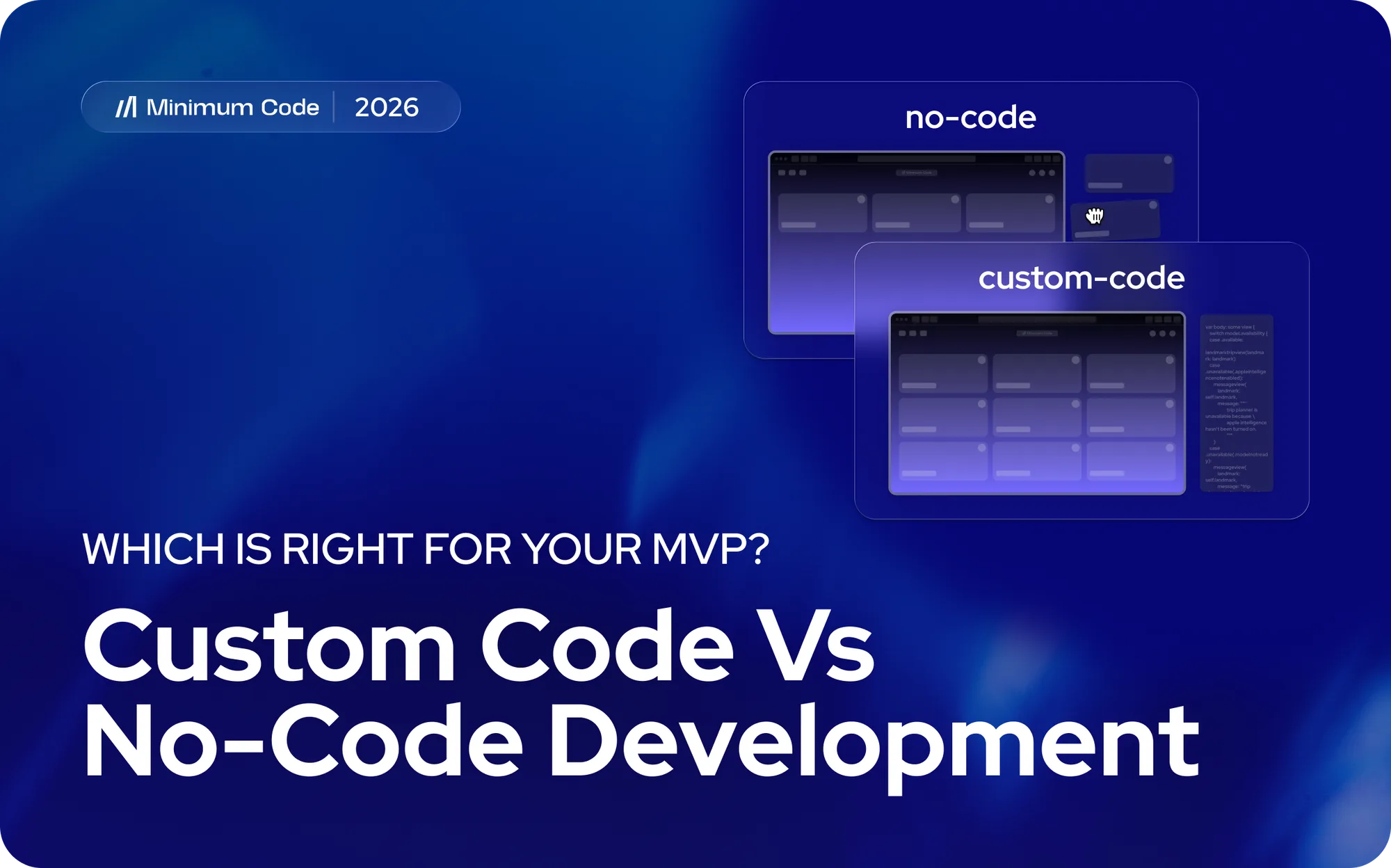
The eternal dichotomy of custom code vs. no-code makes picking your spouse seem like a run in the park. Easy peasy for some. A clusterfork for others.
At Minimum Code we put together this guide that breaks down both paths across ten criteria that matter, shows you what real companies are building, and introduces hybrid alternatives that might work better than either extreme. We're going to cut through the hype and give you a framework for making this decision based on your actual situation, not what sounds good on paper.
Custom code development: Complete breakdown
Custom code means writing every line from scratch. Unlimited flexibility, complete control, significant investment in time, money, and talent.
What custom code does best
It excels when your product's core value is proprietary technology. Not assembling components. Creating something technically precise that nothing else can replicate.
Enterprise-grade applications, millions of users, complex performance requirements. When speed and reliability directly hit your bottom line, you need to control every layer.
Features and capabilities
No platform constraints. Every pixel, interaction, and function is yours to specify. React for dynamic interfaces, Node.js for real-time features, Python for data processing. You pick the stack.
Full database architecture control. You design schemas, choose indexing, implement caching. Custom security when standard approaches don't clear compliance. Proprietary integrations with anything, including legacy systems nobody else wants to touch.
Strengths
You own everything. Code, infrastructure, data. No vendor can reprice, deprecate, or disappear on you. Performance is tuned to your exact use case, not a platform's generic optimization. Competitors can't replicate what they can't see.
Limitations
Development costs start at $75K and hit $500K+ fast. MVPs take 4–9 months minimum. You need senior engineers across front-end, back-end, and DevOps. They're expensive ($80K–$150K+ each), hard to hire, and harder to keep.
Rush to ship and you're carrying technical debt that compounds until nobody wants to touch the codebase. Every feature request becomes a sprint. Every UI change gets scheduled for next quarter.
Criteria ratings
Project Evaluation
Criteria | Score |
|---|---|
Project Complexity | 5/5 |
Budget | 2/5 |
Time to Market | 2/5 |
Scalability & Performance | 5/5 |
Team Requirements | 2/5 |
Customization | 5/5 |
Vendor Independence | 5/5 |
Security & Compliance | 5/5 |
Integrations | 5/5 |
Long-term Maintenance | 2/5 |
What people actually say
"We burned through $400K before launching. Two competitors had already validated the market with no-code MVPs and were iterating on real feedback. We had a polished product. They had paying customers." — SaaS Founder, Reddit r/startups
"Our competitive advantage is our matching algorithm. No platform could replicate it. Yes, it cost $800K and took 14 months. We raised a Series A on the tech itself." — CTO, B2B Marketplace
"We're spending $120K annually just keeping the lights on. That's 20% of original development cost, every year." — Engineering Lead, FinTech Startup
True cost
- Freelancers: $50–$200/hour.
- Agencies: $75K–$500K+ per project.
- In-house team of 2–4: $200K–$500K+ annually.
- Infrastructure: $100–$5K+/month.
- Maintenance: 15–25% of original build cost, yearly.
Find developers via Clutch, Toptal, Upwork, or LinkedIn.
When it makes sense
Your core IP is a proprietary algorithm. You're pre-validated, well-funded, and expecting millions of users at launch. Your compliance requirements exceed platform offerings. You have the technical team and the budget. You already know what to build and for whom.
No-code development: Complete breakdown
No-code platforms let you build without writing code. Costs drop 60–80%. Timelines compress from months to weeks. For most business applications, functionality holds up.
What no-code does best
Launch a SaaS MVP in 30 days. Build functional prototypes in days. The speed advantage compounds when you're iterating on real user feedback. Understanding the custom code vs no-code decision gets clearer the moment you watch an assumption get tested in week two instead of month six.
Cost-effective by default. An MVP costs $10K–$50K here versus $75K–$500K+ with custom code. Even with a no-code development agency, you're spending a fraction.
Non-technical founders can build. Not years of programming experience. Weeks of platform-specific learning. Test the idea before assembling a technical team.
Features and capabilities
Drag-and-drop replaces typing. You see what you're building as you build it. Pre-built components cover authentication, payments, dashboards, admin panels. Database management without SQL. Role-based access control out of the box.
Bubble's integration capabilities connect to payment processors, CRMs, analytics, email services. Responsive design handles mobile, tablet, and desktop without separate codebases. Plugin ecosystems fill the gaps. Built-in hosting handles servers, SSL, backups, and scaling.
Strengths
$15K instead of $150K. That's not a rounding difference — for most founders, it's the difference between building and not building. MVPs in 4–12 weeks instead of 4–9 months. Smaller investment means smaller downside when the idea doesn't work.
Platforms handle infrastructure updates, security patches, and framework upgrades automatically. Bubble's forum has 100,000+ members. You will get unstuck.
Limitations
Highly specialized algorithms and complex computational tasks can exceed what visual development can do. Your application runs on someone else's infrastructure, subject to their pricing decisions and roadmap. At very high scale, performance constraints appear. Skills don't transfer cleanly between platforms.
Subscription costs never end. And when you outgrow the platform, migration is more complex than anyone warns you upfront.
Criteria ratings
Project Evaluation
Criteria | Score |
|---|---|
Project Complexity | 3/5 |
Budget | 5/5 |
Time to Market | 5/5 |
Scalability & Performance | 3/5 |
Team Requirements | 5/5 |
Customization | 4/5 |
Vendor Lock-in | 3/5 |
Security & Compliance | 4/5 |
Integrations | 4/5 |
Long-term Maintenance | 5/5 |
Total Score | 41/50 |
What people actually say
"I built and launched my SaaS MVP in six weeks using Bubble. Total cost was $12K. We got our first paying customers within two weeks of launch. I'm non-technical — there's no way I could have done this with custom code." — SaaS Founder, Indie Hackers
"We grew to 5,000 users before hitting performance issues. We migrated our backend to custom code while keeping the frontend in Bubble. It worked, but the transition was more complex than we anticipated. I'd still recommend starting with no-code. Just plan for potential migration from day one." — CTO, Marketplace Platform
"The Bubble community saved our project multiple times. For 90% of what we needed to build, Bubble was perfect." — Product Manager, B2B SaaS (source)
True cost
- Bubble: $29–$549/month. Growth plan (Web + Mobile) runs $209/month billed annually.
- FlutterFlow: $39–$150/month for native iOS and Android.
- Xano: $85–$250/month for backend.
- Webflow: $14–$39/month for marketing sites.
DIY: free to $500 in courses. Agencies: $10K–$50K for MVPs, $30K–$100K for complex builds. Hourly consulting: $75–$150/hour.
When it makes sense
MVP validation. Standard SaaS with auth, subscriptions, and dashboards. Two-sided marketplaces that need fast iteration. Internal tools and workflow automation. Mobile apps on iOS and Android. Booking platforms, membership sites, moderate e-commerce. Any founder without a technical team who needs to find out if the idea works before betting big on it.
Real-world success stories: Who's building what
Examining actual companies built with both approaches reveals patterns about when each path makes sense and what outcomes you can realistically expect.
Custom code success stories
- Airbnb built their platform with Ruby on Rails, creating proprietary matching algorithms that connect travelers with hosts based on complex criteria. Their custom pricing models adjust dynamically based on demand, location, seasonality, and dozens of other factors. The trust and safety systems they developed, identity verification, review mechanisms, insurance integration, required custom implementations that differentiated them from competitors. Custom code enabled the precise control they needed to build a global marketplace handling millions of transactions.
- Stripe processes billions of dollars in payments with custom infrastructure built for financial transactions. Banking regulations, PCI compliance, fraud detection algorithms, and millisecond-latency requirements demanded custom implementations. Their API design, developer experience, and global payment infrastructure represent proprietary technology that creates competitive moats. The investment in custom code directly enables their business model.
- Netflix handles billions of requests daily with custom recommendation algorithms, video streaming infrastructure, and content delivery networks optimized for global scale. Their ability to personalize content for hundreds of millions of users while maintaining streaming quality across varying network conditions requires custom optimization at every level. Platform constraints would compromise the core user experience that defines their service.
- Shopify started with custom Ruby on Rails development, building multi-tenancy architecture that now powers millions of merchants. Their platform handles diverse use cases, from small businesses to enterprise retailers, requiring flexibility that generic solutions couldn't provide. Custom code gave them the foundation to scale while maintaining performance and reliability.
No-code success stories
Qoins created a debt payoff application with Bubble that raised $2.1M and processes real financial transactions. They connect to bank accounts, analyze spending patterns, and automatically allocate spare change toward debt payments, all built without custom code. Their success demonstrates no-code capability for fintech applications handling sensitive financial data.
Teal developed their career development platform on Bubble, serving hundreds of thousands of users and raised nearly $20M in venture funding.
Nuvo built a data import tool for B2B SaaS companies using no-code, raised venture capital, and serves enterprise clients. They handle complex data transformation, validation, and integration workflows, showing no-code works for technical B2B products serving sophisticated customers.
Minimum code case studies
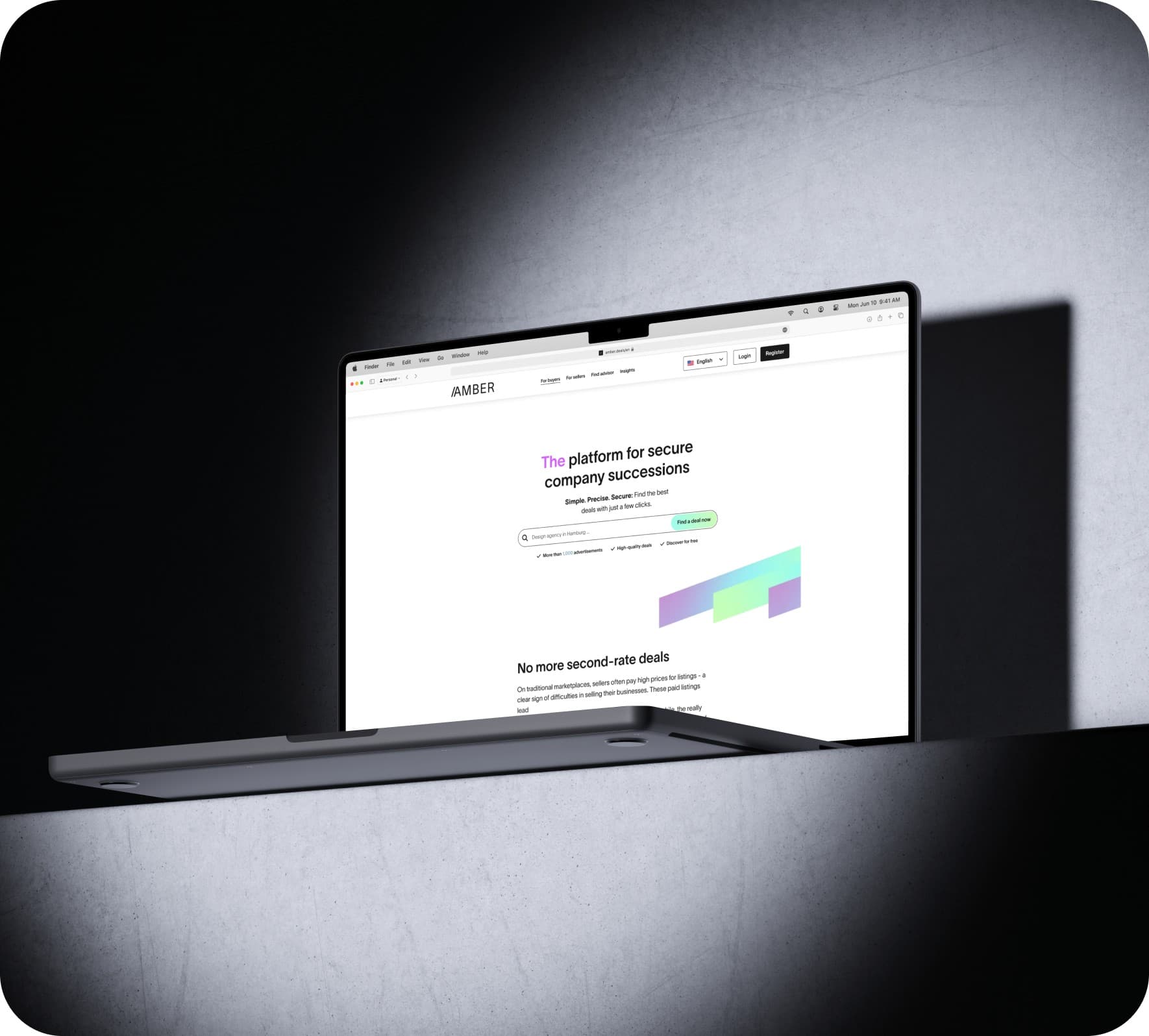
- Amber represents our work in mental health technology. We built a HIPAA-compliant platform connecting patients with therapists, handling sensitive health information, appointment scheduling, and secure messaging. The project launched in eight weeks for under $40K, demonstrating how we help healthcare startups launch compliant applications rapidly without enterprise budgets.
- GXPilot showcases complex workflow automation for pharmaceutical compliance. We built document management, approval workflows, audit trails, and regulatory reporting, all requirements that sound like they'd need custom code. Instead, we delivered a production system in ten weeks that handles the sophisticated compliance needs of a regulated industry.
- YachtPass proves no-code handles sophisticated two-sided marketplaces. We built yacht owner onboarding, guest booking flows, payment processing, availability management, and review systems. The platform connects luxury yacht owners with guests globally, processing real transactions and managing complex scheduling.
Four smarter alternatives to the binary choice
The custom code versus no-code debate presents a false dichotomy. Four alternative approaches often deliver better outcomes by combining strengths from both paths or using emerging technologies.
Alternative 1: Minimum code (hybrid no-code development)
We've pioneered a minimum code approach that combines no-code platform speed with traditional software development thinking. We're not choosing between custom code and no-code, we're using the right tool for each specific challenge.
Our Methodology:
Discovery Phase validates your idea through user research before building anything. We've seen too many founders waste resources building features nobody wants. We talk to your target users, understand their problems, and validate whether your solution matters to them.
Design-First Approach ensures your application looks and feels like a premium product. Professional UI/UX design makes users want to engage. We don't accept the no-code look, we design interfaces that compete with custom-coded applications.
Strategic No-Code Development delivers production-ready applications in weeks. We build with platforms like Bubble and Xano, but we think like software architects. Clean data structures, optimized workflows, scalable architecture, we build for growth, not just launch.
App Audits identify performance bottlenecks, security issues, and optimization opportunities in existing applications. Whether you built it yourself or inherited it from another team, we find what's slowing you down and fix it.
Ongoing Maintenance ensures your application evolves with user needs. We don't disappear after launch. Continuous improvement, bug fixes, feature additions, and performance optimization, we're your long-term technical partner.
Why Choose Minimum Code:
Speed without sacrifice means launching in 4-8 weeks without compromising quality. We move fast, but we don't cut corners that create problems later.
Cost-effective excellence delivers 60-80% savings while maintaining professional standards. Our 18+ successful projects across healthcare, fintech, marketplaces, and SaaS prove you don't need enterprise budgets for enterprise quality.
Gold Bubble Agency certification demonstrates our expertise with the leading no-code platform. We're not generalists dabbling in no-code, we're specialists who've mastered these tools.
Full-service teams bring designers, developers, and strategists working collaboratively. You get complete product development, not just coding.
Transparent processes with end-to-end project management mean clear communication at every stage. You always know where we are and what's next.
Migration readiness means when you outgrow no-code, we provide migration paths to Next.js or other custom solutions. We plan for your future, not just your present.
Pricing: $15K-$100K depending on complexity Timeline: 4-12 weeks for most MVPs Best For: Startups needing professional-grade applications quickly without enterprise budgets
Alternative 2: Low-code platforms (Retool, OutSystems, Mendix)
Low-code platforms occupy middle ground, offering visual development with the ability to inject custom code when needed. They're more flexible than pure no-code but more accessible than full custom development.
Key Platforms:
Retool specializes in internal tools and admin panels. If you're building dashboards, data management interfaces, or workflow tools for your team, Retool accelerates development dramatically.
OutSystems focuses on enterprise applications with mobile capabilities. Large organizations use it to build internal systems faster than traditional development while maintaining governance and security standards.
Mendix offers strong collaboration features and governance tools. Enterprise teams appreciate the ability to involve business users in development while maintaining technical control.
Advantages:
More flexibility than pure no-code comes from custom code injection. When you hit platform limitations, you can write code for specific components while keeping the rest visual.
Enterprise-grade security and compliance meet corporate standards. These platforms target large organizations with strict requirements, so they've built sturdy security features.
Better performance than traditional no-code results from optimization options and custom code capabilities. You're not entirely constrained by platform performance characteristics.
Professional developer tools provide version control, testing frameworks, and deployment pipelines that enterprise teams expect.
Drawbacks:
Steeper learning curves than no-code mean you need more technical knowledge. These aren't tools for non-technical founders, they're tools for developers who want to move faster.
Higher costs than pure no-code platforms reflect their enterprise positioning. Expect to pay more for licenses and potentially for professional services.
Vendor lock-in concerns remain despite more flexibility. You're still building on someone else's platform with migration challenges if you need to leave.
Best For: Internal business applications, enterprise teams with some technical resources, companies needing more control than no-code but faster development than custom code
Alternative 3: Vibe coding / AI-assisted code generation (Cursor, Lovable, v0)
Emerging AI coding tools transform how quickly developers write custom code. These tools generate production-quality code from natural language descriptions, dramatically accelerating development.
Key Tools:
Cursor functions as an AI-powered code editor that suggests entire functions, fixes bugs, and refactors code based on your intent. Developers report 2-3x productivity improvements.
Lovable generates full-stack applications from prompts. Describe what you want, and it creates working code. Bubble vs Lovable comparisons show different tradeoffs between the approaches.
v0 from Vercel generates React components and interfaces from descriptions. It's particularly strong for UI development.
Bolt.new creates complete applications from prompts, handling both frontend and backend code generation.
Advantages:
Faster than traditional custom coding means developers accomplish in hours what previously took days. The productivity gains are real and measurable.
Production-quality code generation has improved dramatically. AI-generated code often follows best practices better than rushed human code.
Full code ownership means you control everything. No platform dependencies, no subscription fees, just code you own.
Learning tools for developers help them understand new frameworks and patterns. Seeing how AI solves problems teaches developers new approaches.
Drawbacks:
Developer knowledge still required to refine and review generated code. AI makes mistakes, introduces bugs, and sometimes misunderstands requirements.
Generated code needs testing and security review. You can't blindly trust AI output, you need expertise to evaluate what it produces.
Not yet reliable for complex applications with intricate business logic. AI excels at standard patterns but struggles with novel requirements.
Relatively new and evolving means best practices are still emerging. The tools improve monthly, but they're not mature technologies yet.
Best For: Developers wanting to accelerate custom code development, technical founders comfortable reviewing code, prototyping and experimentation
Alternative 4: Hybrid approach (start no-code, migrate later)
Many successful companies begin with no-code and strategically migrate components to custom code as they scale. This approach minimizes initial risk while preserving future flexibility.
Strategy:
Validate with no-code by building and launching your MVP in 4-8 weeks. Prove your concept works and people want it before major investment.
Gather real user data to understand what features matter most. You can't know what to optimize until you see how people use your product.
Identify bottlenecks by monitoring performance and gathering user feedback. Find the specific components that need custom optimization rather than rebuilding everything.
Selective migration means rebuilding only constrained components in custom code. Keep working features on the no-code platform while improving bottlenecks.
Maintain hybrid systems where non-critical features stay on no-code while performance-critical components run on custom infrastructure. This balances cost, speed, and performance.
Advantages:
Minimize initial risk and investment by starting small. Validate product-market fit before spending hundreds of thousands on custom development.
Data-driven decisions about what to rebuild come from real usage patterns. You're not guessing what needs optimization, you're responding to measured constraints.
Preserve working features while improving others. No need to rebuild functionality that already works well.
Gradual transition reduces disruption to users and your team. You're not doing a risky big-bang migration, you're evolving incrementally.
Drawbacks:
Eventual migration costs and complexity require planning. Budget for transition costs when you know you'll eventually outgrow the platform.
Managing two systems temporarily creates technical complexity. Your team needs to understand both the no-code platform and custom code during transition periods.
Potential data migration challenges emerge when moving from platform databases to custom infrastructure. Plan data architecture from the start to ease eventual migration.
Requires planning for future transition from day one. Design your no-code application with migration in mind, clean data structures, API-first architecture, and modular design.
Best For: Startups with long-term growth ambitions, products with uncertain market fit, teams wanting to prove concepts before major investment.
Comparing custom code and no-code: Side-by-side analysis
Here's the real difference between the two. Use this as your quick reference when you're evaluating which approach aligns with your constraints and objectives.
Custom Code vs No-Code Comparison
Criteria | Custom Code | No-Code |
|---|---|---|
Development Cost | $75,000 - $500,000+ | $10,000 - $50,000 (MVP) |
Time to MVP | 4-9 months | 4-12 weeks |
Monthly Platform Cost | $0 (infrastructure $100-$5K+) | $29–$549 (Web+Mobile tiers) |
Annual Maintenance | 15-25% of dev cost | 70-80% lower |
Technical Skills Required | Advanced programming | Basic to intermediate |
Customization Level | Unlimited | Extensive but constrained |
Performance Optimization | Maximum control | Good, platform-dependent |
Scalability Ceiling | Millions+ users | Thousands to hundreds of thousands |
Vendor Lock-in Risk | None | Moderate to high |
Security Compliance | Fully customizable | Platform-dependent |
Integration Flexibility | Unlimited | Extensive via APIs |
Iteration Speed | Slow (weeks) | Fast (hours to days) |
Team Size Needed | 3-10+ developers | 1-3 developers/builders |
Hiring Difficulty | High | Low to moderate |
Code Ownership | Complete | Limited (platform-based) |
Mobile App Development | Native iOS/Android | Wrappers or native options |
Learning Curve | Years | Weeks to months |
Community Support | Framework-specific | Very strong |
Best For | Established products, complex systems | MVPs, validation, rapid deployment |
What matters when you're choosing
Before we dive in, you need to understand the ten criteria that should drive your decision. These aren't abstract considerations, they're the practical realities that determine whether your chosen path leads to success or expensive failure.
Project complexity defines what you're building. Are you creating something with proprietary algorithms that differentiate you from competitors, or are you assembling proven patterns into a new configuration? The answer dramatically impacts which approach makes sense.
Budget constraints shape everything. Custom code demands significant upfront investment ($75K minimum for anything substantial), while no-code platforms let you start for under $20K. But here's what most comparisons miss: you're not just comparing initial costs. Factor in the opportunity cost of delayed launch, the risk of building something nobody wants, and the ongoing maintenance burden.
Time to market often matters more than founders admit. Six months feels manageable until you watch competitors launch, iterate, and capture your target users. Rapid application development isn't just about speed, it's about learning from real users before you've spent your entire budget.
This drives me crazy: founders obsessing over scale they won't need for years. Most people overestimate their near-term scaling needs. You probably don't need to handle a million concurrent users on day one. (And yes, I know everyone claims they'll have a million users next year. They won't.) What you need is the ability to grow as demand materializes.
Team capabilities determine what's feasible. Do you have experienced developers ready to start? Can you hire and retain them? Or are you a non-technical founder who needs to move fast without assembling an engineering team? Your honest answer here eliminates half your options immediately.
Customization requirements separate nice-to-haves from must-haves. Every founder wants unlimited flexibility, but few need it. Can your core value proposition work within platform constraints, or does your competitive advantage require custom implementations?
Vendor lock-in tolerance varies by situation. Some founders can't stomach platform dependency; others recognize it as an acceptable tradeoff for speed and cost savings. Neither position is wrong, but you need to know where you stand.
Security and compliance requirements aren't negotiable in regulated industries. Healthcare, finance, and government applications face strict standards. Modern no-code platforms handle many compliance needs, but highly specialized requirements might demand custom implementations.
Integration capabilities determine how your application connects with the broader ecosystem. Most business applications need to talk to payment processors, CRMs, analytics tools, and industry-specific services. Both approaches handle integrations, but with different levels of flexibility.
Long-term maintenance shapes your total cost of ownership. Custom code requires continuous developer involvement, framework updates, security patches, bug fixes, and feature additions. No-code platforms handle infrastructure maintenance automatically, dramatically reducing your ongoing technical burden.
The right call for your project
So after all that, what should you do?
We've examined both paths across ten critical criteria, explored real-world success stories, and introduced hybrid alternatives. The pattern that emerges isn't that one approach wins universally, it's that different situations demand different solutions.
Custom code makes sense when your competitive advantage comes from proprietary technology, when you're building for millions of users from day one, or when you have the resources to invest $100K+ and wait 6+ months. Companies like Airbnb, Stripe, and Netflix needed that level of control and optimization.
No-code excels when you're validating ideas quickly, when budget constraints make custom code prohibitive, or when you need to reach users in weeks rather than months. Startups like Comet, Qoins, and Teal proved you can build substantial businesses on no-code foundations.
But here's what we've learned from building 18+ successful projects: most founders asking custom code or no-code? are asking the wrong question.
How do I validate my idea and get to market quickly without sacrificing quality?
That's exactly what we've optimized for at Minimum Code.
We don't start with technology, we start with validation. Our discovery service helps you talk to real users, understand their problems, and validate whether your solution matters before writing a single line of code (or configuring a single workflow).
Only after validation do we build, and we build strategically. Professional UI/UX design ensures your application competes with custom-coded alternatives. Clean architecture and optimized workflows mean your no-code application performs like it was custom-built. Ongoing maintenance keeps your application evolving as your users' needs change.
Our clients have raised millions in funding, acquired thousands of users, and built sustainable businesses, all starting with applications we delivered in 6-10 weeks for a fraction of custom code costs. Understanding what rapid application development truly means has allowed us to help founders launch faster while maintaining the quality standards their users expect.
FAQs - Frequently asked questions
How do I know if my project is too complex for no-code?
Start by listing your core features and workflows. Most business applications, user authentication, data management, workflows, integrations, payments, fall well within no-code capabilities. Modern platforms like Bubble handle sophisticated SaaS applications, marketplaces, and mobile apps successfully.
Red flags for no-code limitations include proprietary algorithms requiring precise mathematical implementations, real-time data processing at massive scale (millions of concurrent operations), or highly specialized functionality with no existing patterns to reference.
However, don't assume complexity requires custom code. Successful startups built with Bubble include insurance platforms, fintech applications, and healthcare systems, all complex, regulated industries. Companies like Comet (insurance) and Qoins (fintech) prove that complex doesn't automatically mean it needs custom code.
The best approach? Describe your requirements to a no-code agency and get an honest assessment. Reputable agencies will tell you when custom code makes more sense rather than forcing no-code where it doesn't fit.
Can I start with no-code and migrate to custom code later?
Yes, many companies successfully start with no-code and selectively migrate to custom code as they scale. The key word is selectively, you don't need to rebuild everything. Identify specific bottlenecks (usually database queries, complex calculations, or high-traffic endpoints) and migrate just those components.
Migration from Bubble to Next.js represents one common path. You might rebuild your backend with custom APIs while keeping your frontend in Bubble, or vice versa. Hybrid architectures let you optimize where needed while preserving what works.
Planning for migration from day one makes the eventual transition smoother. Design clean data structures, use API-first architecture, and avoid platform-specific hacks that create technical debt. Think of your no-code application as your MVP that proves the concept, not necessarily your forever solution.
The financial reality: migration costs money, but less than building custom from the start. You've validated your product, understand your users, and know exactly what to optimize. That knowledge makes custom development more efficient and focused.
What happens if the no-code platform shuts down or changes pricing?
Choose platforms with strong track records, healthy financials, and large user bases. Bubble's been operating since 2012, serves hundreds of thousands of applications, and continues growing. Platforms with this scale and longevity aren't going to disappear suddenly.
Pricing changes happen, but established platforms typically grandfather existing customers or provide reasonable transition periods. Read the terms of service, understand your rights, and budget for potential price increases over time.
Data ownership and export capabilities matter enormously. Ensure your chosen platform allows data export and provides API access to your information. Most reputable platforms let you extract your data, even if you can't easily migrate the application logic.
Mitigation strategies include maintaining regular data backups, documenting your application architecture, and having a migration plan (even if you never execute it). Some companies build API layers between their no-code frontend and backend, making it easier to swap components later.
The pragmatic view: platform risk exists, but so does the risk of spending $200K on custom code for an idea that fails. For most startups, the risk of building too slowly and expensively exceeds the risk of platform dependency.
How much does it really cost to maintain a custom code application?
Industry standards suggest 15-25% of original development cost annually for maintenance. A $200K custom application requires $30K-$50K yearly just to keep running. This covers security patches, framework updates, bug fixes, and minor improvements, not major feature additions.
Managing technical debt becomes an ongoing challenge. Code quality degrades without continuous attention. Shortcuts taken during initial development create problems that compound over time, requiring increasing resources to manage.
Infrastructure costs add to the total. Server hosting, database management, CDN services, monitoring tools, backup systems, and security services accumulate monthly expenses. Expect $100-$5K+ monthly depending on your scale and requirements.
Developer retention creates hidden costs. When developers leave, they take institutional knowledge with them. New developers need time to understand the codebase, during which productivity drops and bug risk increases.
The comparison: no-code maintenance typically costs 70-80% less because platforms handle infrastructure, security, and framework updates automatically. Your maintenance focuses on features and improvements rather than keeping the lights on.
Can no-code applications handle sensitive data and compliance requirements?
Leading platforms maintain robust security standards. Bubble offers SOC 2 Type II certification, GDPR compliance, and enterprise security features. They handle encryption, secure data storage, and regular security audits, requirements that would cost significant resources to implement yourself.
HIPAA compliance for healthcare applications is achievable with proper platform configuration and business associate agreements. Companies like Amber (our mental health platform) demonstrate that healthcare applications can run on no-code infrastructure while meeting regulatory requirements.
Financial services and payment processing work within no-code platforms through certified integrations. Platforms don't store sensitive payment data directly, they integrate with PCI-compliant payment processors like Stripe, maintaining security while enabling transactions.
Limitations exist for highly specialized compliance needs beyond standard certifications. Government applications with custom security protocols, financial institutions with proprietary encryption requirements, or industries with regulations that exceed platform capabilities may need custom implementations.
The assessment process: identify your specific compliance requirements, then evaluate whether platform certifications and features meet those needs. Most business applications find platform security sufficient. Consult with compliance experts for regulated industries rather than assuming you need custom code.
Is Bubble good for building a SaaS product in 2026?
If you're still debating which path makes sense for your specific project, let's talk. We'll give you an honest assessment of whether no-code fits your needs, whether you'd benefit from our hybrid approach, or whether custom code makes more sense. We're not here to force no-code where it doesn't belong, we're here to help you make the smartest decision for your situation.
Bubble is one of the leading platforms for building professional-grade SaaS applications, including user authentication, subscriptions, dashboards, and workflows. The platform has a proven track record, with many successful startups using it to reach thousands of users and raise venture capital.
Because in the end, the best development approach is the one that gets your product in front of users quickly, validates your assumptions efficiently, and sets you up for sustainable growth.
That's the Minimum Code way. Book your call today and start the no-code path.

Written by Tom
Founder and Lead Developer

Ready to start your project?
Book a free discovery call to learn how we can build your app in 4 weeks, or less.
Book a call