
Most comparison lists for internal tool builders miss the point. They hand you a massive spreadsheet checklist ranking platforms by connector count or widget library size, treating every development team's workflow as if it's identical. But whether a platform has 45 integrations or 47 doesn't matter.
What matters is your team's building philosophy. Some engineering teams need a framework that gets out of the way and lets them write raw SQL queries and custom JavaScript. Other operational teams need rigid visual guardrails to build customer portals quickly without breaking production databases.
To save you hours of trial and error, we cleared out the noise, removed the ghosts, and curated the 17 real, active Retool alternatives available today, ordered by how your team actually builds.
How to pick: ask yourself these questions first
1. Does your team write code? If you're comfortable with SQL and JavaScript, go builder-centric. If not, go no-code or database-native.
2. Where does your data live? In a spreadsheet (Airtable, Google Sheets)? In a production database you can't migrate? Behind APIs you need to wire together? The answer narrows your options fast.
3. Do you need to validate something in a week or build something you know will ship? Validation-first means working with a partner who won't let you waste months. Building something fixed means picking a platform and living with its constraints.
4. Do you need enterprise compliance, audit logs, or multi-tenant security? If yes, pick enterprise. If not, the other categories will serve you.
Builder partner (when you need validation + flexibility)
Source: minimum-code.com
1. Minimum Code
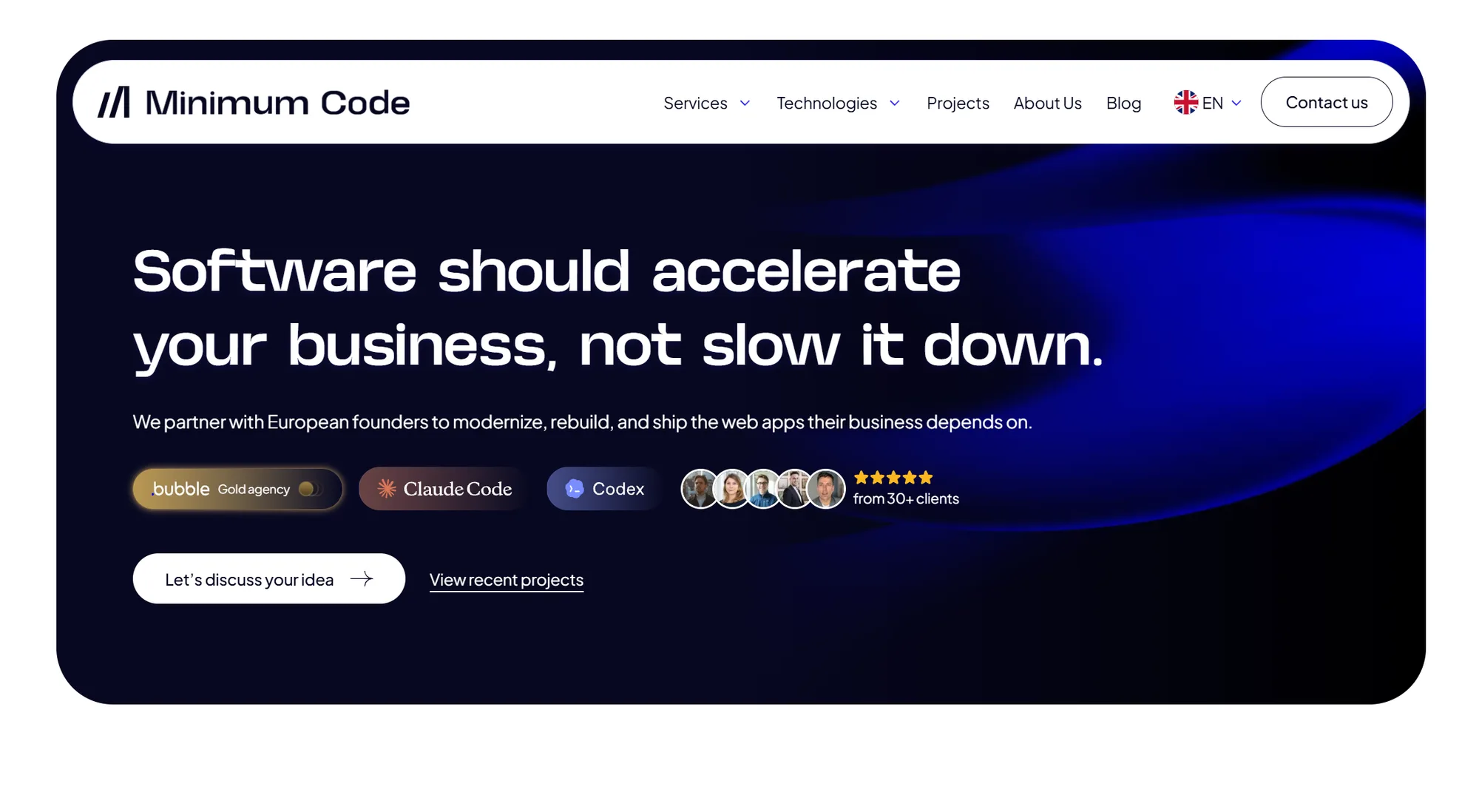
It's a different approach: product-first building, not platform picking.
Specialized product development partnership for founders who need to validate an idea or migrate off a legacy stack. Uses Bubble.io and modern stacks for rapid iteration. Focus is avoiding wasted months building features nobody uses.
Pros: Validation-first methodology. No weeks spent building something your team won't use. Rapid iteration. You get a team that knows your product, not just a platform.
Cons: Requires a partnership engagement. Less suitable for pure internal admin panels where you know exactly what you need. Higher touch than self-service platforms.
Builder-first tools (for teams who want full control)
These are developer-centric platforms designed for teams comfortable with SQL, JavaScript, and custom queries. They offer maximum flexibility but require technical know-how.
Source: budibase.com
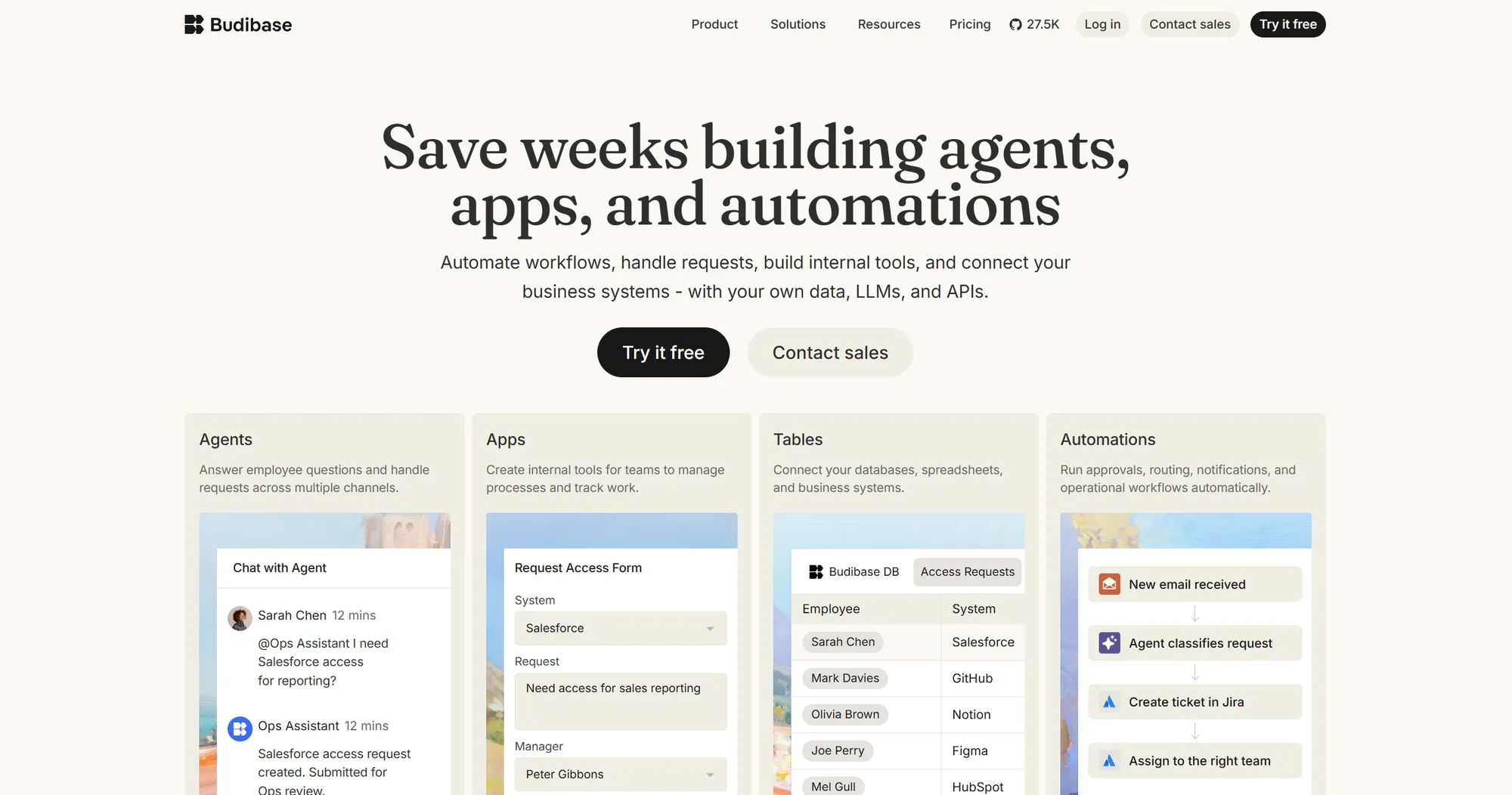
2. Budibase
Open-source, self-hosted, and built around vendor lock-in anxiety. You get SQL builders, JavaScript customization, and the ability to host everything on your own servers. Mature Git support for version control across teams.
Pros: Self-hosting keeps data on your infrastructure. Active open-source community. No artificial scaling limits. You own the codebase outright.
Cons: UI is utilitarian, not modern. Smaller component library than Retool means more manual wiring. Self-hosting requires DevOps overhead.
Source: appsmith.com
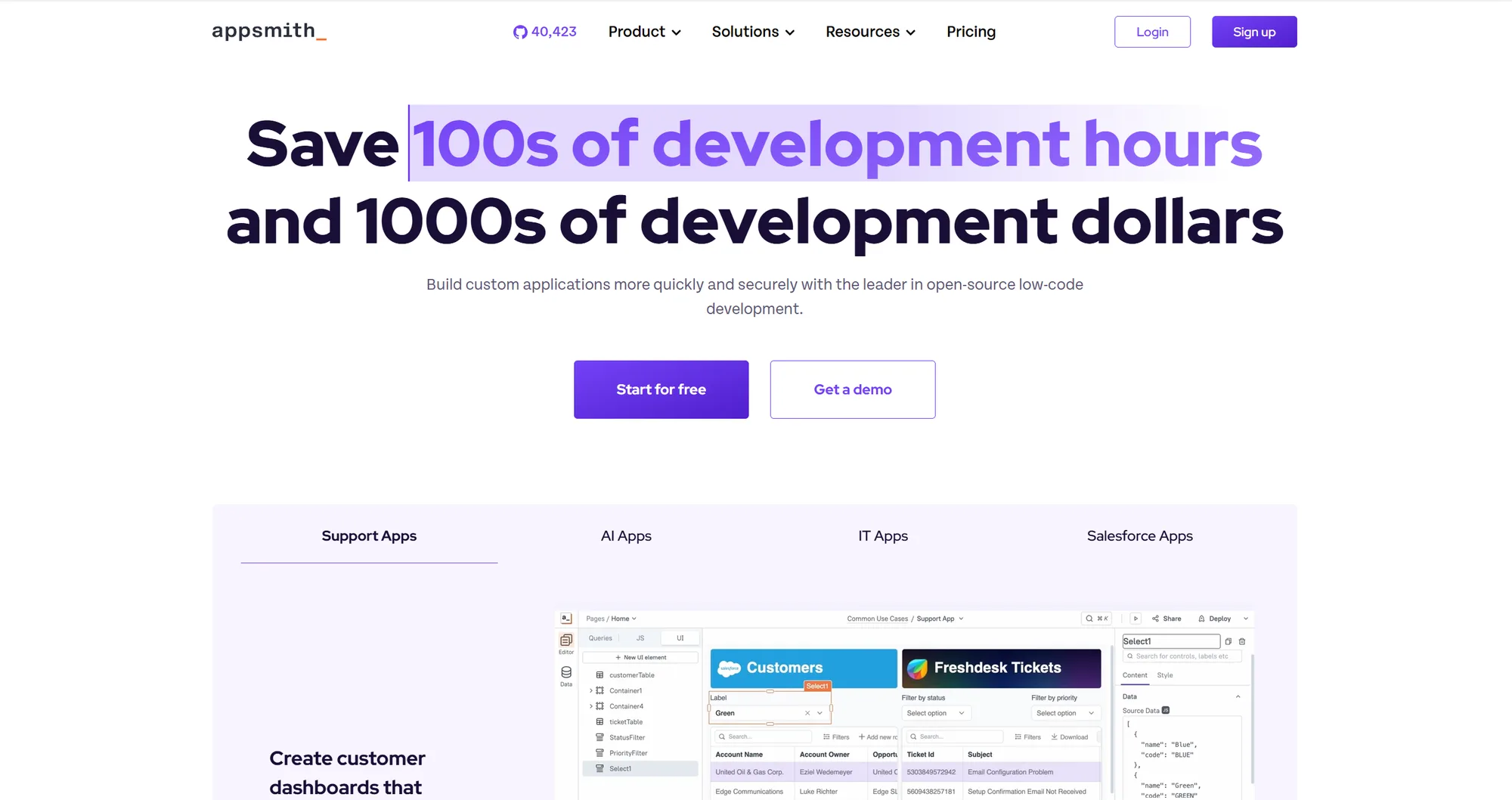
3. Appsmith
The closest open-source match to Retool's query builder and component library. Strong Git integration for version control across a dev team. Generous free tier. Native support for custom JavaScript logic.
Pros: Mature Git workflows. Can track branches, merges, and multi-developer changes. Free tier is legitimately useful. Simple deployment.
Cons: Smaller widget library than mature platforms. Documentation gaps on newer features. Less polished than Retool's UI.
Source: tooljet.com
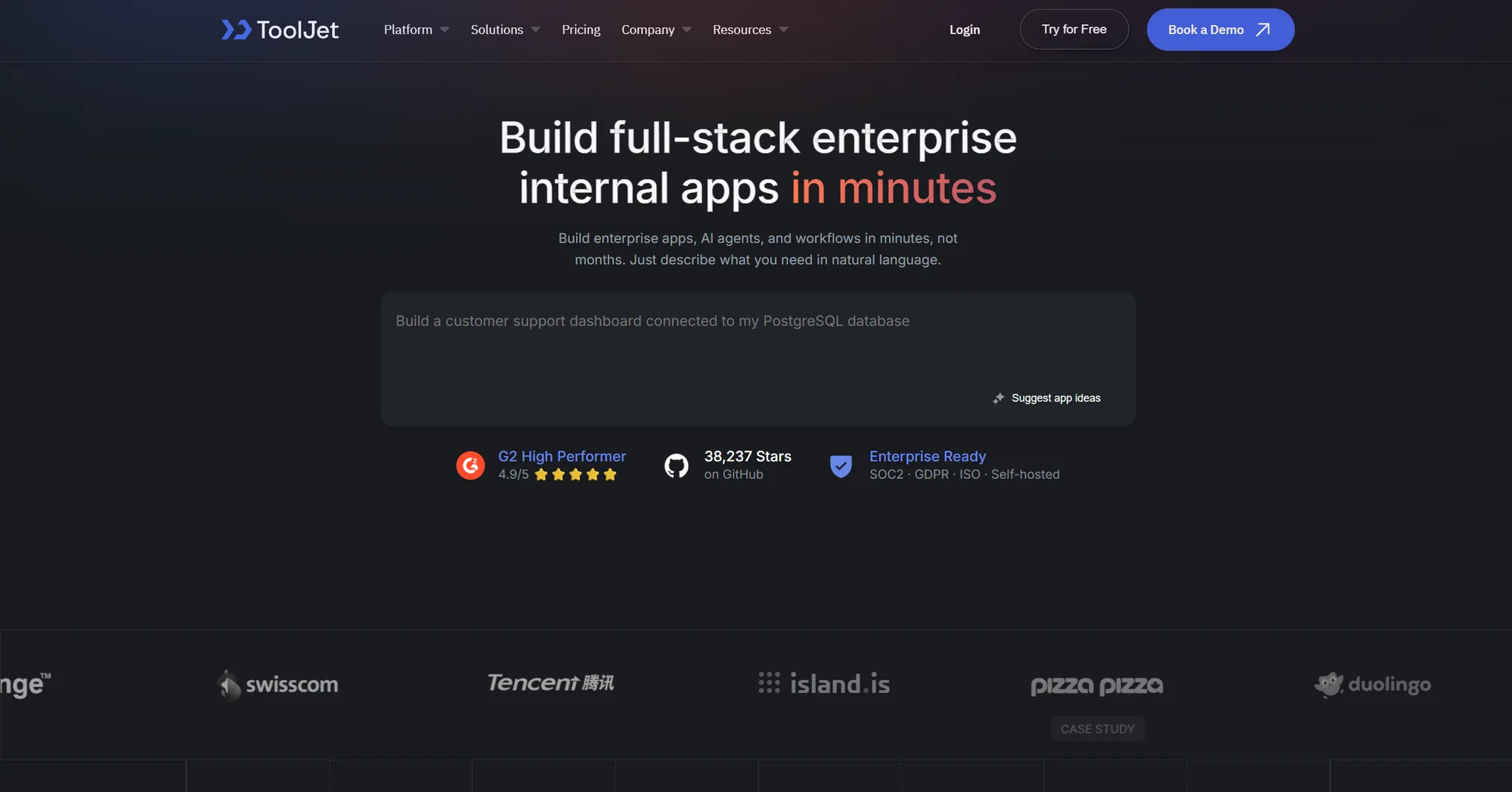
4. ToolJet
Managed cloud hosting with open-source code underneath. Extensible framework. Impressive connector library out of the box (databases, APIs, SaaS tools).
Pros: Hundreds of pre-built connectors. Straightforward deployment. Active development. Self-hosting option available.
Cons: Documentation gaps on newer features will cost you debugging time. Smaller community than Retool or Appsmith. Minor UI bugs pop up occasionally.
Source: superblocks.com
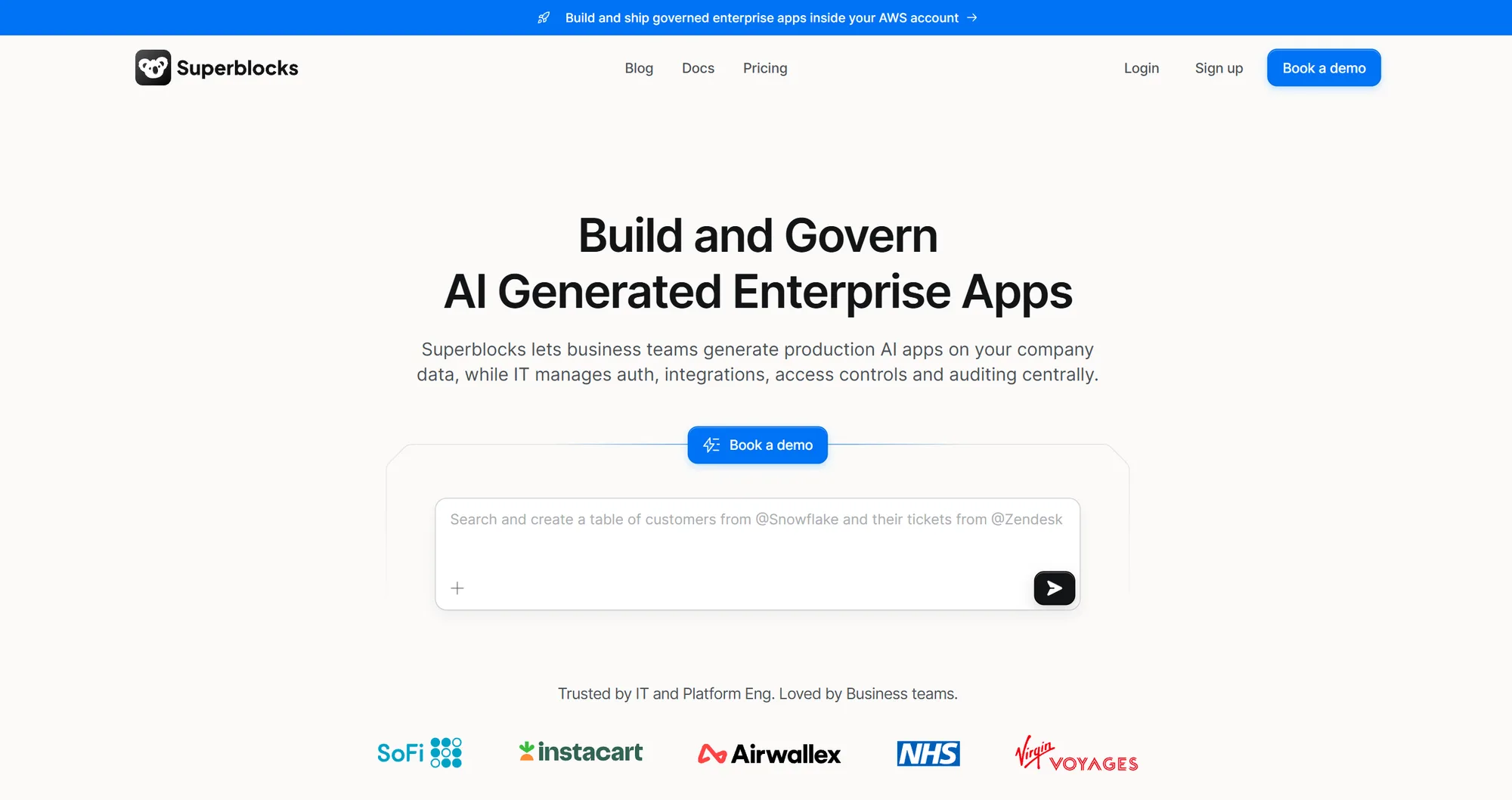
5. Superblocks
Built from scratch as a modern Retool alternative. Polished UX components. Intuitive workflow builder for multi-step API and database operations. AI-powered code generation.
Pros: Modern interface. Smooth multi-step workflows. Strong AI features. Better UX than older platforms.
Cons: Priced for mid-market and enterprise. You won't save money switching from Retool. Less flexible than open-source alternatives.
No-code simplifiers (when speed beats customization)
These platforms trade deep developer customizability for sheer build speed. Engineered for non-technical teams turning structured data into straightforward frontends.
Source: softr.io
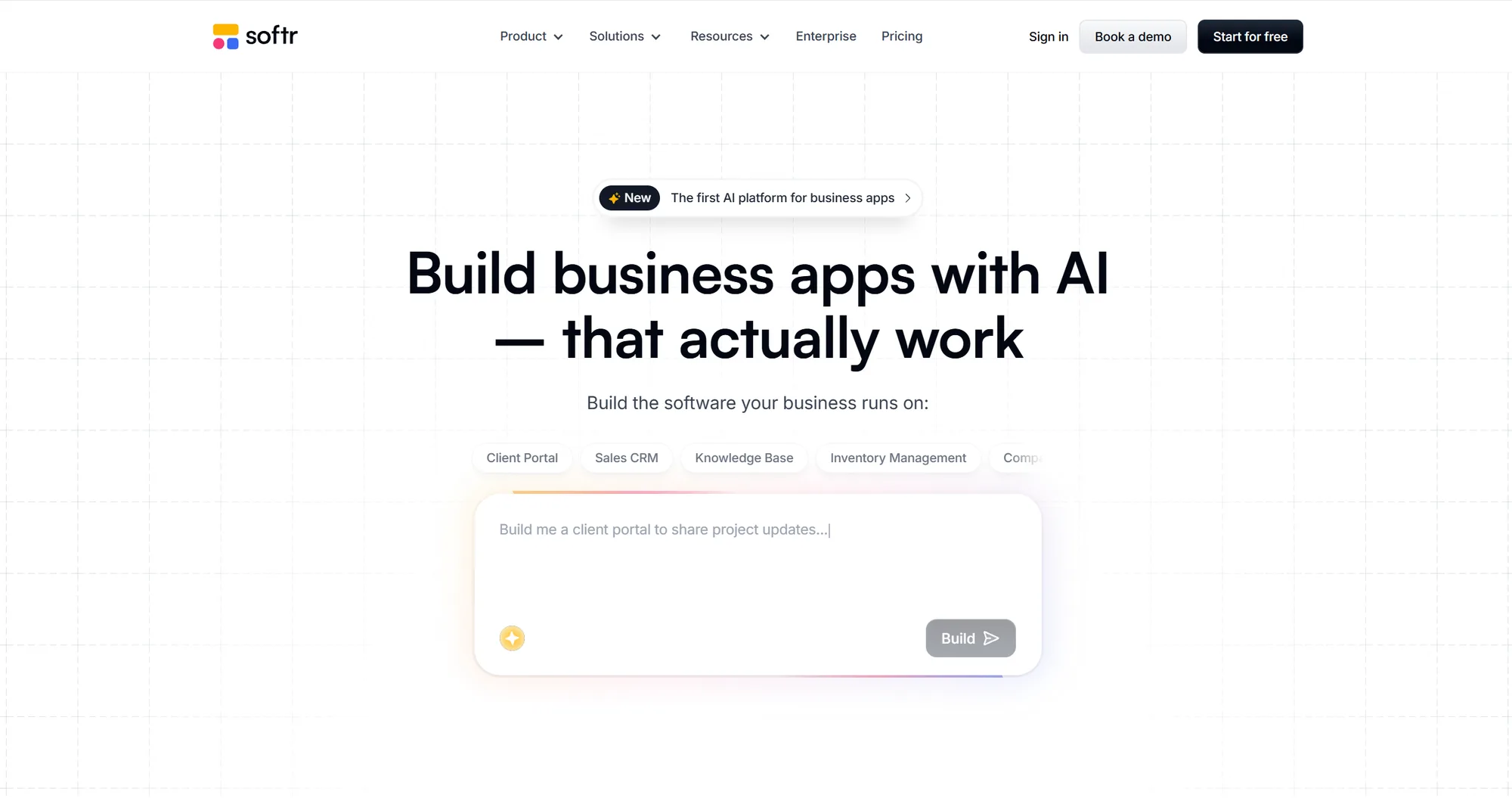
6. Softr
Turns Airtable or Google Sheets into a client portal, internal directory, or operational tracking app without code. Block-based builder. Native user permission gates.
Pros: fast setup. Intuitive visual builder. Permission system is straightforward.
Cons: Rigid customization. Anything beyond basic logic will frustrate you. Can't connect multiple data sources easily.
Source: glideapps.com
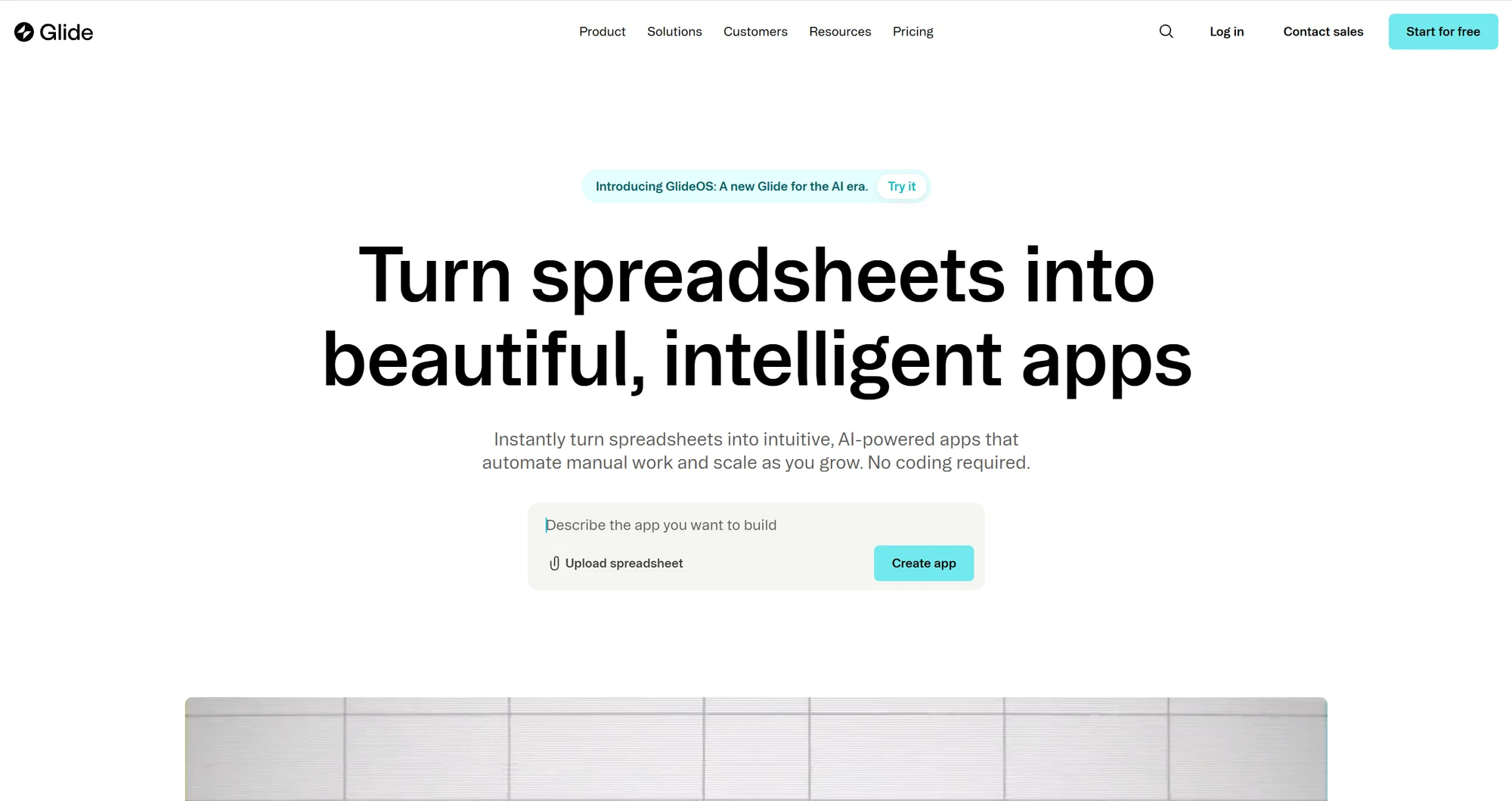
7. Glide
Turns basic spreadsheets into mobile-first operations applications (inventory trackers, field team logs, approval workflows) in under an hour. Built for speed, not customization.
Pros: Mobile UX out of the box. Shallow learning curve if you know spreadsheets. Fast iteration.
Cons: Desktop interface feels secondary. Struggles with large corporate datasets (hundreds of thousands of rows). Limited API customization.
Source: stacker.ai
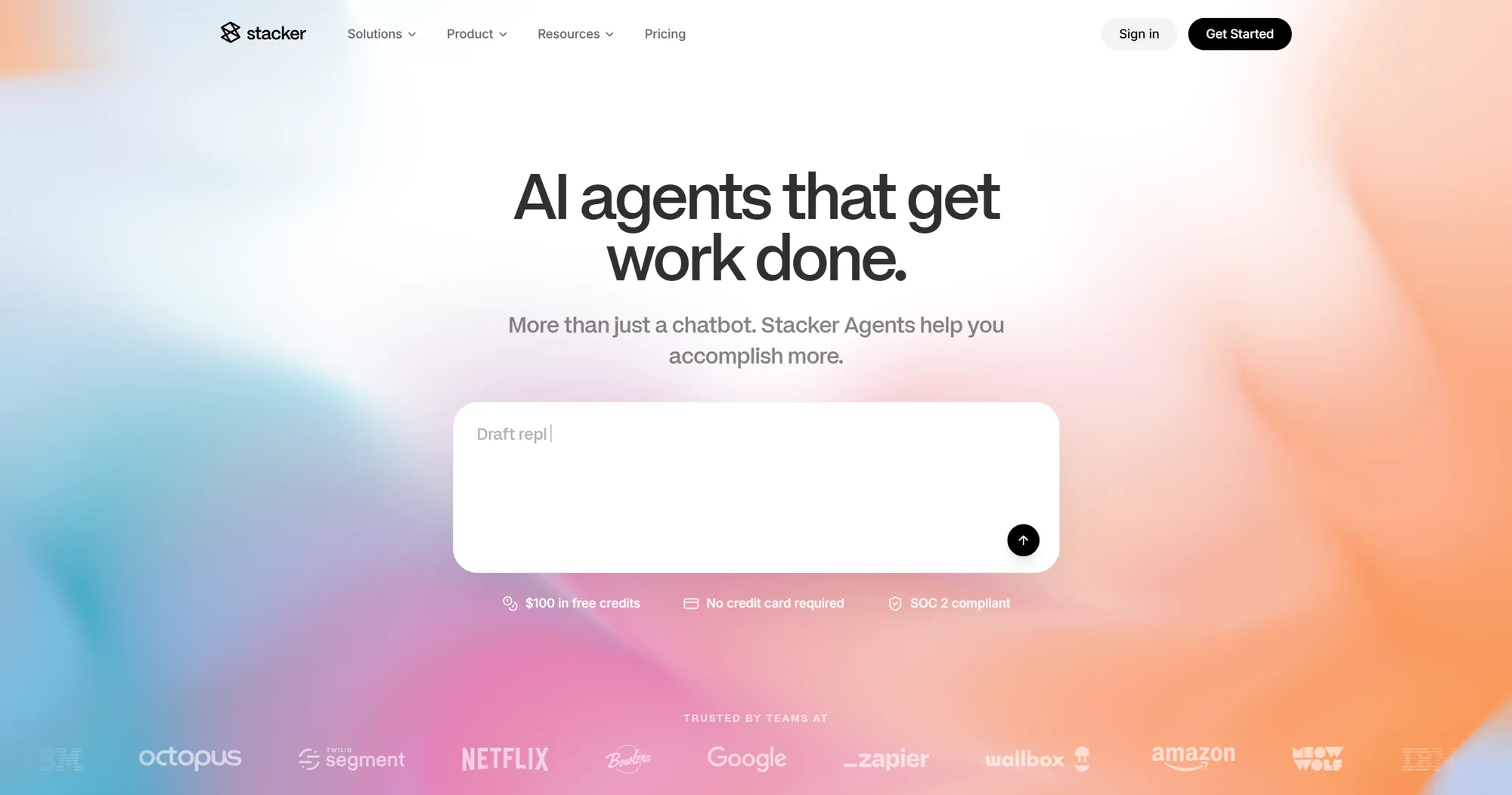
8. Stacker
Sits in the sweet spot for tech-adjacent managers. Understand spreadsheet formulas? Want to avoid raw databases or APIs? Stacker creates clean portals on top of your live data.
Pros: Row-level permissions are easy to configure. Team access control is built-in. No code required.
Cons: Layout components are rigid. You can't build complex workflows. Per-user pricing scales aggressively.
Database-as-interface platforms (when the data layer matters most)
These tools treat your 'internal tool' as a sophisticated spreadsheet-like interface.
Source: baserow.io
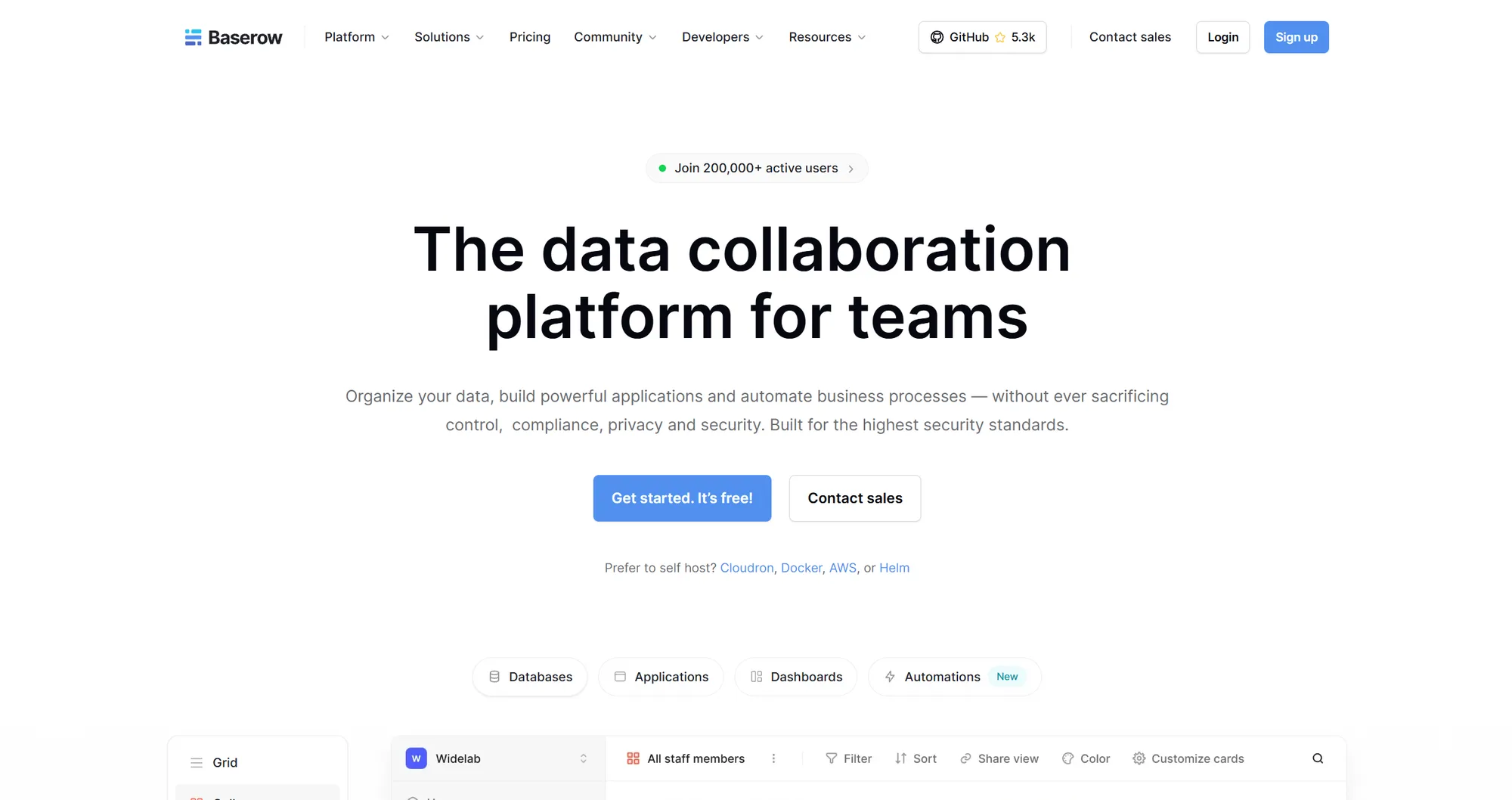
9. Baserow
Open-source, privacy-first alternative to Airtable. Gives operational groups a spreadsheet-database hybrid they can completely self-host to keep sensitive internal data locked down.
Pros: Open-source transparency. Self-hosting keeps data private. Collaborative grid layouts are familiar.
Cons: You're locked into Baserow's data model. Can't point it at an external production database. Smaller integration ecosystem.
Source: nocodb.com
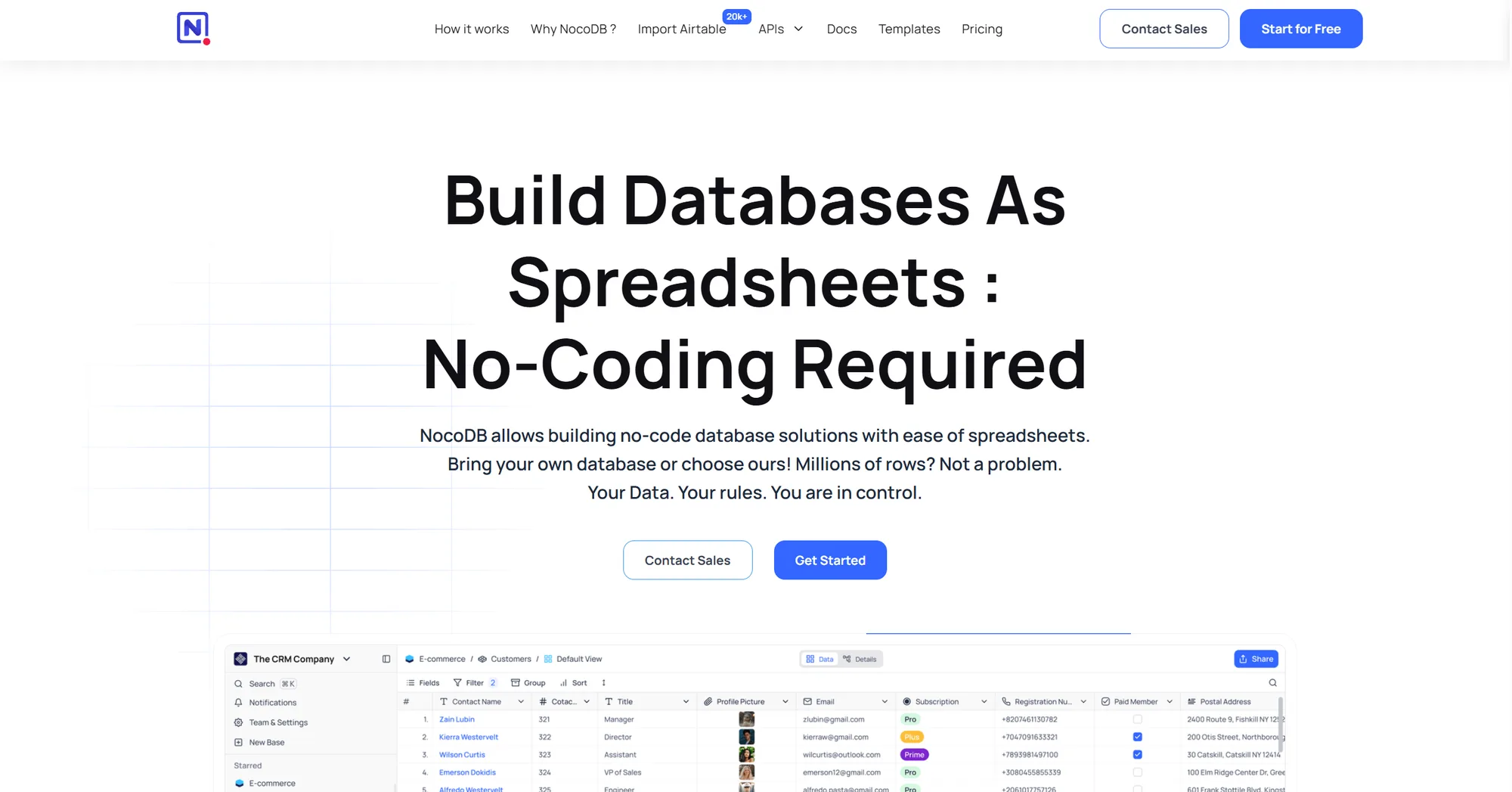
10. NocoDB
Connects straight to your existing production infrastructure (Postgres, MySQL, SQL Server) and instantly displays it as a smart, spreadsheet interface. No data migration required.
Pros: Works with your live database. Non-technical teams get read/update access without ETL. Open-source option available.
Cons: Requires database design knowledge to configure properly. Interface is utilitarian. Limited customization for complex workflows.
Source: airtable.com
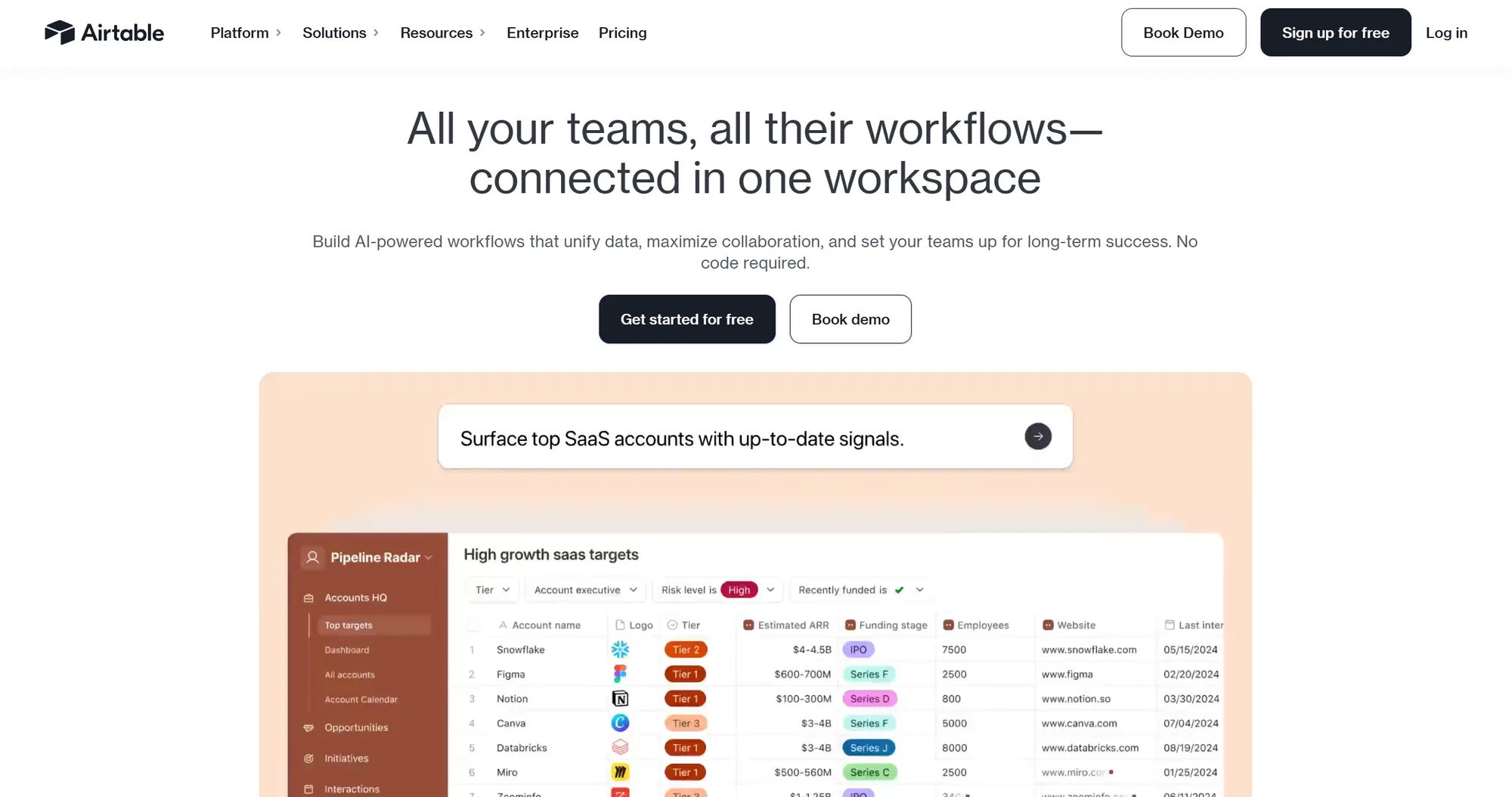
11. Airtable
Gold standard for collaborative database-spreadsheets. Built-in Interface Designer lets teams construct internal workflows directly over their collaborative tracking hubs. Massive integration ecosystem.
Pros: Easiest option for non-technical teams. Integrations everywhere (Slack, Zapier, webhooks). Familiar for anyone who's used spreadsheets.
Cons: Performance degrades once records exceed tens of thousands. Pricing gets expensive at scale. Limited for complex backend integrations.
Source: forest.app
12. Forest Admin
Point it at your database schema and it auto-generates a fully functioning admin panel. Built explicitly for developer teams who want to give support or operations safe, scaffolded access to production data.
Pros: Instant scaffolding from database schema. Robust permission tracking. Built for developer workflows.
Cons: Database-centric only. Struggles if you're trying to combine multiple disconnected APIs. Less suitable for customer-facing portals.
Source: jetadmin.io
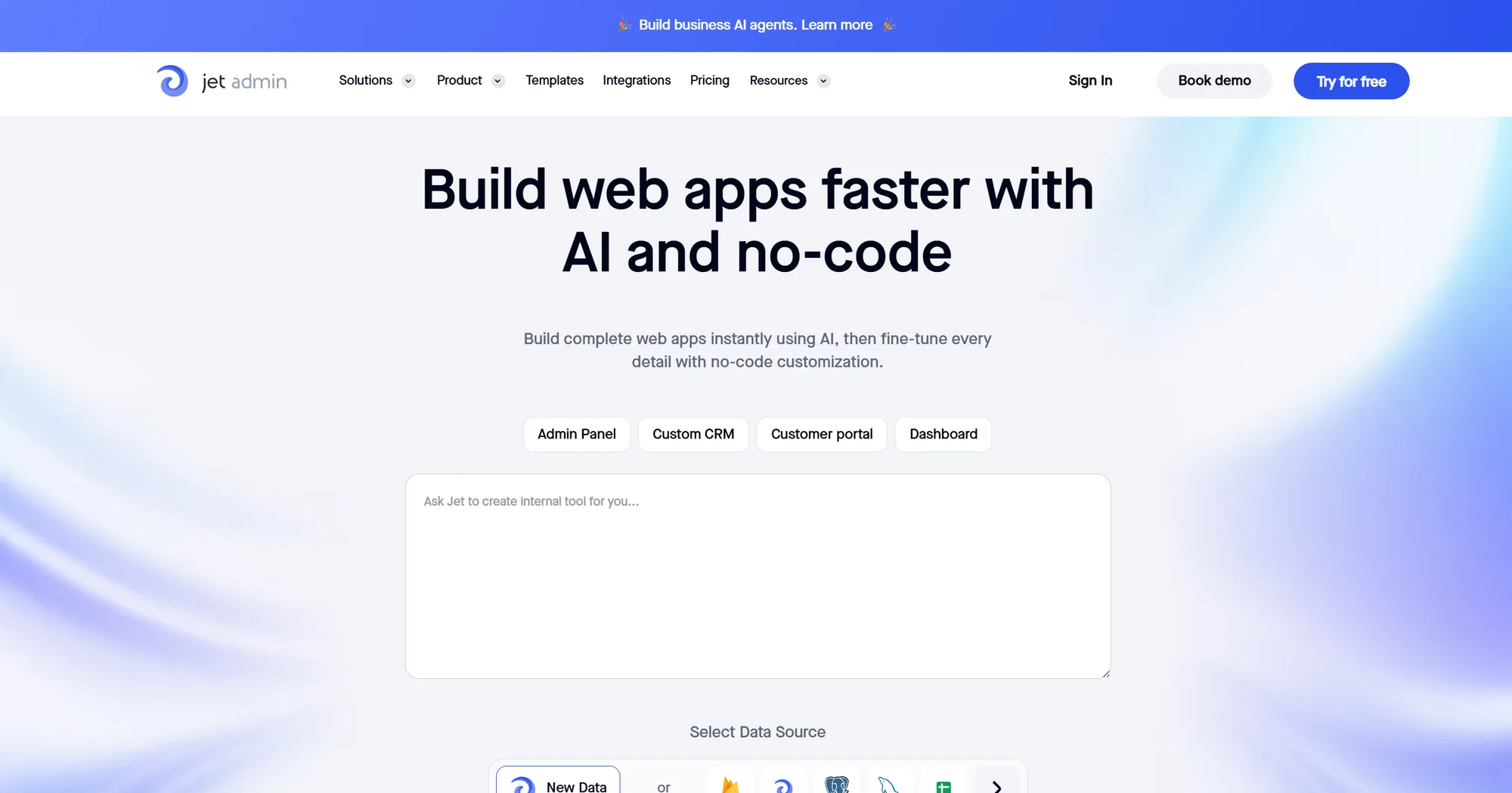
13. Jet Admin
Hybrid platform combining automated admin-panel generation with a drag-and-drop customer interface builder. Works with databases and APIs together.
Pros: Faster than hand-wiring components. More flexible than pure auto-generation. Combines databases and APIs in one tool.
Cons: Complex logic or niche workflows require fighting the visual framework. Steeper learning curve than pure no-code tools.
Enterprise compliance-first platforms (for mission-critical infrastructure)
Legacy platforms designed for massive enterprise organizations where strict governance, complex compliance, and comprehensive audit logs outweigh deployment speed.
Source: mendix.com
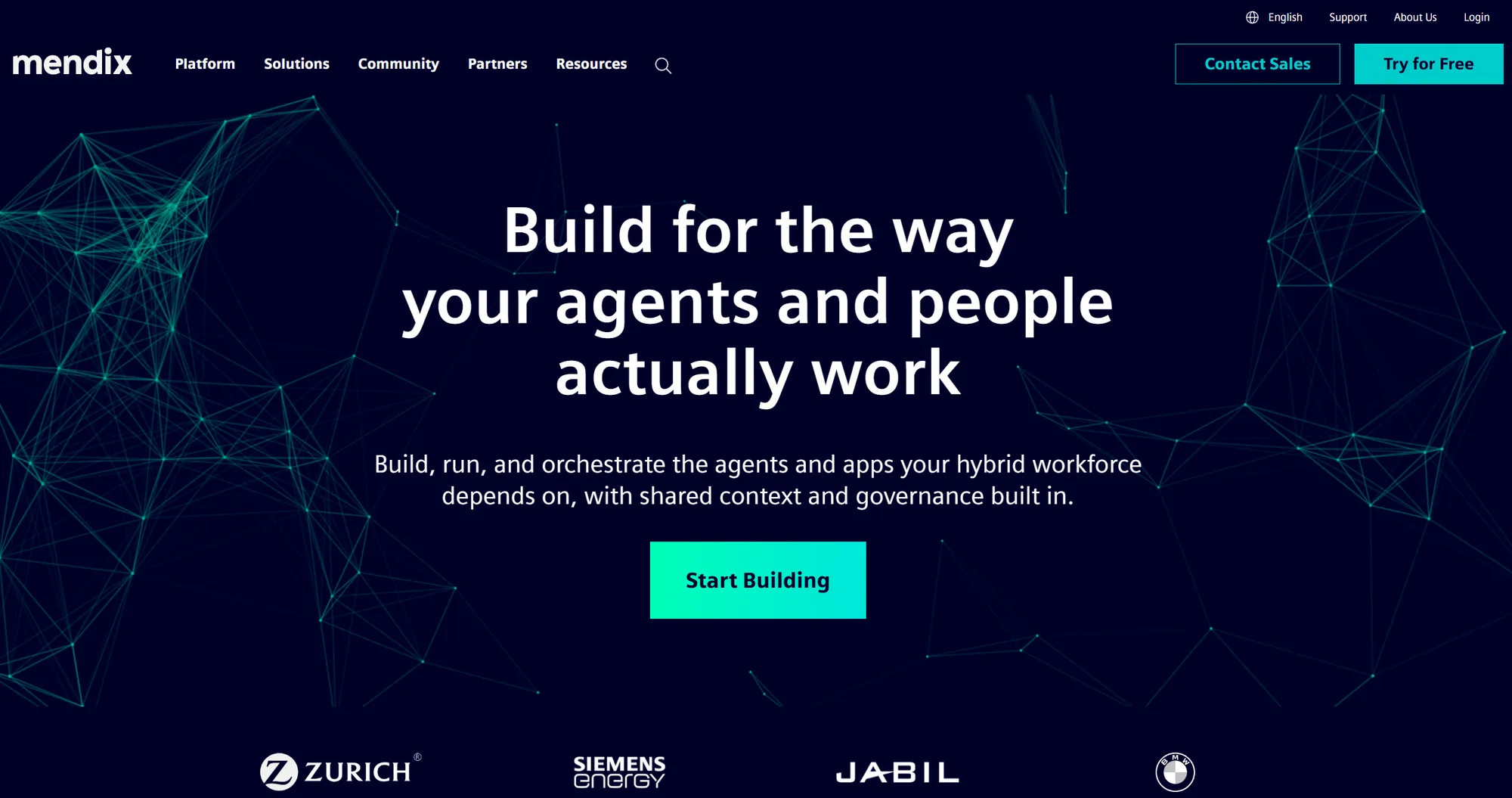
14. Mendix
Heavy-duty enterprise low-code platform built to run mission-critical applications. Thorough logging. Deployment pipelines. Multi-tenant security architecture. Strong governance tools.
Pros: Uncompromising security and compliance. Massive scalability. Extensive audit logs and governance.
Cons: Entry price starts at six figures. Implementation learning curve measured in months. Requires dedicated DevOps resources.
Source: outsystems.com
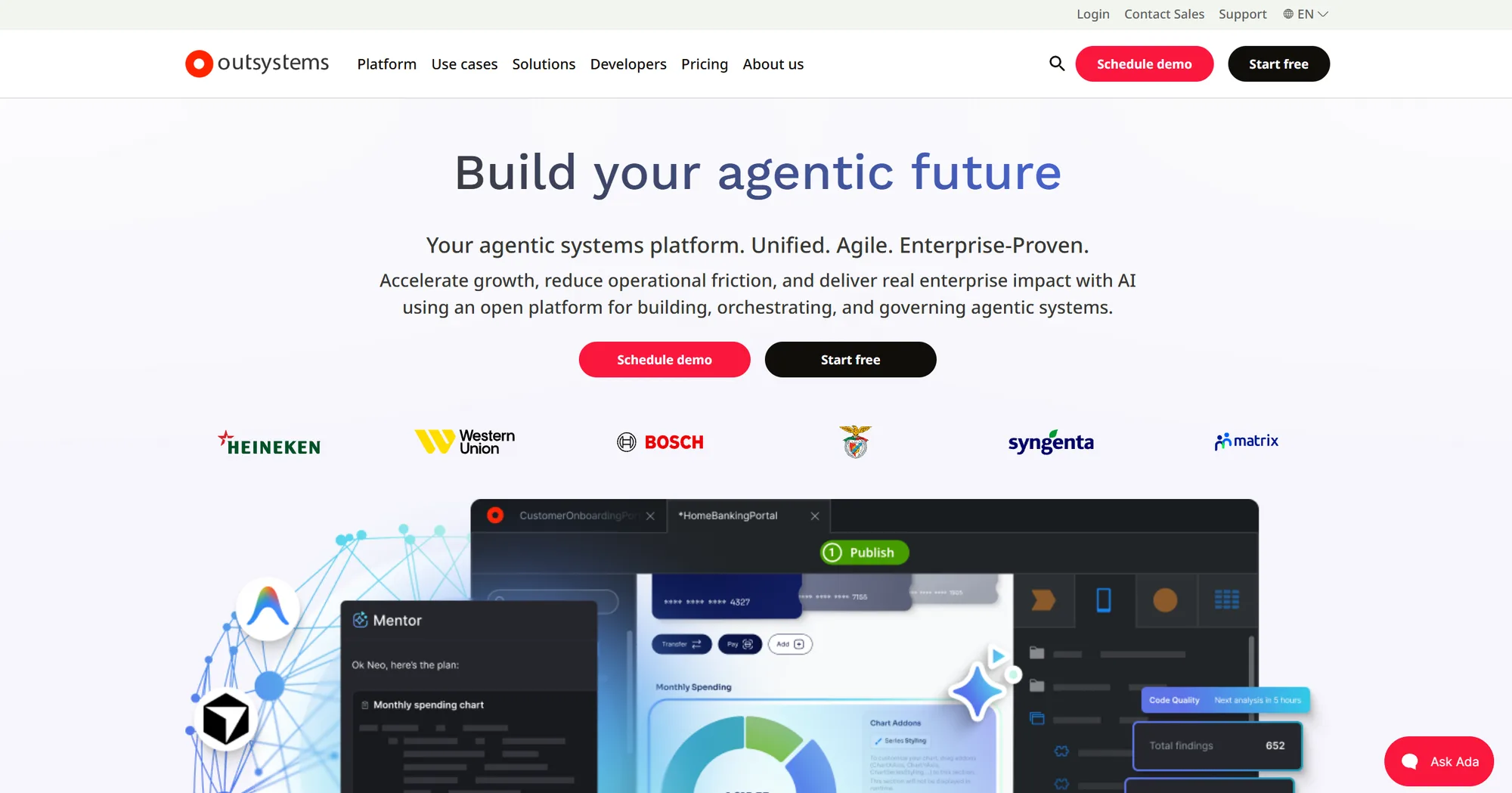
15. OutSystems
Direct enterprise alternative to Mendix focused on full-stack application development. Handles backend logic through customer-facing web apps. AI-driven DevOps automation.
Pros: Exceptional deployment architecture. Automated testing pipelines. Full-stack capability from database to UI.
Cons: Severe lock-in. Migrating away from the ecosystem is extremely costly. Steep learning curve.
Source: powerapps.microsoft.com
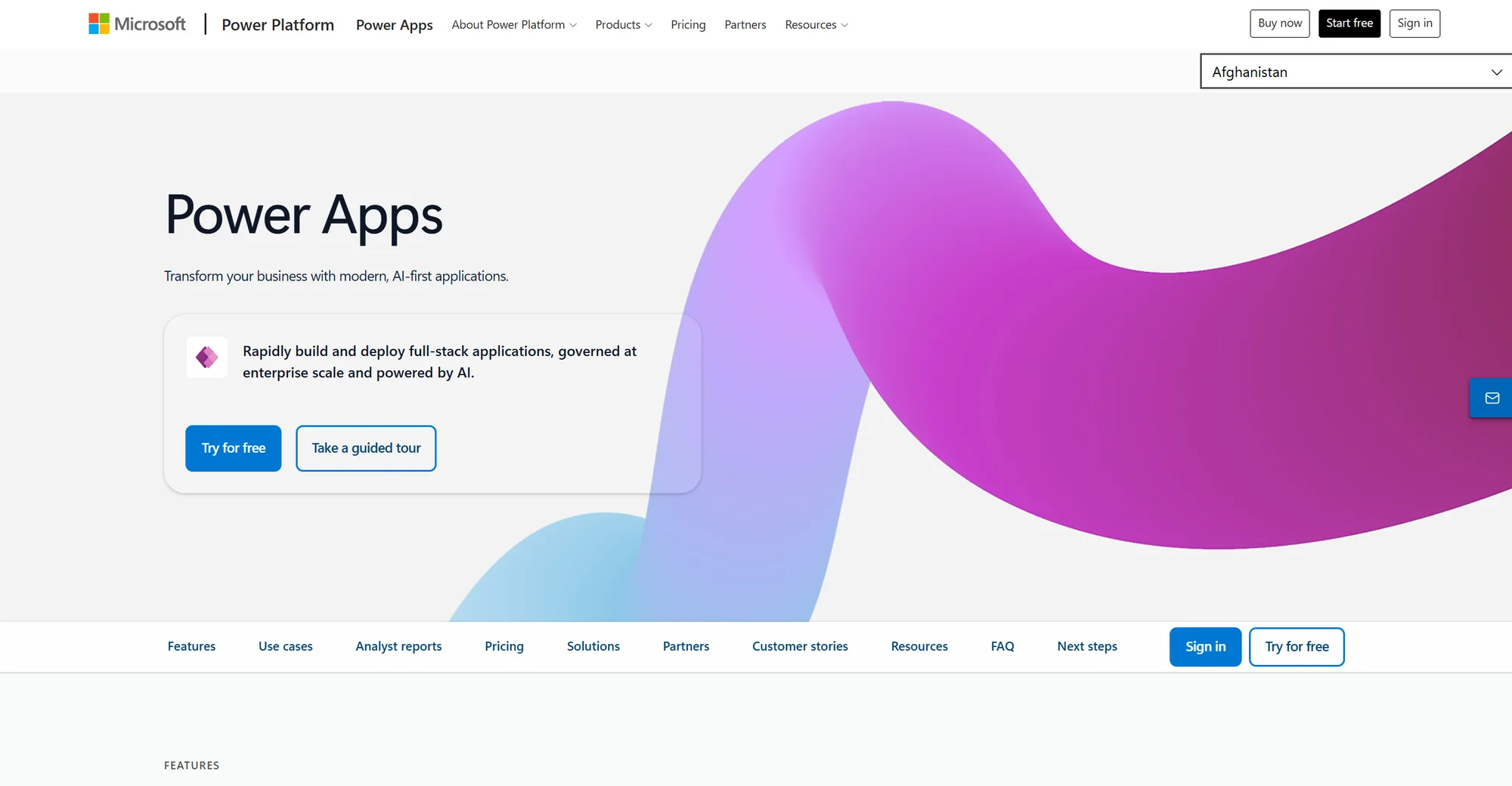
16. Power Apps
Microsoft's internal application builder. Native integration with Azure, Microsoft 365, and Dataverse. Makes sense if your company is all-in on the Microsoft stack.
Pros: Deep integration with Microsoft ecosystem. Native directory sync. Familiar to Excel users.
Cons: Components feel dated. Pulling data from outside Microsoft requires frustrating workarounds. Limited for non-Microsoft integrations.
Source: salesforce.com
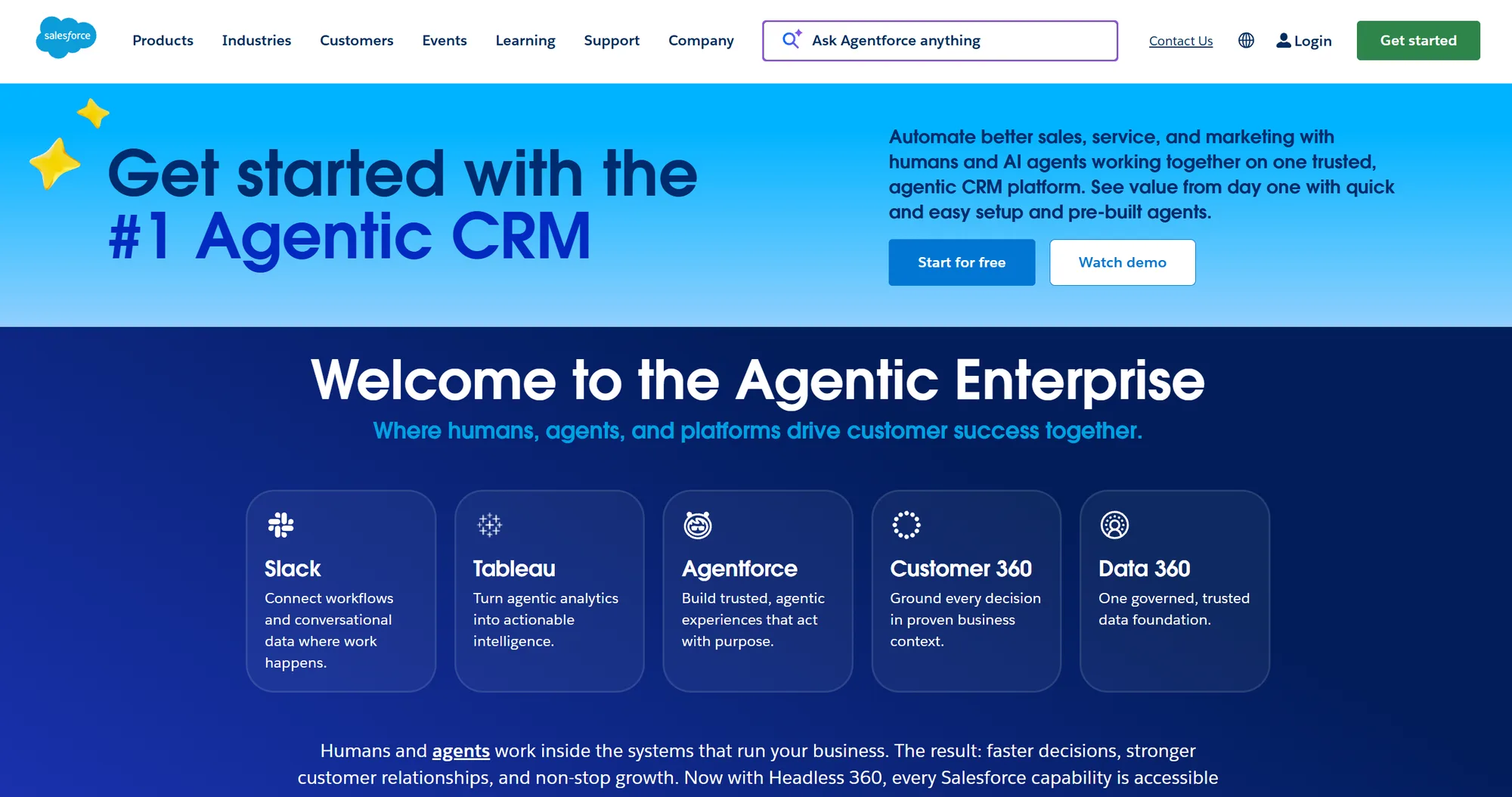
17. Salesforce Lightning
Platform-native framework for building customized layouts inside your CRM. Only viable if your customer data, sales records, and business automation routines already live completely inside Salesforce.
Pros: Native access to entire Salesforce data schema. No external API management. Built for CRM workflows.
Cons: Proprietary framework requiring Salesforce-specific expertise. Only useful if you're already on Salesforce. High switching cost.
How to make the decision
If you write SQL and JavaScript: Pick Budibase, Appsmith, ToolJet, or Superblocks. Budibase if you need self-hosting and don't want vendor lock-in. Appsmith if you need Git workflows. ToolJet if you want a managed platform with connector flexibility. Superblocks if you want a modern UI.
If your data is in a spreadsheet: Pick Softr for a quick portal, Glide for mobile apps, or Stacker for permission-heavy workflows. All three need no code.
If your data is in a production database: Pick NocoDB to connect without migrating. Airtable if you want to move the data and get collaboration features. Forest Admin if you're just giving ops teams safe database access.
If you need to validate something in a week: Don't pick a platform. Talk to a product-focused development partner. Platforms assume you know what you're building. If you don't, you'll waste the first month figuring it out. A partner (like Minimum Code) will help you validate the idea before you build.
If you need enterprise security and compliance: Pick Mendix, OutSystems, Power Apps, or Salesforce Lightning. Accept six-figure pricing and months of implementation.
The honest thing nobody says
Most teams pick low-code platforms to avoid hiring engineers. Then they spend weeks fighting platform constraints, fighting permissions systems, fighting the visual builder because their workflow doesn't fit the pre-built components.
Sometimes the smarter move is building with a partner who can move fast without constraints. That means real product methodology: validation before building, clear scoping, and a team that knows how to avoid technical debt.
But if you know exactly what you need and your workflow fits a platform, the alternatives above will ship it faster than writing it from scratch.
Book a call with Tom to get a clear plan and an honest take on your project.

Written by Tom
Founder and Lead Developer

Ready to start your project?
Book a free discovery call to learn how we can build your app in 4 weeks, or less.
Book a call