
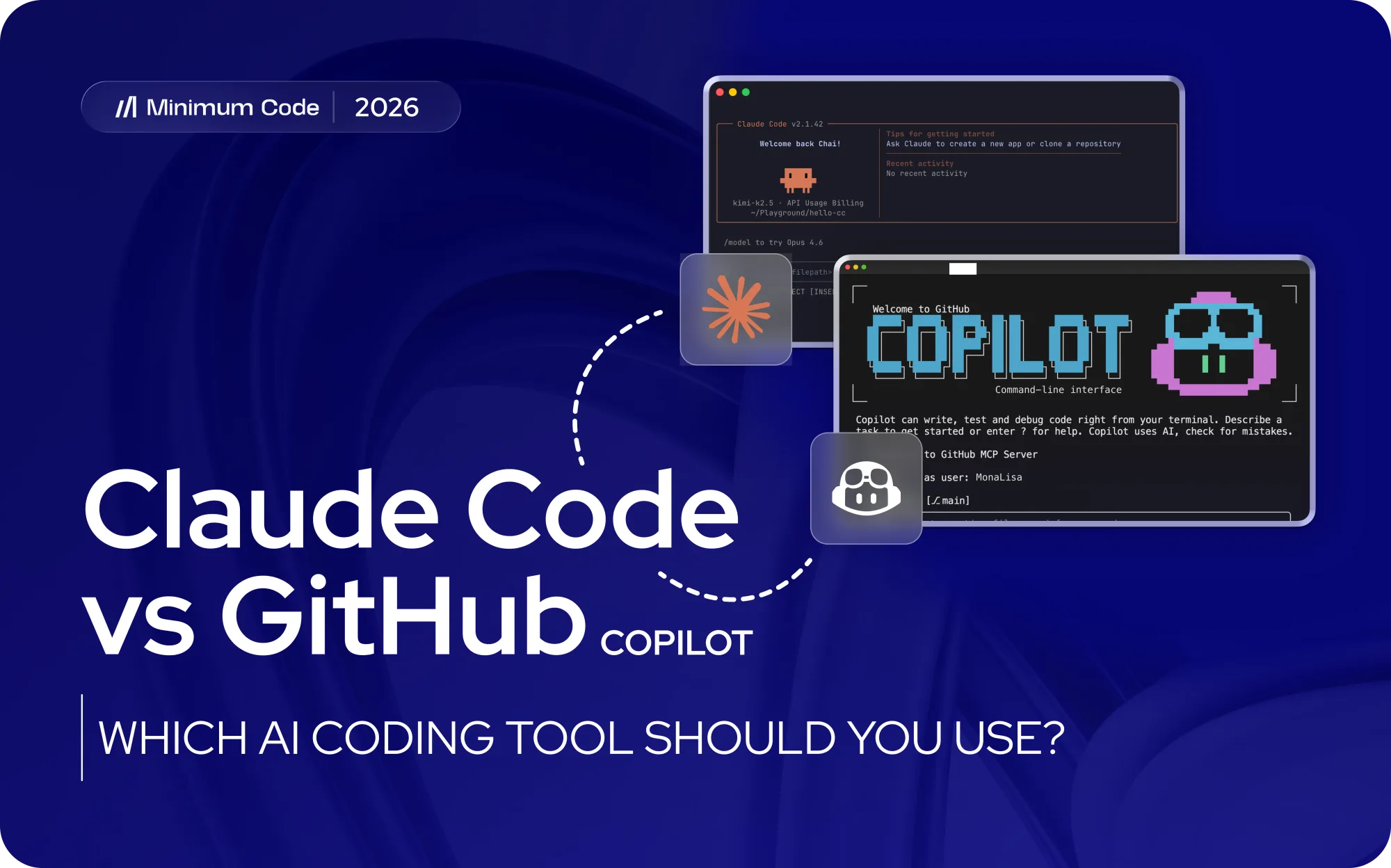
Claude Code vs GitHub Copilot used to be an easy comparison. Copilot helped developers write code inside an editor, while Claude Code behaved more like an engineering agent that could take a larger task and work through it. In 2026, that neat distinction has mostly disappeared.
GitHub Copilot now has agent mode, a coding agent, CLI access, code review, repository instructions and support for multiple AI models. Claude Code has expanded in the opposite direction, moving beyond its terminal roots into IDEs, web, GitHub and other development surfaces. Both can now participate in substantial software development work.
For founders, the useful question is how each tool changes the way engineering work gets done. At Minimum Code, we use agentic tools as part of a supervised development process where senior engineers define tasks, inspect implementation decisions, test critical behaviour and remain responsible for what reaches production. From that perspective, Claude Code currently has the edge for deep, engineer-directed repository work. GitHub Copilot is especially compelling for teams already organised around GitHub and IDE-based development.
Key takeaways
- Claude Code is our stronger choice for deep agentic engineering work where an experienced developer wants to investigate a repository, implement coordinated changes, run commands and tests, and actively redirect the agent.
- GitHub Copilot has grown far beyond autocomplete. Its agent mode, coding agent, CLI, code review and GitHub integration make it a serious agentic development platform.
- Copilot fits established GitHub workflows particularly well. Teams can move from issue to implementation to pull request and review without introducing a completely separate development environment.
- Claude Code gives engineers a particularly strong environment for delegated repository work, including debugging, refactoring, feature implementation and larger multi-step tasks.
- The tools increasingly overlap. The choice now depends more on workflow, supervision, repository structure and engineering process than on a single headline feature.
- Founders should measure accepted engineering output rather than generated code. Review time, defects, rework, security and maintainability all affect the commercial result.
- Using both can be reasonable. A mature engineering team may use Copilot for continuous IDE assistance and GitHub workflows while assigning deeper implementation tasks to Claude Code.
- Neither removes the need for technical ownership. Architecture, security, testing and release decisions still require engineering judgment.
Claude Code vs GitHub Copilot at a glance
The biggest change in this comparison is convergence. GitHub Copilot has moved toward autonomous coding agents while Claude Code has expanded beyond a terminal-only workflow. A founder choosing between them in 2026 is comparing two increasingly capable AI development systems with different centres of gravity.
Claude Code vs GitHub Copilot
Area | Practical difference |
|---|---|
Claude Code | Strongest for deep, delegated repository work led by experienced engineers |
GitHub Copilot | Strongest for AI development integrated closely with IDE and GitHub workflows |
Repository work | Both can work across multiple files and larger tasks |
Agentic coding | Both support agent-led development workflows |
Inline coding | Copilot remains particularly natural for continuous IDE assistance |
Terminal workflows | Claude Code remains particularly strong for engineers working close to the repository and command line |
Code review | Copilot has a strong advantage from its position inside GitHub workflows |
Model choice | Copilot provides access to multiple model families, while Claude Code is built around Anthropic's Claude models |
Team adoption | Copilot fits naturally into organisations already standardised around GitHub |
Complex delegation | Claude Code is our preferred option for sustained engineer-directed agent work |
Best overall fit | Depends on how engineers want to supervise and review AI work |
The gap is narrower than older comparisons suggest. Anyone evaluating GitHub Copilot vs Claude Code purely as autocomplete versus autonomous agent is comparing previous generations of the products.
This same convergence is visible across the wider AI coding market. Our comparison of Claude Code alternatives covers how tools that began with very different interfaces are increasingly competing around repository understanding, agent execution, review and developer control.
What changed in the Claude Code vs GitHub Copilot comparison?
GitHub Copilot started with an exceptionally simple proposition: AI predicts useful code while a developer types. That made AI assistance almost invisible. Developers stayed inside their normal editor, accepted useful suggestions and ignored the rest.
The product has since expanded much further into the software development lifecycle. Copilot can answer questions about code, make coordinated edits, operate in agent mode, work through the command line, review code and assign development work to a coding agent. Teams can also use repository instructions to give it persistent context about how a project should be handled.
Claude Code came from the other direction. It established itself around delegated engineering work: give the agent access to the project, explain the objective, and let it investigate the repository, edit files, execute commands, run tests and respond to the results.
Claude Code has also expanded its surfaces. The terminal remains central, but developers can work with it through supported IDEs and other environments. Its evolution increasingly turns Claude Code into an engineering workspace rather than a clever command-line utility.
The result is an interesting collision. GitHub Copilot has become more agentic while Claude Code has become more accessible across development environments.
That convergence mirrors what we found comparing Gemini CLI vs Claude Code. Feature lists increasingly tell only half the story because capable coding agents can now perform many of the same fundamental operations. Workflow design becomes the bigger differentiator.
Where Claude Code is stronger
Claude Code becomes particularly valuable when the unit of work is a complete engineering task rather than the next piece of code.
An engineer can ask it to investigate how authentication currently works, identify the parts of the repository involved in a requested change, inspect relevant dependencies, propose an approach, modify several files, run tests and continue investigating when something fails.
That loop is where Claude Code feels particularly natural.
Deep repository investigation
Existing software rarely tells its story in one file. A seemingly small change can involve database models, API routes, permissions, shared utilities, frontend state and tests spread across the repository.
Claude Code can search through those relationships before implementation begins. That ability is useful for debugging unfamiliar behaviour, preparing migrations, tracing dependencies and understanding how an older feature was assembled.
For experienced engineers, this changes the economics of repository exploration. Time that would have been spent manually searching, opening files and tracing references can shift toward evaluating the agent's conclusions.
Our article on whether Claude Code is worth it goes deeper into that ROI question. The useful calculation includes investigation, implementation and verification time rather than simply asking how quickly Claude can generate code.
Sustained multi-step work
Claude Code also suits tasks that evolve while they are being executed.
A test fails. The agent investigates why. A dependency behaves differently from expected. The implementation changes. An engineer spots an architectural problem and redirects the approach.
This interactive agent loop gives experienced developers substantial control without forcing them to manually execute every mechanical step.
That is one reason Claude Code remains one of our preferred tools for agentic engineering. The engineer stays close enough to the work to intervene while delegating enough execution to create meaningful leverage.
Extending the workflow around the agent
Claude Code can work with command-line tools and external systems, while project-level instructions help teams preserve conventions between sessions. More advanced agent workflows can also divide work among specialised agents.
The commercial benefit appears when these capabilities are connected to a disciplined development process. More autonomy without boundaries can simply generate more work for reviewers.
Our agentic engineering vs vibe coding comparison explains why the process surrounding AI output becomes more important as software moves toward production. Agents can perform implementation work at impressive speed, but architecture, testing and accountable review still determine what is safe to release.
Where GitHub Copilot is stronger
GitHub Copilot has one enormous structural advantage: many development teams already spend much of their working day inside the environments where Copilot operates.
Code lives in GitHub. Issues live there. Pull requests move through it. Reviews happen there. Developers work in supported IDEs connected to those repositories. Adding Copilot can extend an existing workflow instead of creating a new one.
AI assistance stays close to the developer
Copilot remains excellent for developers who want AI available continuously while they code.
Inline completions can remove repetitive typing without turning every small change into a delegated agent task. Chat can answer questions or help modify code. Agent mode can take over when a request expands beyond a local edit.
That range creates a smooth escalation path.
A developer can start by writing code manually with AI suggestions, ask for help when necessary and delegate larger work when the task warrants it. Teams do not have to decide that every problem belongs in an autonomous agent session.
This makes GitHub Copilot attractive for companies that want broad AI adoption across a conventional engineering team.
GitHub integration is a genuine workflow advantage
Copilot's relationship with GitHub becomes especially useful when development work reaches review.
A coding agent can work on assigned tasks and produce changes that enter familiar pull request workflows. Code review capabilities then bring AI into another stage of delivery.
For engineering managers, that continuity can be valuable. Developers, agents and reviewers can work around the same repository and review infrastructure instead of assembling a separate process around each AI tool.
Model flexibility
Copilot has also become less tied to one underlying model.
Access to multiple model families gives developers flexibility to choose models for different kinds of work while retaining the surrounding Copilot environment. That can appeal to organisations that want one AI development interface without committing their complete workflow to a single model provider.
Claude Code takes a more integrated approach around Claude models. For some engineers, that coherence is an advantage. For teams that prioritise model choice, Copilot has a stronger proposition.
Claude Code vs GitHub Copilot for real development work
The useful comparison begins when both tools receive a realistic task.
Suppose an application needs a change to an existing billing workflow. The work may require finding the current payment logic, understanding account permissions, changing an API route, updating the interface, handling failed payments and adding tests.
Both Claude Code and Copilot can now contribute to a task of that scope.
Claude Code is particularly comfortable when an engineer wants to hand over a bounded objective and let the agent investigate before implementing. The session can move repeatedly between repository inspection, coding, command execution and testing.
Copilot gives the developer more ways to decide how much control to delegate. They can use inline suggestions while editing one area, chat about the implementation, switch into agent mode for broader changes or delegate work through the coding agent.
The choice therefore becomes partly behavioural.
Claude Code encourages engineers to think in engineering tasks. Copilot can move fluidly between AI-assisted manual coding and agentic execution.
For Minimum Code, larger delegated tasks are where Claude Code earns its place. We also use other coding agents because no single tool owns every useful development workflow. Our Codex vs Claude Code comparison reaches a similar conclusion: mature teams can choose agents according to the structure of the task instead of forcing the entire development process through one product.
Which is better for debugging and refactoring?
Debugging exposes one of Claude Code's clearest strengths because difficult bugs tend to require investigation rather than code generation.
An error visible in one component may originate from a completely different layer of the application. Finding it can require reading logs, tracing data, searching references, running tests and examining several plausible causes before changing anything.
Claude Code is very effective in this environment. An engineer can give it the symptom and relevant context, then let the agent explore the repository and execute diagnostic commands. The session can continue through several hypotheses without constantly reconstructing context.
Copilot can perform increasingly sophisticated debugging through its agentic capabilities too. Its advantage appears when the developer prefers to stay inside the editor and maintain tighter visual contact with the code throughout the process.
Refactoring follows a similar pattern.
For a coordinated refactor spanning many files, Claude Code is an excellent choice. For ongoing improvements while developers actively edit and review code inside an IDE, Copilot can feel more integrated.
Neither should be trusted to declare its own refactor successful simply because the code compiles. Behavioural tests, regression checks and human review still determine whether the change preserved the product correctly.
Claude Code vs GitHub Copilot pricing
Price makes Copilot look immediately attractive, especially for individual developers, but subscription cost is a poor proxy for development cost.
GitHub offers an entry-level free tier alongside paid individual plans, while organisation plans are structured separately. Claude Code is included with paid Claude plans and can also be used through consumption-based options.
Those prices and usage systems change frequently enough that teams should verify current terms before purchasing.
More importantly, the cheaper subscription does not necessarily produce the cheaper engineering workflow.
A €10 or €20 tool that repeatedly saves an experienced engineer hours of useful work is inexpensive. A tool that generates changes quickly but adds substantial review, debugging or rework can cost far more through engineering time.
Minimum Code's software development statistics show why this distinction has become important. AI-assisted code generation has accelerated, while review, testing, security and maintainability increasingly determine how much of that output creates usable software.
For a founder, the better ROI question is:
How much reviewed, tested and accepted engineering work does this tool help the team complete?
That measurement captures the hidden costs that subscription comparisons miss.
Which tool is safer for production software?
Neither tool should be treated as an independent authority on production readiness.
Claude Code provides controls around file changes and command execution, while GitHub Copilot offers organisational controls and integrates closely with existing development and review infrastructure. Both platforms provide options aimed at professional and enterprise development.
Those controls are valuable, but tool security and application security are separate problems.
An AI agent can produce code that passes basic checks while introducing a weak permission rule, incorrect business logic, an unsafe migration or an edge case that only appears under real usage.
Production safety therefore depends heavily on the engineering environment surrounding the agent.
A strong workflow gives the agent enough context to understand the task, limits unnecessary access, requires relevant tests, reviews important changes and keeps a human accountable for the release.
This becomes even more important for founders without internal technical leadership. The agent can generate and modify code faster than a non-technical founder can reliably evaluate it.
Our comparison of Claude vs ChatGPT for coding describes the first stage of this progression. Chat assistants help developers reason about code. Coding agents can execute much more of the work. As execution capacity increases, verification becomes more valuable rather than less.
Can you use Claude Code and GitHub Copilot together?
Yes, and for some engineering teams this may be more sensible than choosing one winner.
The tools overlap substantially, but overlap does not make them interchangeable in every workflow.
A developer could use Copilot for inline completions, quick edits and everyday IDE assistance while using Claude Code for repository investigation, substantial refactors or longer agentic tasks.
That setup only becomes useful if each tool has a defined role. Paying for several AI products while developers randomly switch between them can create duplicated costs, inconsistent workflows and unclear project instructions.
Teams should decide which tasks belong to each environment, how generated changes are reviewed and where persistent project rules live.
The goal is a coherent engineering system, not an impressive collection of AI subscriptions.
Which should founders choose?
For an experienced engineer or technical founder who wants to delegate substantial repository work, we would choose Claude Code first. Its workflow is particularly strong for investigation-heavy tasks, multi-file implementation, debugging, testing and active engineer supervision.
For an established development team already working deeply inside GitHub and supported IDEs, GitHub Copilot is extremely compelling. Its combination of inline assistance, chat, agent mode, coding agent and code review can introduce AI across several stages of an existing engineering process with relatively little friction.
For a non-technical founder, the choice requires more caution.
Both tools can make software easier to produce. Neither gives a founder the engineering experience required to reliably assess architecture, permissions, data models, security, migrations or production readiness.
If the project is an experiment, that may be acceptable. If customers, revenue, private information or core operations depend on the software, someone experienced should own those decisions.
That is also why comparing AI coding tools should never become a substitute for deciding how to choose a software development partner. A strong development team should be able to explain how agents are instructed, where human review occurs, how critical workflows are tested and who takes responsibility for releases.
Frequently asked questions
Is Claude Code better than GitHub Copilot?
Claude Code is our preferred option for experienced engineers delegating substantial repository tasks that involve investigation, implementation, commands and testing. GitHub Copilot can be the stronger choice for teams prioritising IDE integration, GitHub workflows, code review and flexible AI assistance across the development lifecycle.
Is GitHub Copilot an AI coding agent?
Yes. Describing GitHub Copilot only as AI autocomplete is outdated. Copilot now includes agentic capabilities that can work across files, execute development tasks and participate in broader GitHub workflows.
Is Claude Code only a terminal tool?
No. The terminal remains an important part of Claude Code's identity, but the product now operates across additional development surfaces, including supported IDE and web workflows.
Which is better for beginners, Claude Code or GitHub Copilot?
GitHub Copilot can provide a gentler entry point for someone already using a supported IDE because AI assistance can appear directly inside the normal coding workflow. Claude Code becomes especially valuable when the user understands repositories, commands, tests and enough software engineering to supervise delegated work.
Which is better for large codebases?
Claude Code is particularly strong for deep repository investigation and coordinated multi-file work. GitHub Copilot also supports increasingly substantial agentic tasks. Repository quality, documentation, tests and project instructions can influence results as much as the tool itself.
Can Claude Code replace GitHub Copilot?
For developers primarily interested in agentic repository work, potentially. Developers who rely heavily on continuous inline suggestions and GitHub-integrated workflows may still prefer Copilot or use both.
Can GitHub Copilot replace Claude Code?
For some teams, yes. Copilot's current agentic capabilities cover much more development work than earlier versions. Engineers who prefer Claude Code's style of sustained, delegated repository work may still find it more effective for complex tasks.
Do Claude Code and GitHub Copilot replace software developers?
They can automate or accelerate substantial parts of implementation, debugging, testing and code navigation. Production software still requires technical decisions around architecture, security, requirements, review and releases. AI changes how engineering work is executed more convincingly than it eliminates the need for engineering ownership.
Choosing the tool is only part of the engineering decision
The Claude Code vs GitHub Copilot gap is getting smaller. Both are becoming capable agentic development platforms, but they approach the work from different directions.
Claude Code remains our stronger default for deep, engineer-led repository work. GitHub Copilot makes a powerful case for teams that want AI woven through the IDE, GitHub, pull requests and existing development processes.
For founders, the larger decision sits above the tool. Faster code generation creates value when the surrounding engineering process can turn that speed into software that is reviewed, tested, secure and maintainable.
If you want that agentic development capacity without becoming the person responsible for supervising every technical decision, contact Minimum Code to discuss your product and development workflow.

Written by Tom
Founder and Lead Developer

Ready to start your project?
Book a free discovery call to learn how we can build your app in 4 weeks, or less.
Book a call