
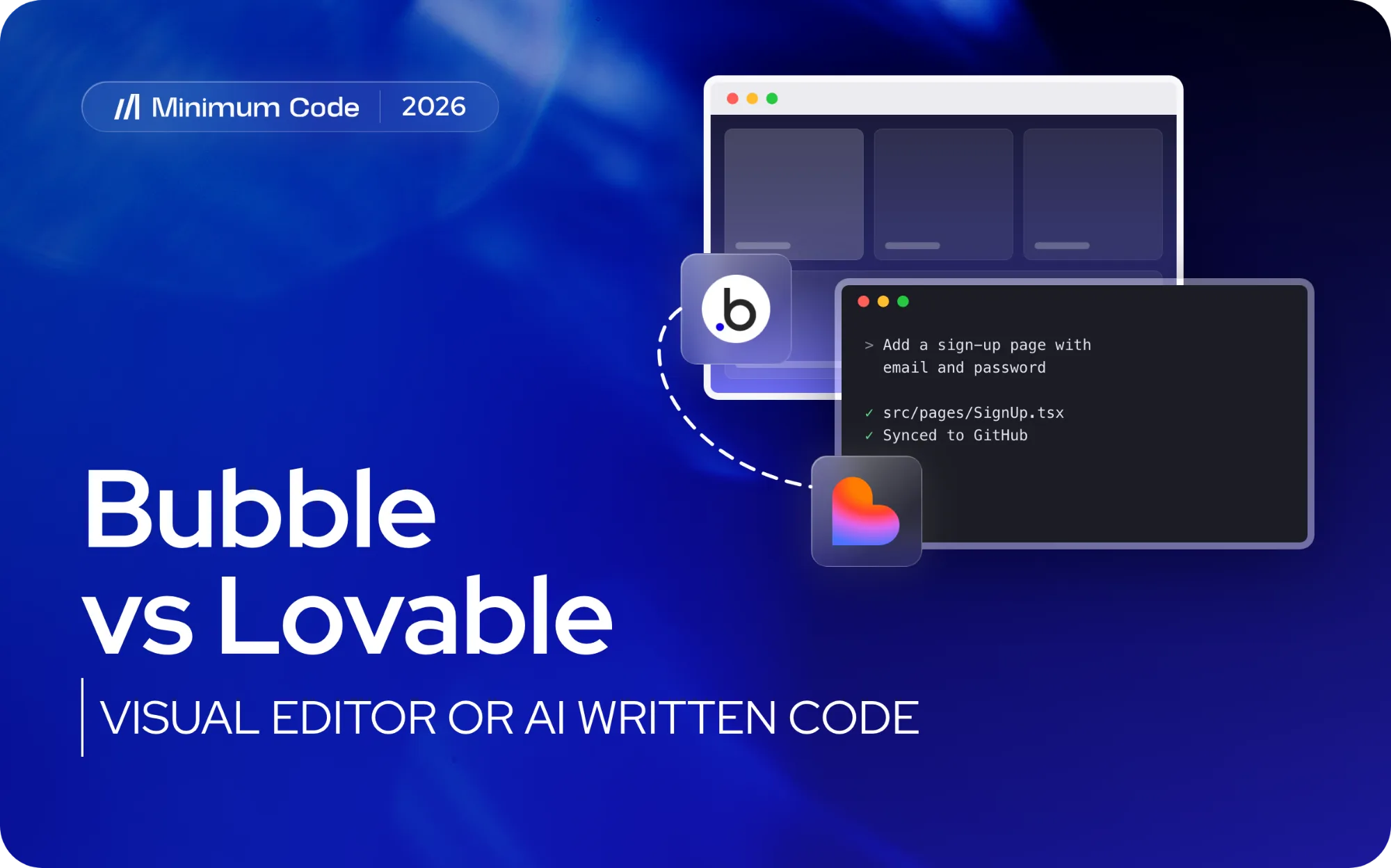
Bubble vs Lovable comes down to how you want to build and who should own the result. Bubble is a visual no-code editor where your app, database and hosting all live on Bubble. Lovable is an AI app builder that writes real code from prompts and syncs it to your GitHub. Choose Bubble if you want to build and change the app yourself without touching code; choose Lovable if you want code you own and expect engineers to take it further. For a product with paying customers, both need engineering review before they carry real traffic.
Key takeaways
- Bubble is a visual, all-in-one platform: you can't export the app as runnable code, only its data.
- Lovable generates a React app with a Supabase backend and syncs it to GitHub on every plan, so you own the code from day one.
- Both are fast for a first version. Authorisation, multi-tenant data boundaries, background jobs and billing are where both need an engineer.
- AI builders can't inspect a live Bubble app's runtime behaviour, so rebuilding a Bubble app in Lovable is a guess at its logic, not a copy of it.
- Migrating off either makes sense when you need SEO control, EU hosting for regulated data or code your team can maintain.
Bubble vs Lovable at a glance
Bubble | Lovable | |
|---|---|---|
How you build | Visual editor: drag elements, define workflows | Prompts in a chat; the AI writes and edits the code |
What you get | An app that runs only on Bubble | A React and Vite front end with a Supabase backend |
Code ownership | No code export; data export only | Two-way GitHub sync, code export on every plan |
Hosting | Bubble's servers; EU hosting only on Enterprise | Lovable hosting, or anywhere you deploy the repository |
Changing it later | Anyone who knows Bubble, in the editor | Prompts, or engineers working in the repository |
Best for | Founders who want to build and iterate without code | Founders who want a fast start and code they own |
What is the difference between Bubble and Lovable?
Bubble has been around for over a decade and is built for people who don't write code. You design pages visually, define the database and write logic as workflows, and Bubble hosts the result. That makes it quick to change, but your app only exists inside Bubble: you can export the data, while the workflows, interface and privacy rules stay on the platform. Our guide on exporting a Bubble app to code covers what you can and can't take with you.
Lovable works the other way round. You describe what you want and the AI writes the code, mostly a React single-page app with Supabase for the database, auth and edge functions. The code sits in a GitHub repository you control, so an engineer can pick it up at any time. What you get out of it, and what to fix before launch, is covered in Lovable export code.
So the Lovable vs Bubble choice is less about features and more about the end state: an app you keep editing visually on a platform, or a codebase that starts generated and ends up maintained by engineers.
What do Bubble and Lovable each do well?
Bubble earns its place for founders who need a working product without hiring engineers first. It handles database design, workflows and hosting in one visual editor, which makes it a solid fit for prototypes, internal tools and early-stage products validating demand. Lovable is faster still for a first version and leaves you with code, which suits founders testing an idea before committing budget to a development team.
Both approaches struggle once a product carries paying customers, sensitive data or complex business logic. Here's where they tend to diverge:
- Development speed: both are fast for a first version, and AI builders are increasingly fast for a second one too.
- Hosting and SEO: Bubble hosts everything itself and has known SEO limitations; Lovable's default single-page React app renders in the browser, so it needs work before it ranks well too.
- Complex logic: multi-step workflows, billing and background jobs are where both show their limits soonest.
- Cost shape: Bubble charges by workload units that climb with usage, detailed in our Bubble pricing breakdown; Lovable charges by plan and usage credits, and once you leave it, the cost is your hosting and engineering time.
What are the alternatives to Bubble and Lovable?
If neither fits, the realistic options are:
- Other AI app builders, such as Bolt, Replit or Base44. They work like Lovable, with the same strengths and the same review needs; our hands-on review of AI app builders compares them.
- Other no-code builders, if you want Bubble's visual approach for a narrower job, for example an internal tool or a simple portal.
- A coded stack built by engineers, such as Next.js with Supabase, when you need code ownership, SEO control or EU hosting from the start. AI coding tools have made this much faster than it used to be.
What breaks when you rebuild a Bubble app in Lovable?
Credit where it’s due: tools like Lovable are genuinely good at fast front-end scaffolding. The trouble starts when that scaffolding becomes the backend for a product people pay for.
- Authorisation gaps: automated scaffolding often generates routes and database access without proper role checks, which can leave data exposed between user types.
- Multi-tenant boundary failures: apps serving multiple customers or organisations need strict data isolation, and AI-generated code frequently mixes tenant data unless someone explicitly designs for separation.
- Data integrity issues: migrations between schemas rarely preserve constraints and relationships exactly, which shows up later as orphaned records or duplicate entries.
- Background jobs that silently stop: scheduled tasks, reminder emails and recurring billing runs are easy to miss because they don’t appear in a demo.
- Billing edge cases: failed payments, proration, refunds and plan changes need deliberate handling that a generated checkout flow rarely covers.
- Missing observability: logging, error tracking and alerting are not default outputs of an AI builder, so failures go unnoticed until a customer complains.
The deeper problem is specific to migration: AI app builders have no way to inspect a live Bubble app’s actual runtime state. Rebuilding Bubble logic from the outside means guessing at workflows, conditions and edge cases rather than copying them, which is why experienced teams treat the generated app as scaffolding and do the real work in the repository.
Pro Tip: Export your Bubble app’s workflows and database structure before starting any rebuild, so you have a written reference instead of relying on memory.
When should you stay on Bubble, and when should you migrate?
Staying on Bubble makes sense if your app is a prototype, an internal tool, or a product with simple workflows and no regulatory pressure. Migrating makes sense once SEO, hosting control or scale start costing you customers or money.
- SEO and performance: if organic search matters to your growth, a coded front end on a framework like Next.js will outperform Bubble’s rendering approach.
- EU hosting and GDPR: regulated sectors such as healthcare, fintech and defence usually need EU-based hosting, which Bubble only offers on its Enterprise plan; for most other apps, Bubble’s data processing agreement keeps US hosting compliant.
- Scale and complex integrations: long-running jobs, heavy third-party integrations and high transaction volumes expose Bubble’s workflow engine limits faster than simpler apps.
- Growing platform bills: as usage climbs, Bubble’s workload pricing can outpace what equivalent hosting would cost on a coded stack, a pattern we cover in our Bubble pros and cons breakdown.
Migrations typically spend more time on planning and acceptance testing than on the rebuild itself, because mapping existing behaviour accurately takes longer than writing the equivalent code.
Migration checklist: prepare, test and cut over safely
A safe migration follows a sequence, not a rewrite sprint.
- Inventory every feature and data model, including edge cases your team has patched manually over time.
- Write acceptance tests mapped to real customer flows, not just happy-path demos.
- Decide on hosting and data residency before writing code, especially if GDPR or sector-specific rules apply.
- Document billing and subscription logic exactly, including trial periods, proration and failed payment handling.
- Build a staging environment that mirrors production, with a rollback plan if something doesn’t match.
- Plan the cutover for zero downtime, with a defined support window afterwards to catch anything missed.
Phase | What it covers | Typical focus |
|---|---|---|
Discovery | Feature and data inventory | Mapping existing behaviour |
Planning | Hosting, GDPR, billing logic | Legal and compliance checklist |
Build | Coded rebuild of workflows | Engineering implementation |
Testing | Acceptance tests, staging | Matching production behaviour |
Cutover | Go-live, rollback plan | Zero downtime switch |
Support | Post-launch monitoring | Catching missed edge cases |
How Minimum Code handles migrations and rebuilds
Our migration engagements run on fixed price and fixed scope, so founders know the cost and timeline before work starts, and we switch apps over with no downtime. For the data side, see how to migrate a Bubble database to Supabase.
Senior engineers own the architecture, code review and testing on every project, while AI coding tools handle implementation under that supervision, which keeps delivery fast without skipping the checks a paying-customer app needs. We started on Bubble in 2022 and remain a Bubble Gold agency, so when an app genuinely should stay on Bubble, we say so. For regulated apps, we advise on EU hosting and GDPR requirements as part of the same conversation, covered in detail on our Bubble to code migration page.
Our advice for non-technical founders
Prototypes are fine without paying customers attached. The moment real money, real data or multiple tenants enter the picture, the same code needs tests, authorisation checks and someone who understands why it was built that way.
Use AI builders as scaffolding: get the front end fast, then hand the result to engineers who can review it, harden the backend and own it going forward. A codebase nobody on your team designed is a codebase nobody can safely change later.
FAQ
Is Lovable better than Bubble?
Neither is better in general. Lovable is better if you want code you own and plan to hand it to engineers; Bubble is better if you want to keep building and changing the app yourself in a visual editor.
Can you export code from Bubble like you can from Lovable?
No. Bubble lets you export your data, but not the app as runnable code. Lovable syncs its code to GitHub on every plan.
Can Lovable rebuild an existing Bubble app?
It can rebuild the screens from descriptions and screenshots, but it can't see your Bubble workflows, privacy rules or data. Plan to document those first and test the result against your real customer flows.
How long does migrating off Bubble typically take?
Timelines vary by app complexity, but most of the effort goes into planning, feature inventory and acceptance testing rather than the rebuild itself. A fixed-scope migration, like the kind we run at Minimum Code, sets a defined timeline upfront once that discovery work is done.

Written by Tom
Founder and Lead Developer

Ready to start your project?
Book a free discovery call to learn how we can build your app in 4 weeks, or less.
Book a call