
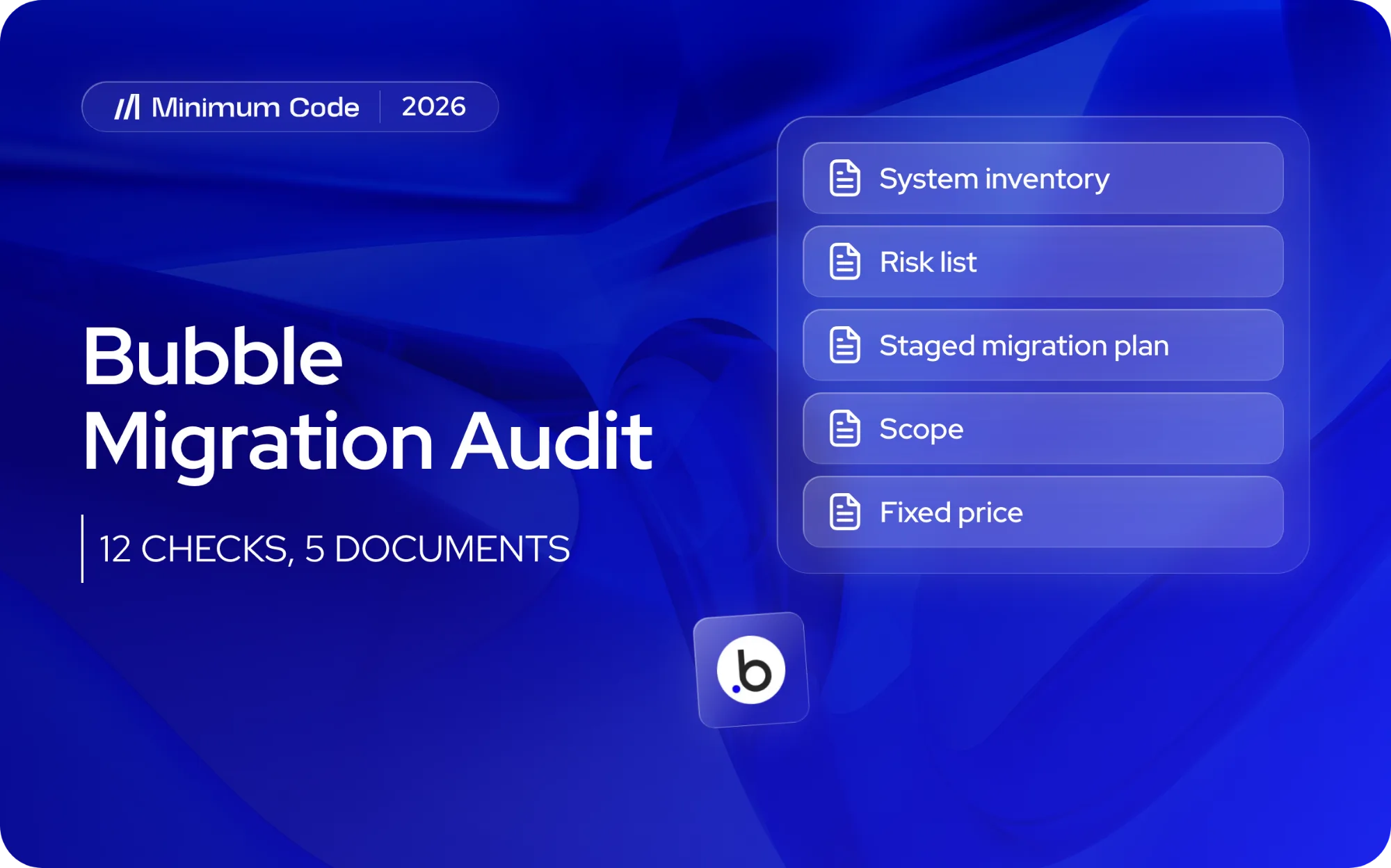
A proper Bubble migration audit, the app audit and migration assessment before you move to code, inspects twelve parts of your app, from data types and privacy rules to the release process, and it ends with a written inventory, a risk list, a staged plan, a scope and a fixed price. If a rebuild quote arrives without that work behind it, it’s a guess. This article lists exactly what we inspect and what a bad finding looks like, so you can judge any audit, ours or someone else’s.
Key takeaways
- An audit reads your live app as it is: data, rules, workflows, plugins, integrations and people. It doesn’t start from a wish list.
- You should receive five things: a system inventory, a risk list, a staged migration plan, a scope and a fixed price.
- Most of a migration’s time goes into planning and testing, not building. The audit is where the planning starts.
- Some apps should stay on Bubble. A good audit says so and tells you why.
What is a Bubble migration audit?
It’s a structured review of a live Bubble app, done by software engineers, that documents everything the app does today and decides what has to move, what can be dropped and in what order. It’s the step between “we think we should leave Bubble” and a price you can sign.
The audit is not a code review in the usual sense, because a Bubble app has no code to read. What you have is a visual configuration: data types, rules, conditions and workflows spread across many editor screens. Nobody, including the person who built it, holds all of it in their head. The audit turns that into a written document.
The Bubble app migration checklist: what gets inspected?
This is the application migration checklist we work through on every Bubble app: twelve areas. For each one, here’s what we look at and what a bad finding looks like.
1. Data types and list fields
We map every data type, its fields, its relationships and the volume of records. We pay particular attention to list fields, where one field holds many references, because they have to become proper join tables in Postgres.
Bad finding: a user type with a dozen list fields holding thousands of entries each, duplicate types that store the same thing twice, or fields nobody can explain. Those need decisions before any data moves. Our guide to moving a Bubble database covers the mechanics, and how to migrate a Bubble database to Supabase shows how list fields become join tables.
2. Privacy rules
We list every rule per data type and test what each user role can actually read, not what the rule was meant to allow. In a coded stack these usually become row level security policies in the database; our guide to Bubble privacy rules maps each rule type.
Bad finding: types with no rules at all, rules that expose whole records when only a field should be visible, or data protected only by hiding it on the page. The last one is common, and it isn’t protection.
3. Page and element conditions
Conditions on pages and elements often hold business logic: who sees which button, which state a screen is in, what happens when a list is empty.
Bad finding: important rules living only in a visibility condition, with nothing on the server enforcing them. Those rules have to be found and rewritten as real checks, or they’ll silently disappear in the rebuild.
4. Front-end workflows
We document every workflow triggered by a user action, including the chains where one workflow calls another. We note what each one reads, writes and sends.
Bad finding: long chains with “only when” conditions nested several levels deep, copies of the same workflow with small differences, and workflows that do the real work on the client side where a failure leaves half-saved data.
5. API workflows and scheduled jobs
Backend workflows, recurring events and scheduled actions are the app’s quiet machinery: reminders, invoices, clean-ups, syncs. They’re also what people forget to mention.
Bad finding: jobs nobody knows exist, jobs that fail without alerting anyone, or jobs that depend on the order other jobs run in. We list each one with its trigger, its schedule and what breaks if it stops.
6. Bubble plugins, ranked by criticality
We list every plugin, who maintains it and what it does, then rank it: essential, replaceable or removable. Many plugins exist only because Bubble lacked a feature, and a coded stack gets that feature for free. Others do something real, such as a payment flow or a map, and need an equivalent.
Bad finding: an essential plugin from a single abandoned author, or a plugin that handles sensitive data with no way to see what it does.
7. File storage
We check where files live, how many there are, how they’re named and who can open them through a URL.
Bad finding: public file links to private documents, file references scattered across data types with no pattern, or user uploads that would break when the old URLs stop working.
8. Third-party integrations
Every connection to an outside service goes on the list: email, CRM, analytics, calendars, webhooks in and out. For each we record the direction of data, the authentication method and who owns the account.
Bad finding: an integration running on a former employee’s or freelancer’s login, API keys pasted into workflows in plain view, or webhooks that other systems rely on and nobody has documented.
9. Payment and billing logic
This is where mistakes cost real money. We trace the whole billing life of a customer: checkout, subscriptions, upgrades, refunds, failed cards, invoices and tax handling. Customer and subscription IDs have to carry across so nobody is charged twice or silently dropped.
Bad finding: billing state stored in the app and in the payment provider with the two drifting apart, manual fixes made in the dashboard that the app doesn’t know about, or plan logic coded across a dozen workflows.
10. Admin and support pages
Internal tools are easy to forget because customers never see them. Yet your support staff may depend on them daily.
Bad finding: an admin page that edits live data with no audit trail, or one that only works because it bypasses privacy rules. Both are risks, and both need replacing deliberately.
11. User roles
We list every role, how it’s assigned and what it can do. Then we check that the roles in the data match the roles in practice.
Bad finding: roles implemented as scattered yes/no fields, “super admin” access held by far too many people, or users who sit in two roles with undefined results. Migrating accounts and passwords also depends on this: we need to know how sign-in works before we plan how to carry users across.
12. Release process
We ask how changes reach the live app: who edits, whether there’s a development version, how changes are tested and how you’d roll back.
Bad finding: edits made straight on the live version, no written test steps, and one person who knows how it all fits together. This tells us how careful the migration’s testing needs to be.
What do you get at the end of an audit?
You get five documents, written so a non-technical founder can read them.
- System inventory. Everything above, written down once: types, rules, workflows, jobs, plugins, files, integrations and roles.
- Risk list. Each bad finding, ranked by how likely it is to hurt and how hard it is to fix. Our post on data migration risks shows the categories we watch.
- Staged migration plan. The order in which parts move, so the business keeps running. There are several ways to stage a move, and we compare them in our migration strategy guide.
- Scope. What’s in, what’s out, and what you’ve chosen to drop.
- Fixed price. A single figure for the agreed scope, based on the inventory rather than on a hunch.
The documents belong to you. You can take them to us, to another team or to your own engineers.
Why is a rebuild quote without an audit a guess?
Because the work is hidden inside the app. A quote built from a demo and a conversation prices the screens you can see, not the scheduled jobs, edge-case workflows and unwritten rules you can’t.
There are two ways the guess goes wrong. If the quote is low, the missing work turns up mid-project, and you face either a change request or a rushed shortcut. If it’s high, the agency has padded for what it can’t see, and you pay for uncertainty. A fixed price is only honest when the scope under it has been measured. If someone offers you a fixed price without looking inside, ask what happens when they find something they didn’t expect.
How does the audit shape the migration plan?
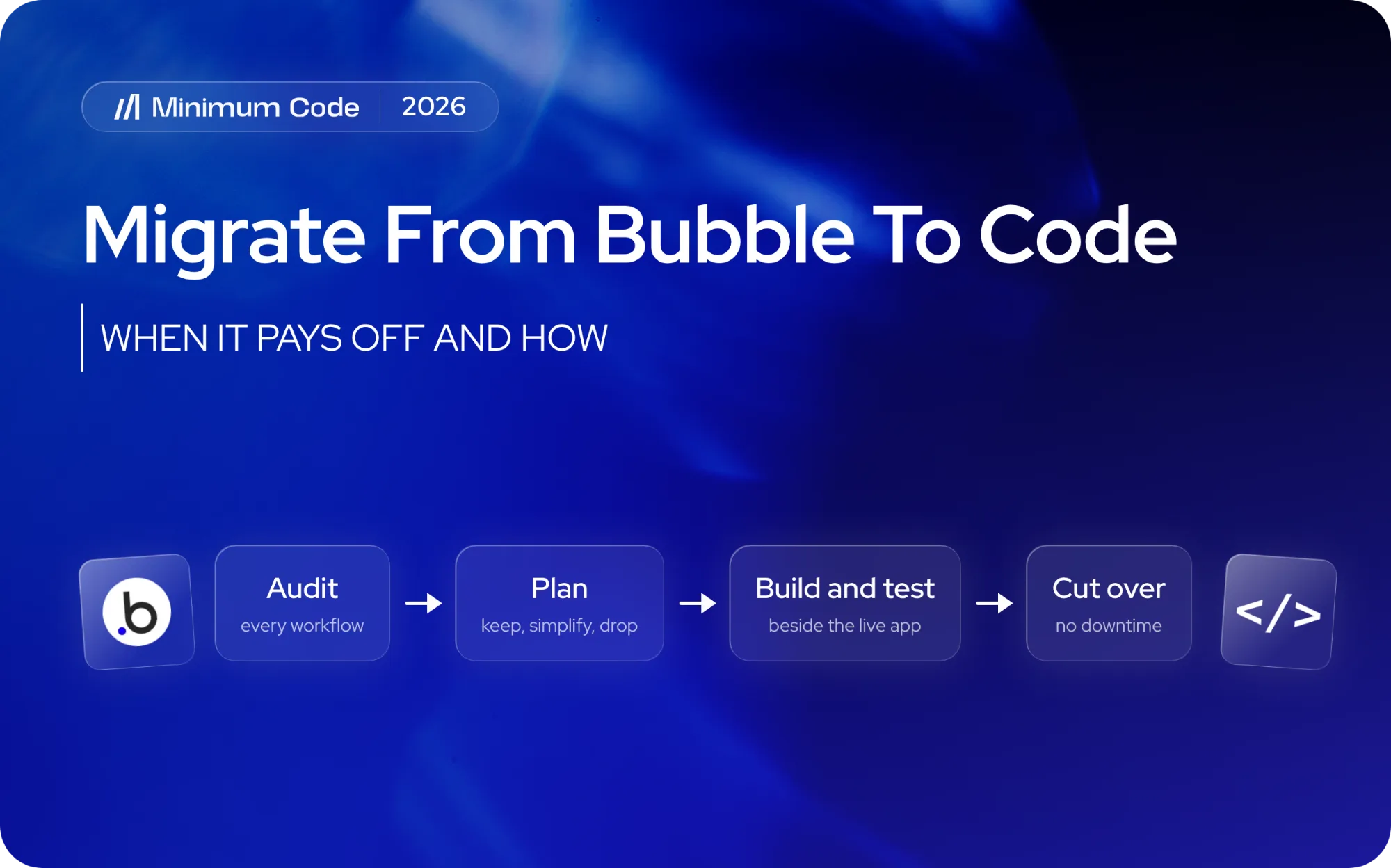
The audit decides the order, the testing and the cut-over. A few examples of how findings turn into plan decisions:
- Downtime. With the inventory in hand, we can run the old and new systems side by side and move users over when the new one has been tested, so there’s no downtime during the switch.
- Testing. Every workflow in the inventory becomes a test case. We compare records before and after, as described in our data migration testing checklist.
- Users and passwords. The sign-in findings decide whether people carry on as normal or are asked to set a new password.
- Billing. The payment findings decide whether the billing system moves first, last or stays put until the end.
- Search traffic. If the app has public pages that bring in organic visitors, the old and new URLs need mapping so rankings aren’t lost. Bubble SEO vs Next.js SEO explains how to keep rankings through the switch.
If you’re wondering whether you can simply export the app, the honest answer on exporting a Bubble app to code is that you can export the data but not the logic. That’s why the audit has to document the logic by hand.
What about AI tools and quick rebuilds?
AI coding tools have made implementation much faster, and we use them. They haven’t removed the need to know what you’re rebuilding. A tool that generates a new app from a prompt will build what you describe, and what you describe is only what you remember. The scheduled job that sends invoices on the last day of the month won’t be in the prompt.
Our approach is that software engineers own the architecture, review and testing, and AI handles much of the implementation. What AI can and can't take over is in can AI migrate a Bubble app to code?, and the failures we see when the audit is skipped are in rebuilding a Bubble app with Claude Code. The audit is the engineering part that comes first, and it’s what makes the faster implementation safe.
How does a full audit compare with a quote or a checklist?
Quote without an audit | Self-run checklist | Full audit by engineers | |
|---|---|---|---|
What it covers | What you describe | What you notice | All twelve areas, inspected |
Typical weak spot | Hidden jobs and rules | Gaps you can’t see | Takes some days of effort |
Output | A price | A to-do list | Inventory, risks, plan, scope, fixed price |
Risk of surprises mid-project | High | Medium | Low |
Good for | Nothing important | Early curiosity | A live, revenue-generating app |
A checklist is a fair way to start. Our code audit checklist gives you seven checks you can run yourself before talking to anyone. If the audit is for an investor or buyer rather than a migration, see technical due diligence on a Bubble app.
Our view: audit first, then decide
We started on Bubble in 2022 and we’re still a Bubble Gold agency, so we’ve no reason to push anyone off it. Some apps should stay, especially simple all-in-one tools and prototypes. When founders do move, the reasons are usually development speed, SEO requirements, owning the code and choosing where it’s hosted. Hiring, downtime and a growing Bubble bill are real frustrations, but they’re rarely the trigger.
Hosting is worth a note. EU hosting on Bubble is available only on the Enterprise plan. For most apps, Bubble’s DPA keeps US hosting GDPR compliant. Healthcare, fintech and defence usually need EU hosting, and a coded stack handles that more easily than a Bubble front end with an external back end. That’s a compliance question to settle with your own counsel, and the audit gives them facts to work from.
The audit is the only part of the process where we can honestly say “stay”. After that, we’re selling a project.
How does Minimum Code handle this?
We run the audit as a defined first step of our Bubble to code migration service. Our software engineers go through the twelve areas above and deliver the written inventory, risk list, staged plan, scope and fixed price. Our default stack is Next.js, Supabase, Vercel and TypeScript. Migrations run with no downtime during the switch, you own the code and choose the hosting, and you get 60 days of free support after launch. If you’d like to see what yours would find, book a call and we’ll scope the audit.
When isn’t a migration audit right for you?
An audit isn’t for everyone, and we’d rather say so.
- Your app is a prototype or a simple all-in-one tool. If it works, costs little and nobody depends on it commercially, moving is probably wasted effort.
- You’re still testing the idea. Changing the platform before you know the product works is the wrong order. Bubble is good for that stage.
- Your problem is speed, not platform. A slow app is often a data structure or query problem. Measure before you fix, as in our piece on Bubble app performance.
- You want advice only. An audit takes engineering time, so it makes sense when you’re seriously considering a project.
- Your app is small and heavily used by few people. A short conversation may answer the question without a full review.
If none of these fit and you’ve a live app earning money, the audit is where to start. For the wider decision, read should you migrate your Bubble app to code?, our Bubble to Next.js guide and technical debt in Bubble.
FAQ
How long does a Bubble migration audit take?
It depends on the size of the app: how many data types, workflows and integrations it has. We don’t quote a generic number because a small app and a ten-year-old business system differ too much. We tell you the timeline before we start.
What is an app audit?
An app audit is a structured review of a live application: how it stores data, who can see what, what runs in the background, what it depends on and how changes are released. For a Bubble app before a migration, it is also the inventory the new code is built and tested against.
Can I run the audit myself?
You can do a useful first pass with a checklist, and it’s worth doing. The hard part is the hidden material: scheduled jobs, workarounds and rules that live only in conditions. Engineers who’ve done migrations know where to look.
Will the audit tell me to stay on Bubble?
Sometimes, yes. If the app is simple, stable and meets your hosting and SEO needs, staying is a sensible result. We’re a Bubble Gold agency and we’d rather you made the right call.
Do I need to stop using my app during the audit?
No. The audit reads and documents the app as it runs. Nothing changes for your users, and there’s no downtime.
What happens to the audit if I don’t hire you?
You keep the documents. The inventory, risk list and plan describe your app, so another team or your own engineers can use them.
Sources
This article rests on Minimum Code’s own migration experience and the following guides, which go into more depth:

Written by Tom
Founder and Lead Developer

Ready to start your project?
Book a free discovery call to learn how we can build your app in 4 weeks, or less.
Book a call